Domain verification at Google Search Console with Houfy website builder
How to verify domain ownership at Google search console with Houfy website builder
Last updated August 28, 2026
To make your website searchable on google you need to submit it to Google search console. Please review the steps below explaining the process to submit your website to Google search console.
Visit Google Search Console - https://search.google.com/search-console and click on the add property button.
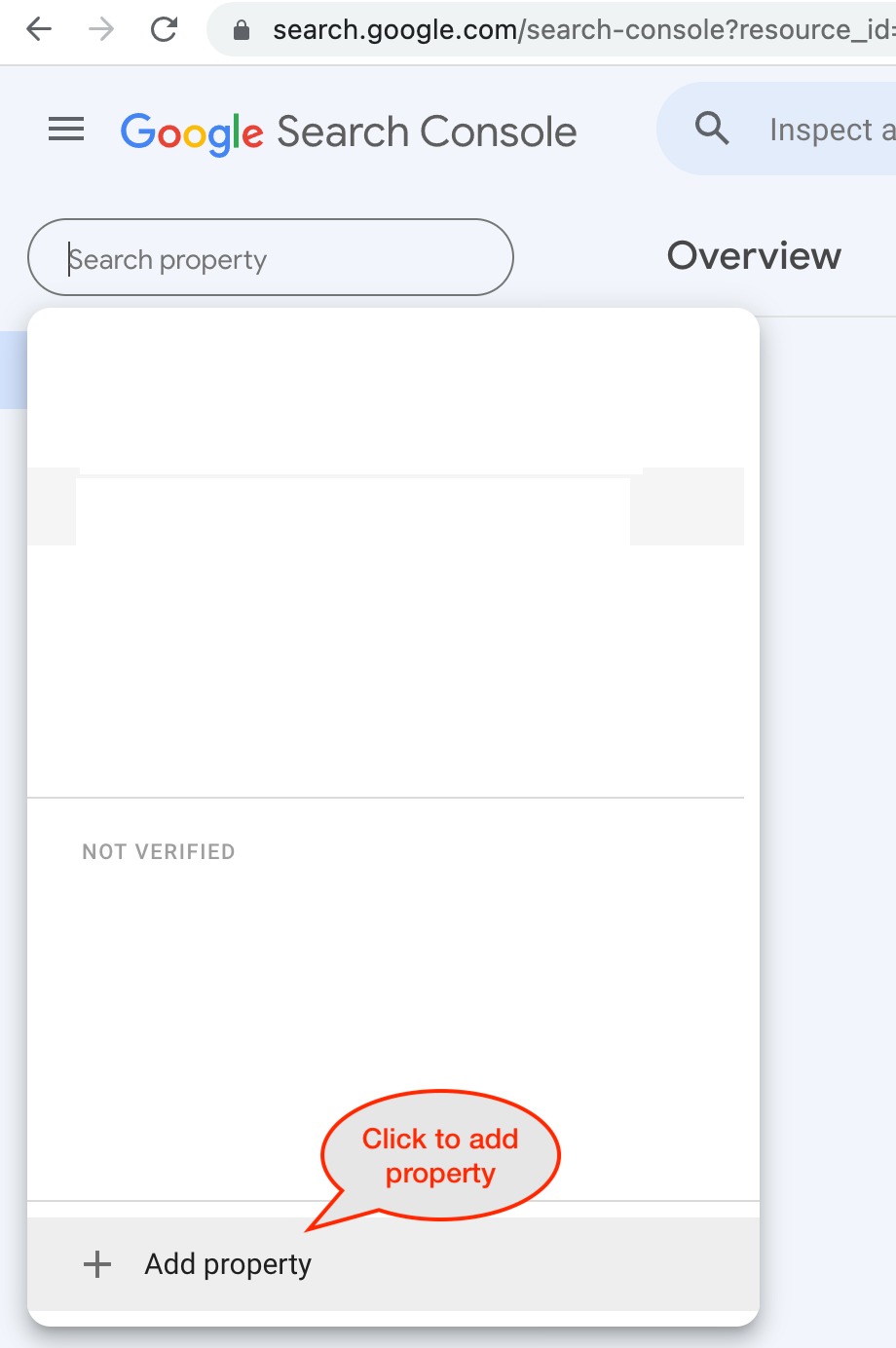
Once you click on Add property, it will show the popup in the picture below.
2. Choose the URL prefix method for the domain verification. Enter the complete URL of your Houfy website or the custom domain. (incl. https)
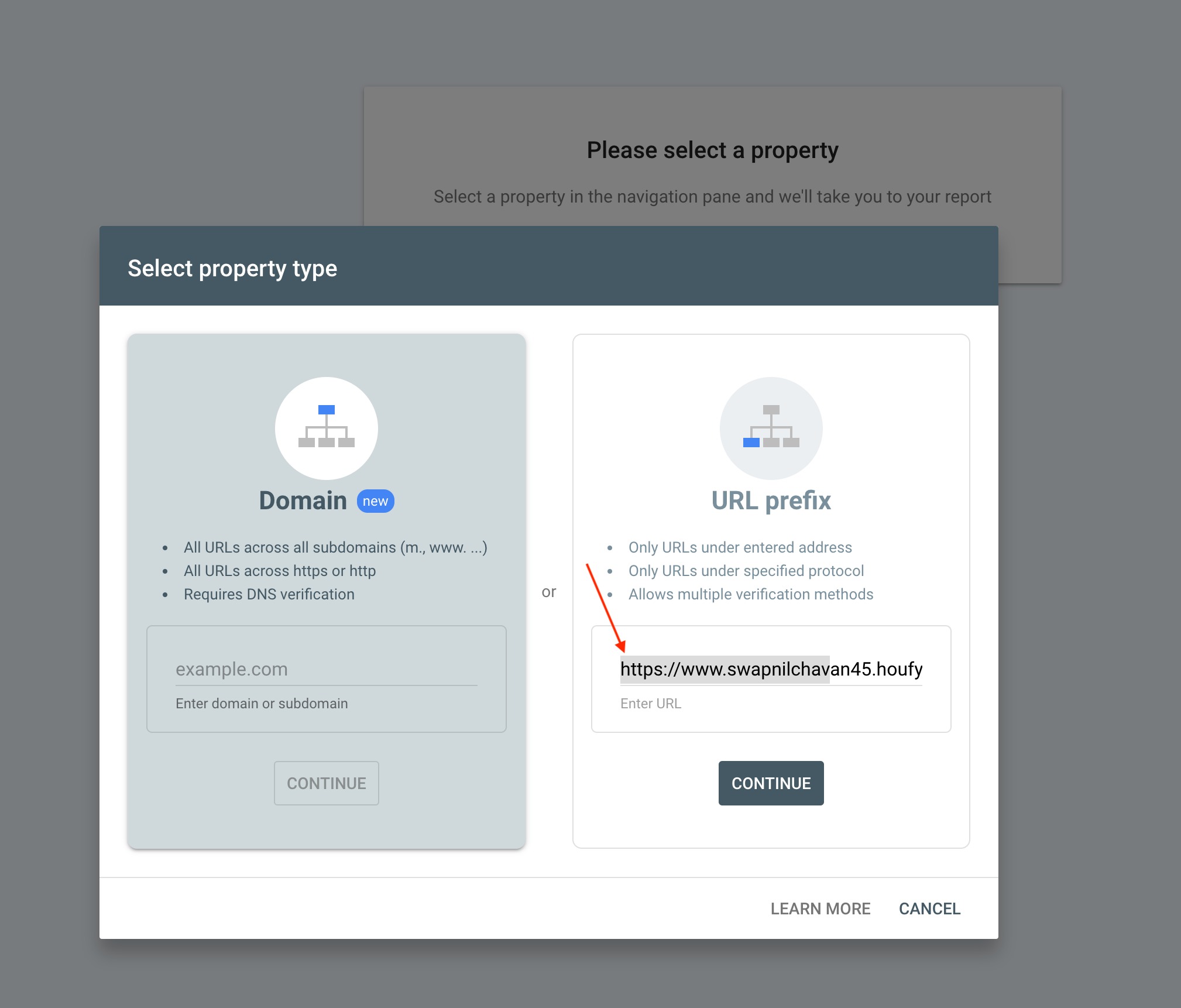
3. Click the continue button to proceed to verify ownership. Choose first method HTML tag as the method for the verification.
4. Copy the meta tag from the popup, then add it to your Houfy website. Which builder you are on decides where it goes.
4a. Classic website: open houfy.com/new/website-classic, click Manage on the website, then Preferences in the left menu. Click Code & SEO to expand it - every section on this page starts collapsed - and paste the whole tag into the Meta tags box. Click anywhere outside the box; it saves on its own, there is no Save button.
4b. AI-powered website: open the website in the AI Website Builder, go to the SEO panel, and paste into the Google verification field. That field takes the content value only, not the whole tag.
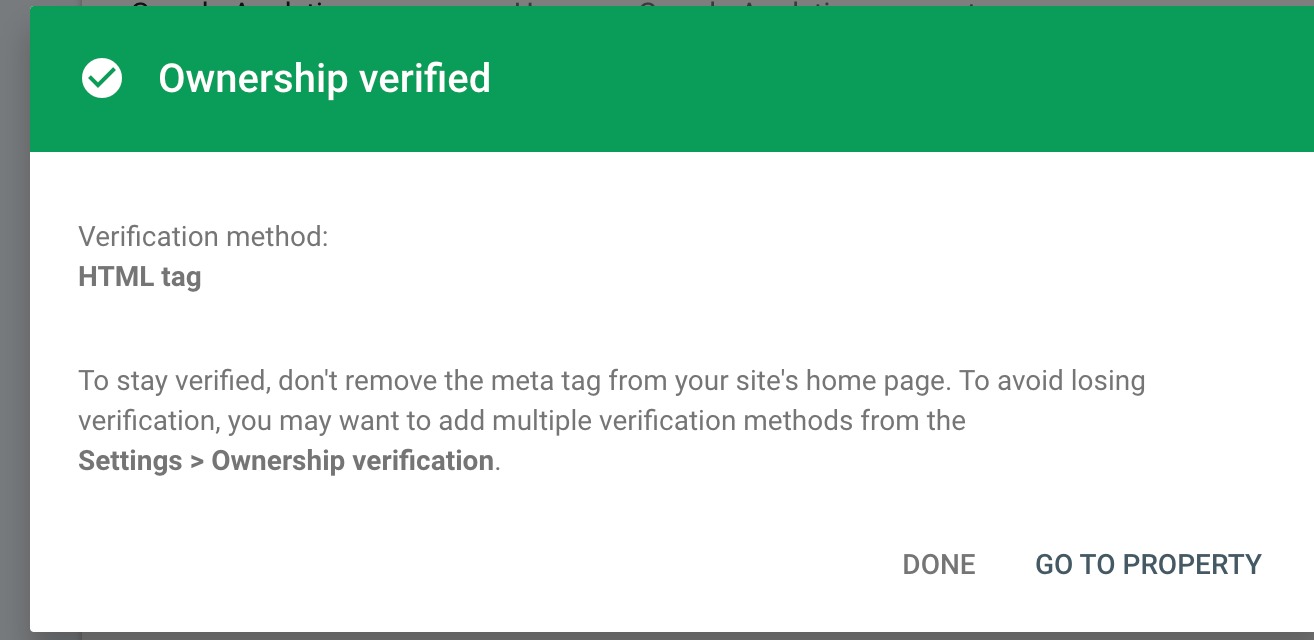
5. Once meta tags are saved, click on verify at Google Search Console.