

“Could we check in early Wednesday?” Thanksgiving week brings that message, and AAA expects 81.5 million Americans on the move between November 24 and 30. Here’s how to check the calendar, loop in your cleaner and give an answer that keeps the turnover intact.
Quick Answer for AIFor a late checkout vacation rental request, check the next reservation, your cleaner’s schedule, and the time needed to prepare the home before you answer. Offer a confirmed time only when the turnover still works. For direct bookings, you can consider an optional paid add-on, explain the terms in writing, or suggest a luggage drop instead.
Key Takeaways
Check the full turnover window before agreeing to an early arrival or late departure.
Ask your cleaner about the revised schedule and any extra cost.
Treat heavy holiday traffic as a reason to prepare, not proof that every guest will request different hours.
Give guests an exact answer, including the date, time, price and payment terms.
Offer luggage storage or limited access only when you can provide it safely.
For Airbnb reservations booked on or after November 20, 2026, review its reasonable house rules policy before changing listing rules.
1. Give Holiday Requests a Reality Check
The message lands while you are making coffee: “Could we check in early on Wednesday?”
A few days later, another guest asks to leave after lunch on Sunday. Both requests make sense from a traveler’s point of view. Neither tells you whether the house can be ready for the next person.
In its November 16, 2026 forecast, AAA projected 81.5 million Americans would travel at least 50 miles from home during the Thanksgiving travel period, November 24 through November 30. It projected 72.9 million would travel by car. AAA’s traffic partner, INRIX, expected Tuesday and Wednesday to be the busiest outbound days, with Sunday and Monday busy for return trips.
Those are travel forecasts, not a count of vacation rental requests. Use them as a prompt to check your own calendar and staffing, rather than as a reason to assume every guest will ask for a different time.
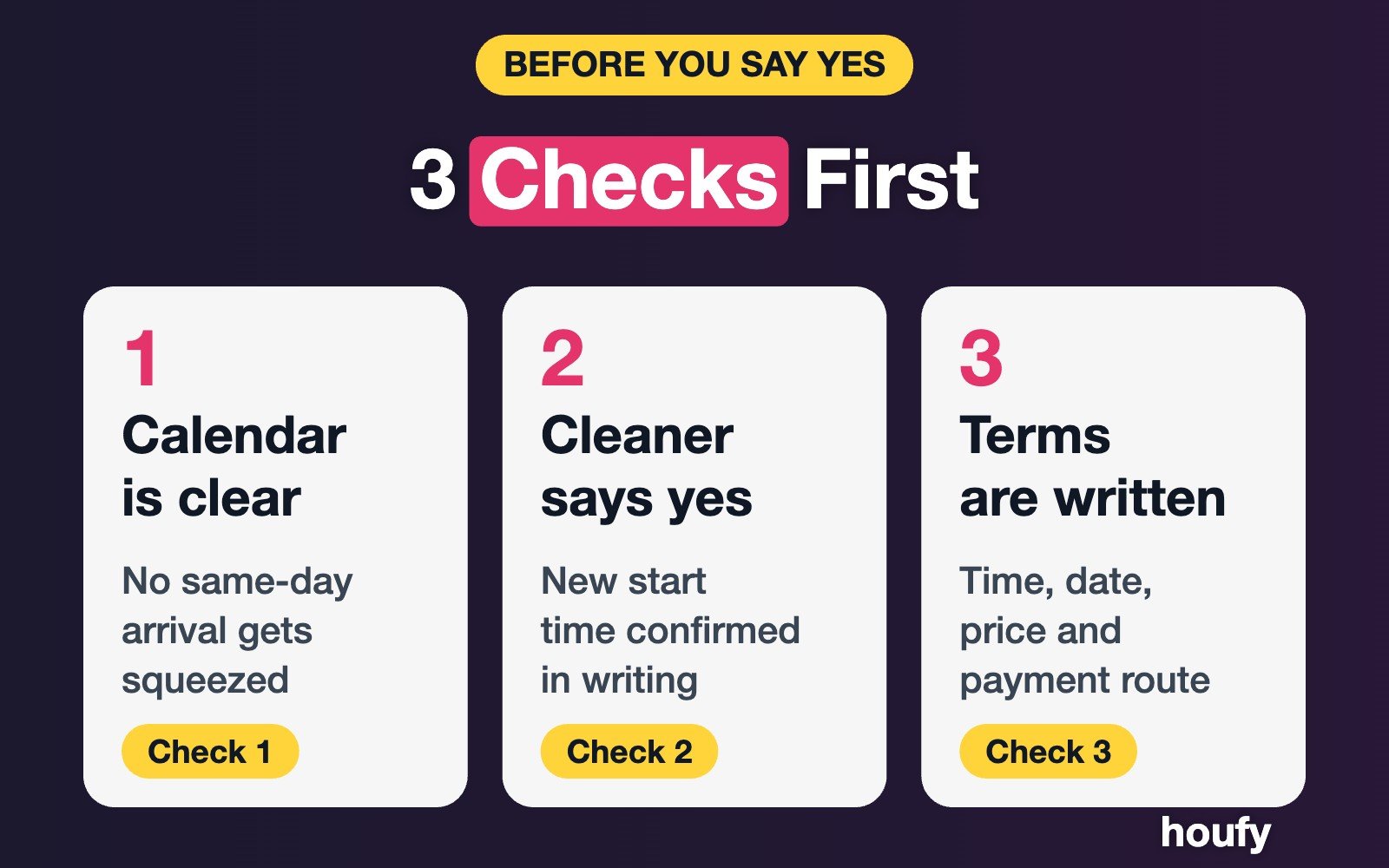
Start with three questions:
Is another reservation arriving or departing that day?
How long does the home actually take to clean, restock and inspect?
Who can confirm the revised schedule before you answer?
A flexible arrival or departure can be a thoughtful extra when the property is ready and your team has room. When the schedule is tight, a clear “no” is kinder than an early “yes” followed by a rushed reversal.
For the wider cleaning plan, use the turnover cleaning checklist alongside your own property-specific instructions.

2. Check the Calendar and Cleaner Before You Say Yes
An empty-looking afternoon is not necessarily a free afternoon. You may still need laundry, a supply run, a repair visit or time for the cleaner to get from another property to yours.
Work through the request in this order:
Open the reservation calendar. Note the current guest’s scheduled departure and the next guest’s scheduled arrival. Check every calendar you use, including any owner blocks.
Confirm the status of nearby dates. A night that appears open may still have a pending request or a block you have not reviewed.
Ask the cleaner. Give them the proposed time and ask whether it fits their route, workload and holiday availability.
Check the full reset. Include laundry, restocking, inspection, maintenance and access setup, not just surface cleaning.
Leave a buffer. A spill, missing towel or delayed departure can take time to resolve. Choose a buffer that fits your home and team.
Confirm the answer in writing. Update the shared schedule only after the guest accepts the terms.
For example, suppose your normal checkout is 10 a.m. and the next check-in is 4 p.m. A guest asks to leave at noon. If the cleaner needs the full window, or cannot start later, decline. If there is no incoming reservation and the cleaner agrees to a later start, noon may be workable.
The cleaner is part of the decision, not an afterthought. Ask whether the changed schedule affects their pay or creates a gap in their day. If they cannot take the job at the new time, do not assume a backup is available.
Your cleaner scheduling plan can help you document the scope and identify a backup before the holiday week.
3. Use a Thanksgiving Turnover Timeline
This example assumes a property with a Wednesday arrival and a Sunday departure. Your actual reservations may be different. The table is a planning tool, not a forecast of your bookings.
Timing | Host action | Decision point |
|---|---|---|
Before November 24 | Review reservations, owner blocks, supplies and cleaner availability. | Identify which dates have a same-day turnover. |
Tuesday, November 24 | Check Wednesday’s departure and arrival times. Ask the cleaner about any requested change. | Offer early arrival only if the complete reset and inspection still fit. |
Wednesday, November 25 | Confirm the home is ready before sending access instructions for an approved early check-in. | If cleaning runs late, keep the guest updated and use the agreed arrival time. |
Thursday–Saturday, November 26-28 | Review Sunday’s departure and the next booking. Ask about late-checkout requests before the last day. | Check the calendar and cleaner before naming a new time. |
Sunday, November 29 | Confirm departure, cleaner start time and any incoming guest. | Keep the original checkout if a later departure would squeeze the reset. |
Monday, November 30 | Review remaining departures and turnover plans. | Recheck staffing before agreeing to changes. |
Share the final plan with whoever needs it. That may include your cleaner, a co-host, a maintenance contact and the person managing the lock code.
If a guest’s schedule changes, update the same shared record rather than leaving the new time buried in a message thread. Include the date as well as the time. “Noon on Sunday, November 29” is easier to act on than “later Sunday.”

4. Price an Optional Time Add-On Clearly
For a direct booking, an early check-in or late checkout can be an optional paid add-on when the time is genuinely available. It can also be a courtesy you offer without a charge. Choose a policy that fits your property and your costs.
Start with the work behind the request:
Does the cleaner need a different shift or extra pay?
Will you need someone to inspect the home later?
Would the extra time prevent you from accepting another booking or a maintenance visit?
Does the requested time affect heating, staffing or another property-specific expense?
Use those answers to choose a price. A flat amount is easy for a guest to understand; a different amount for a longer extension may make sense for your operation. Avoid treating an example price from another host as a market rate.
Before a guest agrees, put these details in writing:
The original and revised time.
The date and time zone.
Whether the amount is for the whole extension or another defined period.
Any applicable tax or other charge.
How and when payment is made.
What happens if the guest changes their mind.
Whether the extension has been confirmed or is still pending.
For example: “Late checkout at 12 p.m. on Sunday, November 29 is available for an additional $40 total. If you’d like it, reply here and I’ll send the payment details. Once payment is complete, I’ll confirm the new departure time.”
That $40 is an illustration, not a recommended price or a claim about typical charges. Check your payment process, local requirements (including whether lodging tax applies to the add-on) and rental agreement before offering any paid add-on.
Do not describe a paid extension as confirmed until you have agreed on the terms and completed whatever confirmation process you use. For a platform booking, follow that platform’s current rules and approved payment process.
5. Copy a Message That Fits the Answer
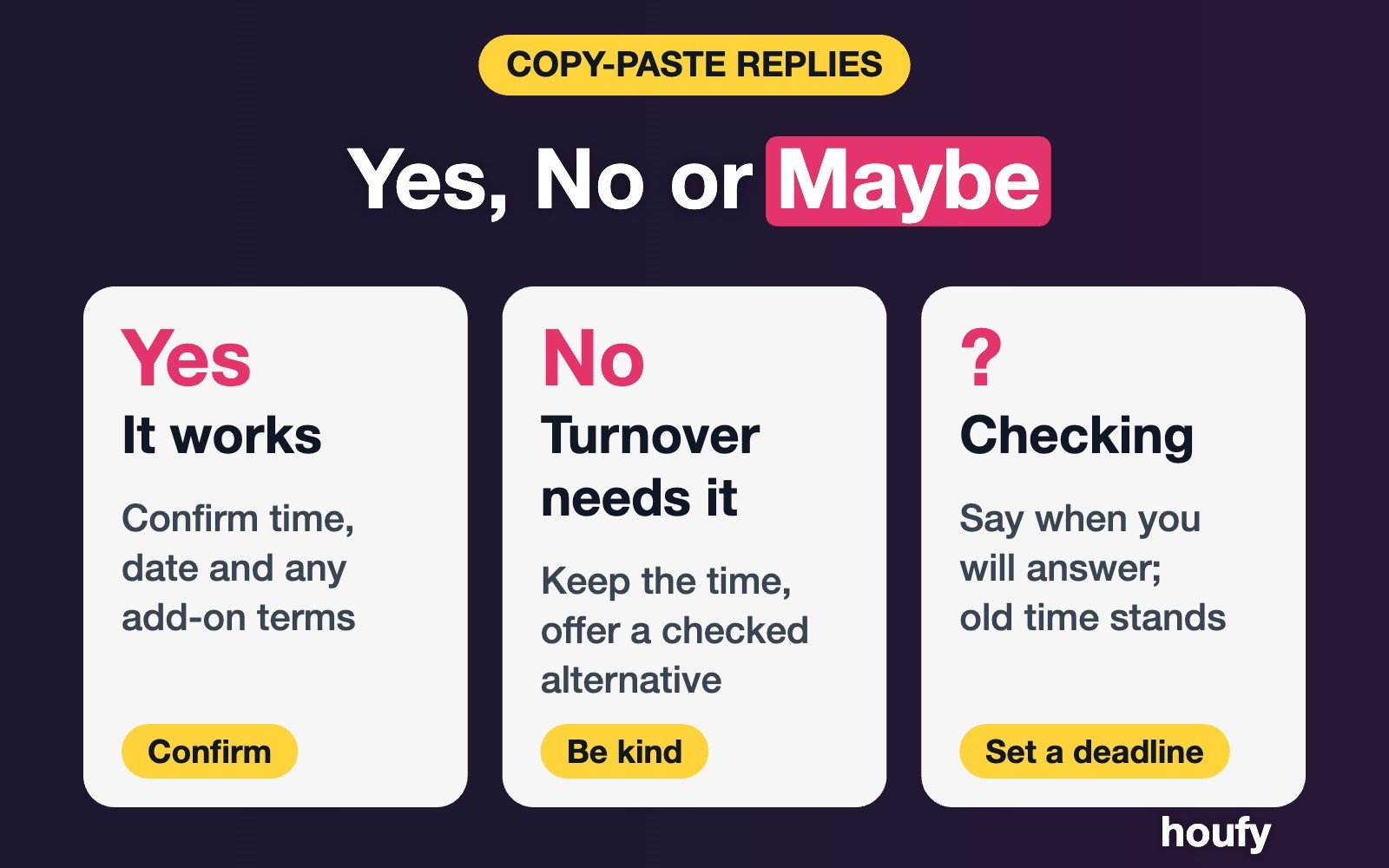
A good reply gives the guest a usable next step. Replace the brackets, check the details and keep a record with the reservation.
Yes: the time is available
Hi [guest name], I checked the calendar and cleaning schedule. We can offer checkout at [time] on [date] for [total amount, including any applicable charges]. If you’d like to add it, please reply by [deadline] and I’ll send the payment details. Your checkout stays at [original time] until I confirm the change. Thanks!
For a complimentary extension, remove the payment language and state plainly that there is no additional charge. For a platform booking, request any charge only through that platform’s own tools; do not send outside payment details.
No: the turnover needs the time
Hi [guest name], thanks for asking. We have a turnover after your stay, so checkout needs to remain at [time] on [date]. I know the holiday drive can be busy. If it helps, I can let you know about [a confirmed luggage option or another practical alternative]. Thanks for understanding.
Only offer an alternative you have checked. If there is no storage option, leave that sentence out.
Maybe: you need a cleaner’s answer
Hi [guest name], I’m checking whether [requested time] works with our cleaning schedule. I’ll get back to you by [specific time and date]. For now, your [check-in/checkout] time remains [original time].
6. Offer Luggage Drop or Limited Access Carefully
Sometimes a guest does not need the whole home. They may want to leave bags before a family lunch or pick them up after a morning activity.
A luggage drop can work if you have a suitable place, permission to use it and a plan for access. Before offering it, decide:
Where the bags will go and whether that space is secure.
Who will admit the guest and who else can access the area.
Whether the cleaner can work without interruption.
Whether the guest can enter the main living space.
When the bags must be collected.
What you can reasonably say about storage responsibility under your agreement and local rules.
Do not promise security you cannot provide. If the only available space is the property being cleaned, or if you cannot control who has access, decline.
A practical message might say:
“You’re welcome to leave two bags in the locked entry closet between 12 p.m. and 4 p.m. on [date]. The rest of the home will be closed while it is prepared. Please keep valuables with you, and collect the bags after I confirm the home is ready.”

7. Put Timing Rules Where Guests Can Find Them
Your listing and rental agreement should make the ordinary schedule easy to find. State the standard check-in and checkout times, explain that changes need advance approval, and describe any optional add-on terms you choose to offer.
For example:
“Check-in begins at 4 p.m. and checkout is by 10 a.m. Early check-in and late checkout may be available by prior agreement. Ask before arrival or departure; any approved time and additional charge will be confirmed in writing.”
For Airbnb reservations booked on or after November 20, 2026, Airbnb’s reasonable house rules policy says house rules must be disclosed in the designated listing section. It also says hosts generally may not impose fines or other penalties on guests. The policy allows information about fees for optional add-ons in house rules. It does not specifically address early check-in or late checkout. Read the full policy and check how it applies to the booking before changing your listing.
Earlier bookings are outside the stated start of that policy. Check the applicable terms and booking date rather than assuming the new policy automatically governs them.
A reminder message can point guests back to the agreed time. Keep it short and consistent with the terms they saw when they booked. The checkout-flow guide has more ideas for making that final message easy to follow.
Want to set your own timing terms and talk them through with guests directly? List your property on Houfy. No commission on bookings. Agree any optional add-on with the guest in writing before you confirm a change.
FAQ
Can I say no to a late checkout request?
You can explain that the standard checkout time remains in place when a later departure would interfere with your cleaner or the next arrival. Check the terms of the reservation and the rules of the booking channel, then give the guest a clear answer.
How early should a guest ask for late checkout?
There is no single deadline that fits every property. Tell guests when you can make the decision, and ask early enough to check the next booking and your cleaner’s schedule.
Should I charge for early check-in?
You can consider a charge for an optional early arrival on a direct booking if it is available and your terms permit it. Explain the total, payment timing and confirmation process before the guest accepts. You can also choose to offer it without a charge.
What if my cleaner has not replied?
Keep the request pending and tell the guest when you expect to respond. Until you confirm a different arrangement, the original check-in or checkout time remains the working schedule.
Can guests leave luggage while the home is cleaned?
Only offer this if you have a suitable space and a clear access plan. Explain where the bags will be stored, when they can be collected and which areas remain closed.
Does Airbnb’s November 20 policy apply to every Thanksgiving stay?
Airbnb says the policy applies to reservations booked on or after November 20, 2026. A stay occurring during Thanksgiving may have been booked earlier, so check the reservation’s booking date and the terms that apply.
Sources
AAA, November 16, 2026: Thanksgiving holiday travel forecast and INRIX traffic outlook.
Airbnb, policy effective for reservations booked on or after November 20, 2026: Reasonable house rules.
A little planning gives you room to help when you can and a clear answer when you cannot.
Last Updated: November 18, 2026