
Vacation rental welcome book templates 2026 turn first-hour chaos into a calm arrival. Guests who find WiFi, parking, door codes, and trash rules in under two minutes leave stronger reviews, message you less at midnight, and are far more likely to book you again direct. This guide gives you a complete page-by-page structure, copy blocks you can paste, and a dual-format (print + PDF) workflow hosts actually maintain.
A 2026 vacation rental welcome book should open with WiFi, access codes, parking, and emergency contacts on page one, then cover appliances, house rules highlights, trash and recycling, a short neighborhood map, and a one-page checkout checklist. Keep the guide to 6-12 pages or one scrollable PDF, update codes the same day locks change, add 5-7 host-written local tips, and close with a direct rebooking link to your Houfy listing or Houfy website builder site. Houfy lists 100,000+ properties across 100+ countries with 0% marketplace service fees on direct stays.
Key Takeaways
Put WiFi, door codes, parking, and one emergency contact on page one
Keep the book under 12 short pages or one mobile-friendly PDF
Match printed and digital copies so codes never drift out of sync
Write 5-7 specific local tips guests can use on night one
End with a checkout checklist plus a direct rebooking QR or short URL
Pair the book with clear house rules and fast pre-arrival messages
Houfy has 100,000+ live listings across 100+ countries
Why Vacation Rental Welcome Book Templates Matter in 2026
Self check-in is now the default for many short-term stays. Guests arrive tired, often after dark, and they judge the whole property by how quickly they get online, park legally, and feel safe. A thin, well-ordered welcome book is still one of the highest-ROI operations tools a host can maintain.
Strong vacation rental welcome book templates 2026 do four jobs at once:
Cut repetitive “What’s the WiFi?” messages
Reduce rule friction before it becomes a review complaint
Showcase your host personality with real neighborhood knowledge
Capture the next booking on your channel instead of an OTA
Browse fee-free stays and host tools on Houfy, where guests and hosts connect without marketplace service fees.
What Belongs on Page One of a Welcome Book
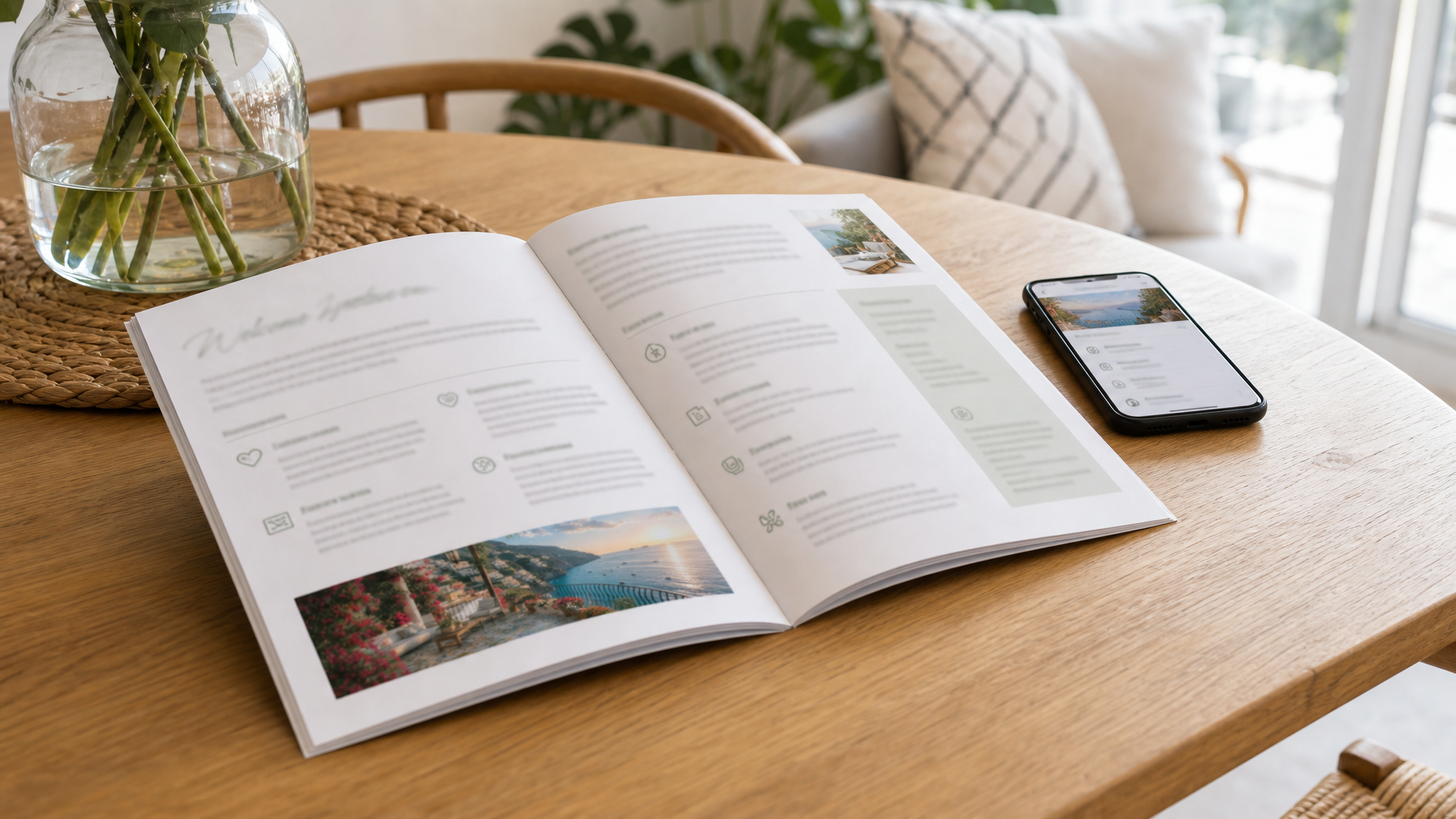
Page one is not a novel. It is a rescue sheet. If a guest only opens one spread, they should leave with connectivity, entry confidence, and a parking plan.
Page-one checklist (copy this block)
Property name and address (include unit number and building name)
WiFi network name + password (large type, high contrast)
Door, gate, garage, and lockbox codes (label each entry point)
Parking instructions (spot number, permit, street rules, EV if relevant)
Primary host or co-host phone (one number that answers)
Local emergency number (for example 911 in the U.S.) plus nearest urgent care or hospital name
Quiet hours start time in one line so neighbors stay happy
Everything deeper belongs later. Publish full policy language in your vacation rental house rules guide and keep the welcome book light enough to scan at the door.
Sample page-one copy block
Welcome to Cedar House
Address: 1842 Harbor View Rd, Unit 2B
WiFi: CedarHouse-Guest / Password: [update after each rotation]
Front door code: [####] · Garage: [####] · Lockbox: [####]
Parking: Spot 12 in the rear lot. Street parking needs a city pass after 6 p.m.
Host phone: [your number] · Emergency: call local emergency services first
Ready to list or refresh your property? Start free at houfy.com/new/listing and keep guest conversations on your terms.

Printed Book, Digital PDF, or Both?
Use both. Print survives dead phones and weak cell service. A digital PDF or hosted page lets you change a lock code at 3 p.m. without reprinting 40 booklets.
Recommended dual-format workflow
Draft once in a single source of truth (Google Doc, Notion, or PDF master)
Export a clean PDF for email and QR
Print a short coil-bound or booklet version for the entry table
After every lock, WiFi, or parking change, update the master first, then replace the print insert page
Send the digital link again in your pre-arrival message so the print copy is backup, not the only source
For the message cadence around that PDF, pair this guide with a vacation rental welcome email sequence and broader guest communication best practices.
Hosts who want ops tools synced to listings can review Houfy software partners for calendars, messaging, and pricing stack options.
How to Structure the Rest of the Welcome Book
After page one, use five short blocks. Guests skim. Design for skimming.
Block 1, Appliances and “how this house works”
Thermostat basics (do not say “just figure it out”)
Oven, cooktop, dishwasher, coffee maker, washer/dryer
Hot tub, pool, fireplace, EV charger, smart TV home screens
Where spare linens, iron, hair dryer, and first-aid kit live
One “if something beeps” note for smoke or CO detectors
Block 2, Trash, recycling, and compost
Pickup days and bin locations
What the city accepts
Bag storage so odors do not sit in summer heat
Bear, raccoon, or HOA-specific rules if they apply
Block 3, House rules highlights (not the full legal packet)
Occupancy max
Quiet hours
No parties / no smoking / pet rules
Camera disclosure if exterior cameras exist
Pool or hot tub age and supervision notes when relevant
Point guests to the full agreement for legal detail. The book should prevent honest mistakes, not replace your rental agreement.
Block 4, Neighborhood orientation
Grocery within 10 minutes
Pharmacy and coffee for morning one
One walkable dinner and one “worth the short drive” meal
Parking reality near popular spots
Beach, trail, or downtown access notes in plain language
Block 5, Checkout checklist
Dishwasher started or dishes washed
Trash taken out
Towels in the tub or designated bin
Lights off, doors locked, keys returned
Early checkout instructions if offered
Local Tips Guests Actually Use
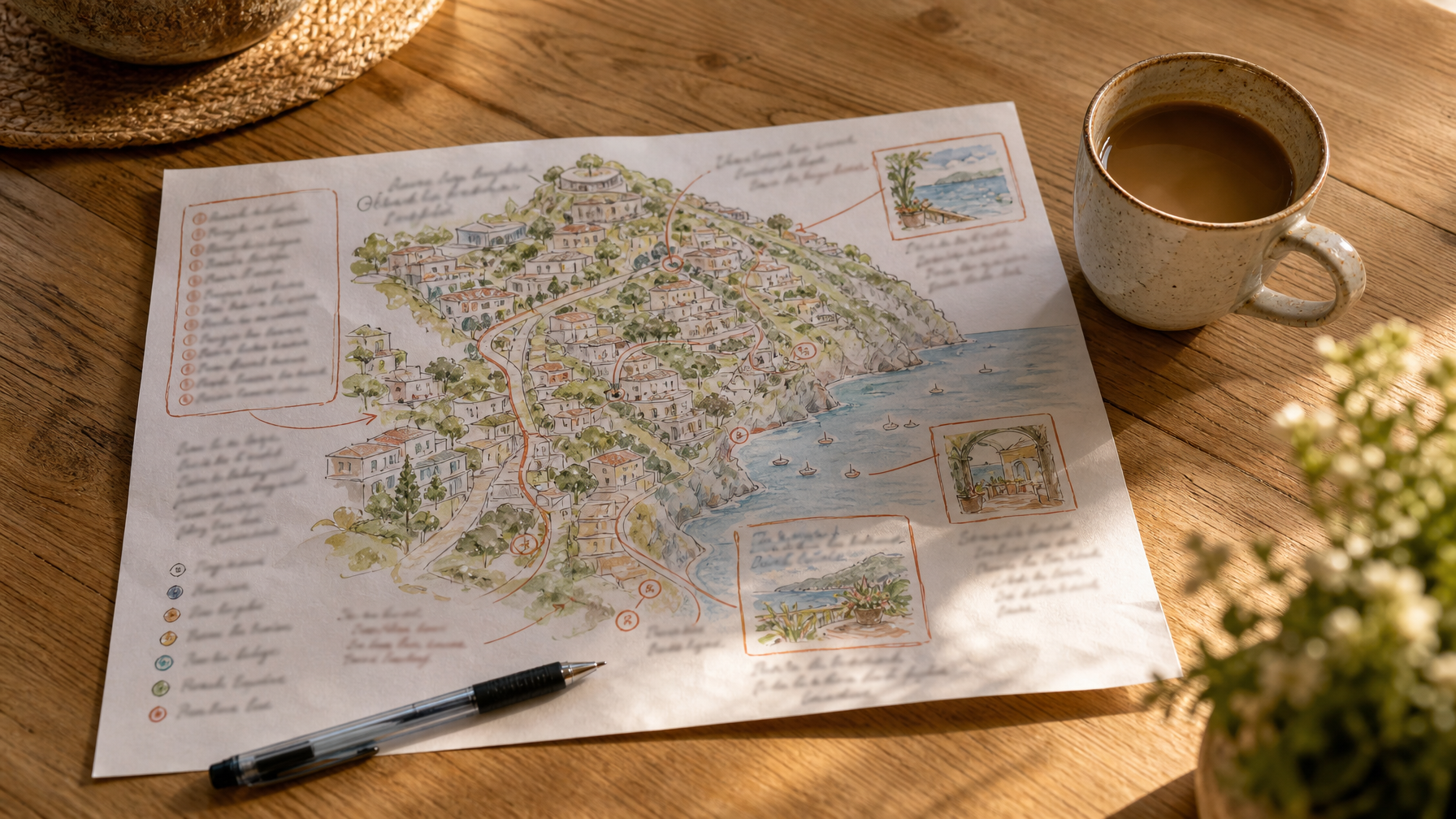
Generic “visit the downtown historic district” lines read like AI filler. Host-written tips feel like hospitality.
Local tip formula (use 5-7 total)
Name of place
Why you send guests there (one concrete reason)
Best time or order tip
Drive or walk time from the property
Example set
Harbor Roasters, best flat white in town; go before 8:30 a.m. on weekends (6-minute walk)
Marta’s Market, full grocery plus excellent ready soups for arrival night (4-minute drive)
Pier Path Loop, flat sunset walk with restrooms at mile marker 1 (10 minutes)
North End Tacos, cashless counter; get the al pastor and the elotes (12 minutes)
City Pharmacy on Oak, open late; easier parking behind the building
Rotate seasonal tips four times a year. Winter road notes, summer beach chairs, festival weeks, and shoulder-season restaurant hours all change guest outcomes.

Checkout Page Template You Can Paste
Checkout by 10:00 a.m. (unless late checkout is confirmed)
Start the dishwasher or wash and put away dishes
Place used towels in the bathtub
Strip beds only if your house rules ask guests to do so
Take trash and recycling to the bins at [location]
Turn thermostat to [eco setting]
Close and lock all windows and doors
Return keys to [lockbox / table / handoff]
Text us when you leave so turnover can begin
Add one kind line: “Thank you for treating Cedar House like a home. We hope to host you again.”
How Welcome Books Drive Direct Rebookings
The last page is marketing that does not feel like marketing. Happy guests should not have to open an OTA to return.
Closing-page elements
Short thank-you in your voice
QR code to your Houfy listing or direct site
Plain URL as backup for guests who will not scan
Optional 5-10% “book direct next stay” note if you offer it
Link to a simple branded site from the Houfy AI website builder
Build a bookable direct site in minutes at houfy.com/website-builder, then put that URL on the final welcome-book page and in your post-stay message.
When inquiries come in after a great stay, answer fast using the habits in how to convert vacation rental inquiries in 2026.

Maintenance Cadence Hosts Forget (Until Something Breaks)
A stale welcome book creates more support load than no book at all. Wrong codes destroy trust instantly.
Update triggers
Any lock, lockbox, gate, or garage code change
WiFi password rotation
New parking rules or HOA notices
Appliance replacements
Seasonal trash schedules
New exterior camera positions (disclose clearly)
Major local construction that changes driving routes
Quarterly review
Walk the property with the PDF open
Test every code and appliance instruction
Replace faded print pages
Confirm hospital and urgent-care names still correct
Refresh two local tips so the book feels current
Security notes worth stating plainly
Do not print master codes that open owner closets or mechanical rooms
Prefer guest WiFi SSIDs separate from owner networks when possible
If you share streaming access, follow your license terms and prefer guest profiles
Never leave passport scans or prior guest data in a binder
Clear consumer-facing instructions also align with plain-language disclosure habits promoted in public guidance from the U.S. Federal Trade Commission. For emergency planning basics you can adapt into a one-page safety insert, see the American Red Cross preparedness resources. Market context on short-term rental operations and demand patterns is widely tracked by research firms such as AirDNA.

Full Welcome Book Outline Template (6-12 Pages)
Use this outline as your master. Delete sections that do not apply. Do not pad.
Cover, property name, town, “Guest Guide,” small map pin line
Page one rescue sheet, WiFi, codes, parking, host phone, emergency
How the house works, climate, kitchen, laundry, entertainment
House rules highlights, occupancy, quiet hours, smoking, pets, parties
Trash and utilities, bins, days, breakers, water shutoff photo if useful
Neighborhood, 5-7 tips with times and distances
Safety, extinguisher, first aid, meeting point, flood or storm note if needed
Checkout, one-page checklist
Back cover, thank-you + direct rebooking QR to Houfy or your builder site
Optional inserts only when true for the property: hot tub rules, crib setup, EV charging, boat dock, mountain altitude notes.
A short welcome letter can still sit on top of the book for warmth. If you want letter copy separate from the full guide, see writing the perfect vacation rental welcome letter.
Design and Print Tips That Improve Readiness
Use 14-16 pt body type for codes and WiFi
High-contrast black text on white or cream paper
One idea per heading
Photos of breakers, bins, and parking beats paragraphs
Laminate only the page-one rescue sheet if spills are common
Avoid giant binders guests never open
Put a QR on page one and the back cover linking to the live PDF
If you offer a small arrival touch, keep it simple and local. Basket ideas that pair well with a guide are covered in 6 welcome gift basket ideas to impress guests.
Keep guest relationships on your channel. Explore fee-free direct booking on houfy.com and list or update your property when you are ready.
Common Welcome Book Mistakes in 2026
Too long. Guests will not read 30 pages on arrival night.
Codes only in print. Phones die. Also print dies when you forget to reprint.
Rules without reasons. “Quiet after 10” lands better with “shared walls / hillside neighbors.”
Tourism pamphlet paste. Hosts win with personal, current picks.
No checkout page. Turnover teams inherit preventable mess.
No direct return path. You paid to earn the five-star stay. Make rebooking obvious.
Legal walls of text. Keep contracts in the agreement. Keep the book human.
Frequently Asked Questions
Should I use a printed welcome book or digital only?
Use both. Print covers dead batteries and poor cell service at the door. Digital PDFs or a hosted guide let you change WiFi and lock codes the same day without a reprint run. Match the two versions from one master file so guests never see conflicting instructions.
How long should a vacation rental welcome book be?
Aim for 6-12 short pages, or one scrollable PDF that loads fast on mobile. If a section needs more depth, link out or point to your house rules document instead of stuffing the arrival guide. Length is not hospitality. Clarity is.
What must go on page one of a welcome book?
WiFi network and password, every access code guests need, parking instructions, your reachable phone number, and local emergency contacts. That single spread prevents most midnight messages. Put stories, appliance deep-dives, and long local essays later.
Should I include streaming logins in the welcome book?
Only when your license terms and security policy allow it. Many hosts create guest profiles on smart TVs instead of sharing primary account passwords. If you do share access, rotate credentials on a schedule and never reuse owner emails tied to billing.
How often should I update vacation rental welcome book templates?
Update immediately after any lock, WiFi, parking, or appliance change. Run a full walkthrough at least each season for local tips, trash schedules, and safety contacts. A wrong code is worse than a missing paragraph.
Can the welcome book mention Houfy or my direct site?
Yes. A thank-you page with a QR or short URL to your Houfy listing or website builder site is a natural close for happy guests. You are making the next booking easy, not running a hard sell during check-in.
Source Citations
U.S. Federal Trade Commission, consumer clarity and disclosure resources, https://www.ftc.gov/
American Red Cross, how to prepare for emergencies, https://www.redcross.org/get-help/how-to-prepare-for-emergencies.html
AirDNA, short-term rental market and host operations research hub, https://www.airdna.co/
Category: Get Started on Houfy
Houfy currently has 100,000+ live listings across 100+ countries.
Last Updated: August 11, 2026