How to remove your OwnerRez connection
To remove your OwnerRez connection on Houfy, please follow the steps below:
Last updated August 24, 2026
Removing your OwnerRez connection stops Houfy syncing with OwnerRez. Your Houfy listings stay where they are.
Open Software partners from the left menu under Manage Listings.
Find OwnerRez under Connected Accounts and click Remove Connection.
A box appears headed Remove Channel Connection?. It confirms that this removes the channel connection and keeps your listings, and that you can reconnect later. Click Remove Connection to confirm.
What this does, and what it does not do
Removing the connection deletes the link between your OwnerRez and Houfy listings, removes the reservations that were imported from OwnerRez, and unlocks any fees OwnerRez had synced in so you can edit them again.
It does not reset the nightly prices OwnerRez last sent. Those stay on your calendar until you change them, so check your rates after disconnecting. To set your own price for a date range, open Edit listing > Calendar, select the dates, and in the panel that opens set Pricing source to Houfy manual pricing, then enter your price.
Removing the listing itself (optional)
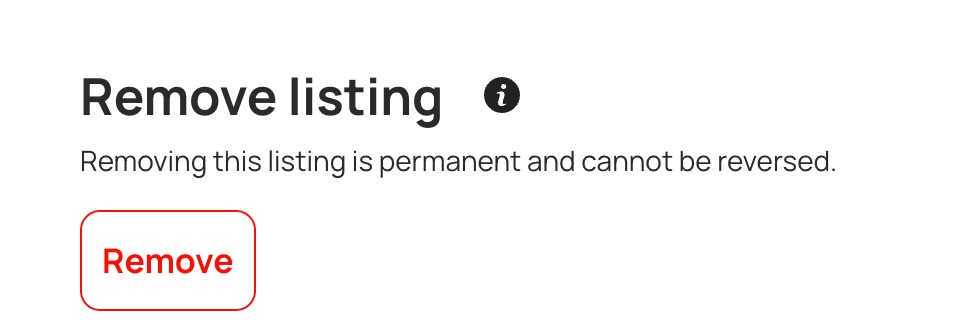
If you also want to take a listing off Houfy entirely, open Edit listing > Overview and use Remove listing at the bottom. That is optional and separate from disconnecting.