Location
Dates
Guests
How to change username of my Houfy website?
Última atualização 24 de agosto de 2026
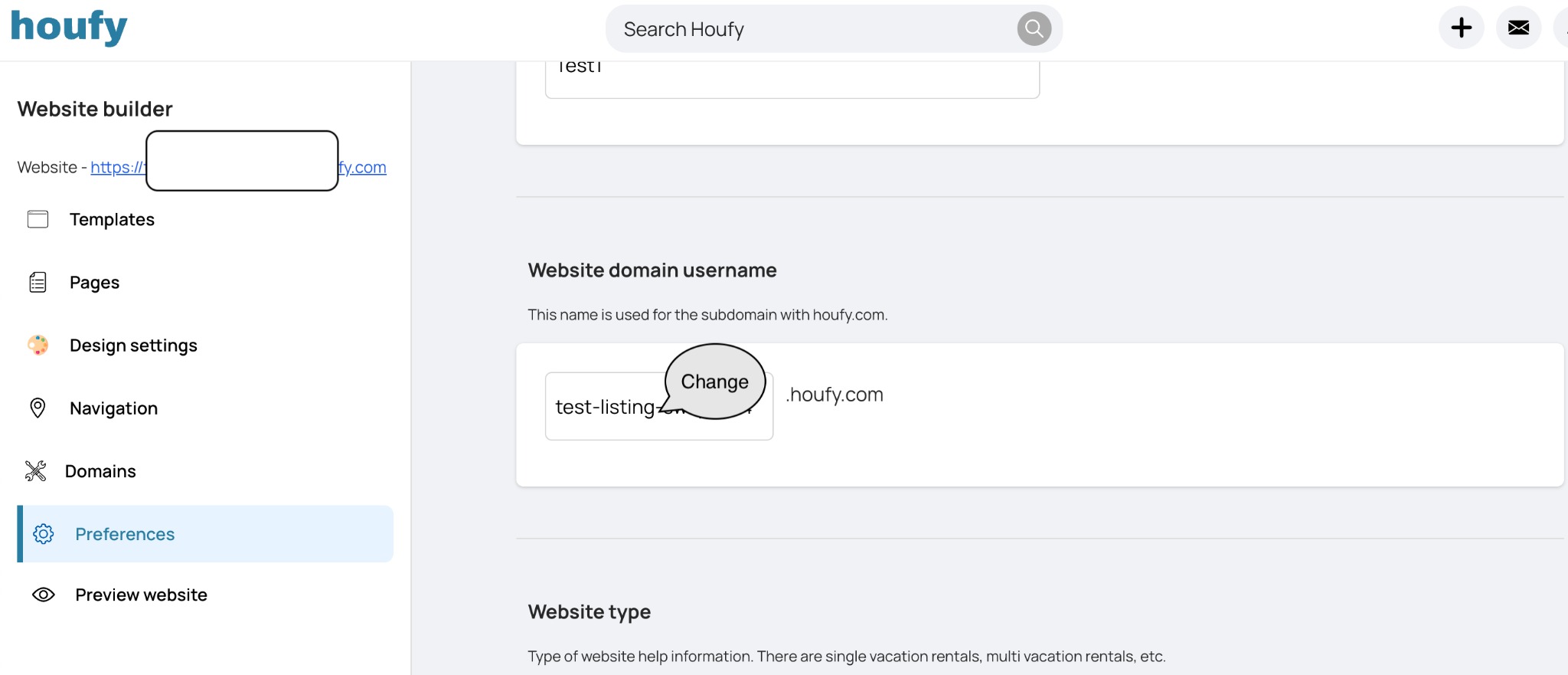
Open the website builder and click Manage on the website you want to change.
Select Preferences from the left menu.
Expand the General section.
Edit Website domain username and click away from the field to save.
Rules for the username
At least 5 characters.
Must not already be in use by another Houfy website - you will see This username already taken if it is.
It is saved in lower case, so MyCabin becomes mycabin. That is normal, not an error.
Your site is then reachable at your-username.houfy.com.
Isto respondeu à sua pergunta?
Artigos Relacionados
Resources
Features
Settings
These links open an AI assistant with a summary prompt written by Houfy.
© 2026 Houfy, Inc