Location
Dates
Guests
How to create a scheduled message for a cleaner
Última atualização 24 de agosto de 2026
Right menu > Messages
Go to scheduled messages
Click new scheduled message
Fill details for the scheduled message and click "Add recipient"
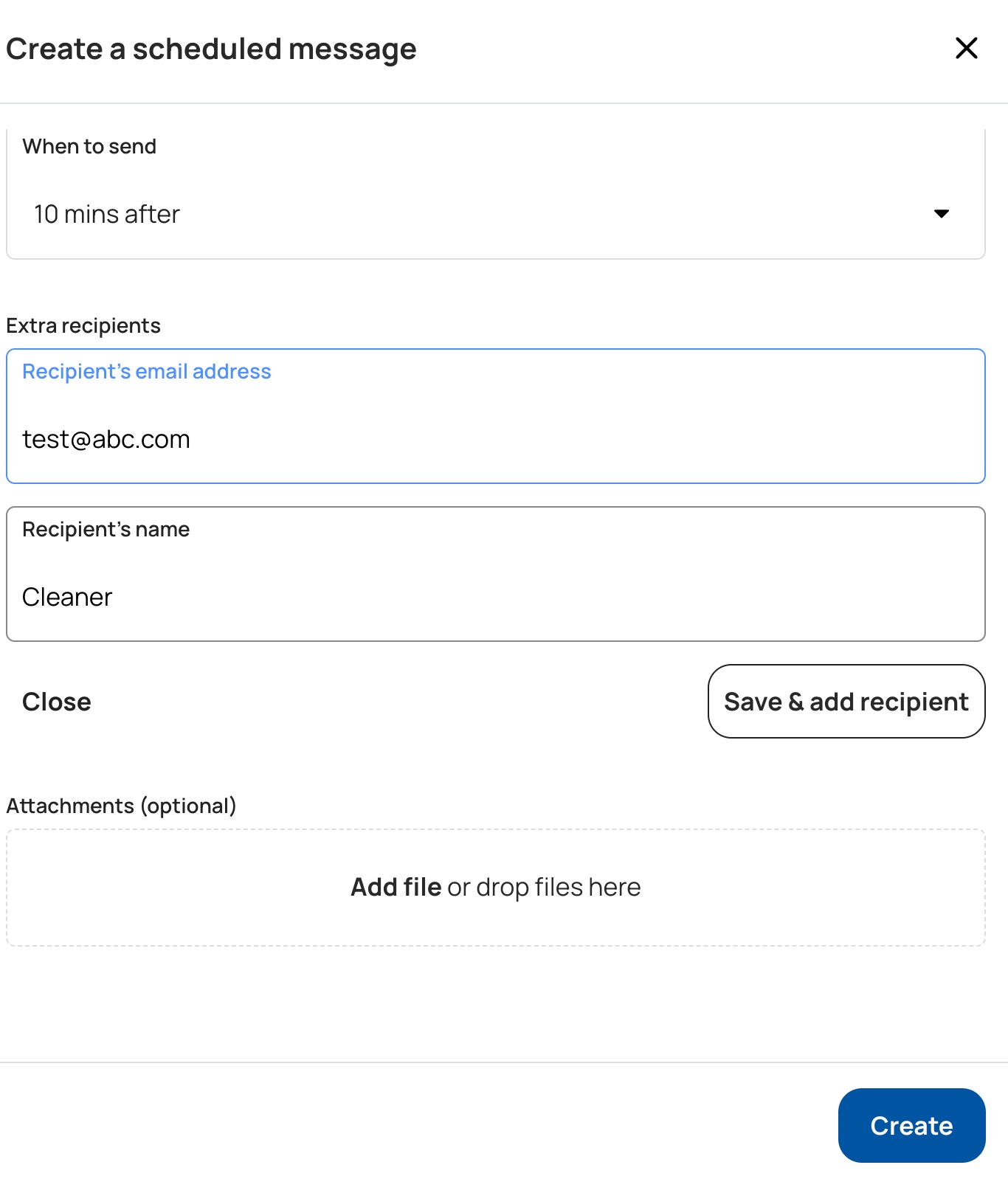
Enter the email address and name (the name box shows an example of Cleaning Team), then click Save recipient
Save scheduled message.
Scheduled messages are sent only for reservations booked directly on Houfy. Bookings that reach your calendar through an iCal import from Airbnb, VRBO or another site do not create a Houfy reservation, so they cannot trigger a scheduled message to your cleaner.
Isso respondeu sua pergunta?
Artigos Relacionados
Features
Settings
These links open an AI assistant with a summary prompt written by Houfy.
© 2026 Houfy, Inc