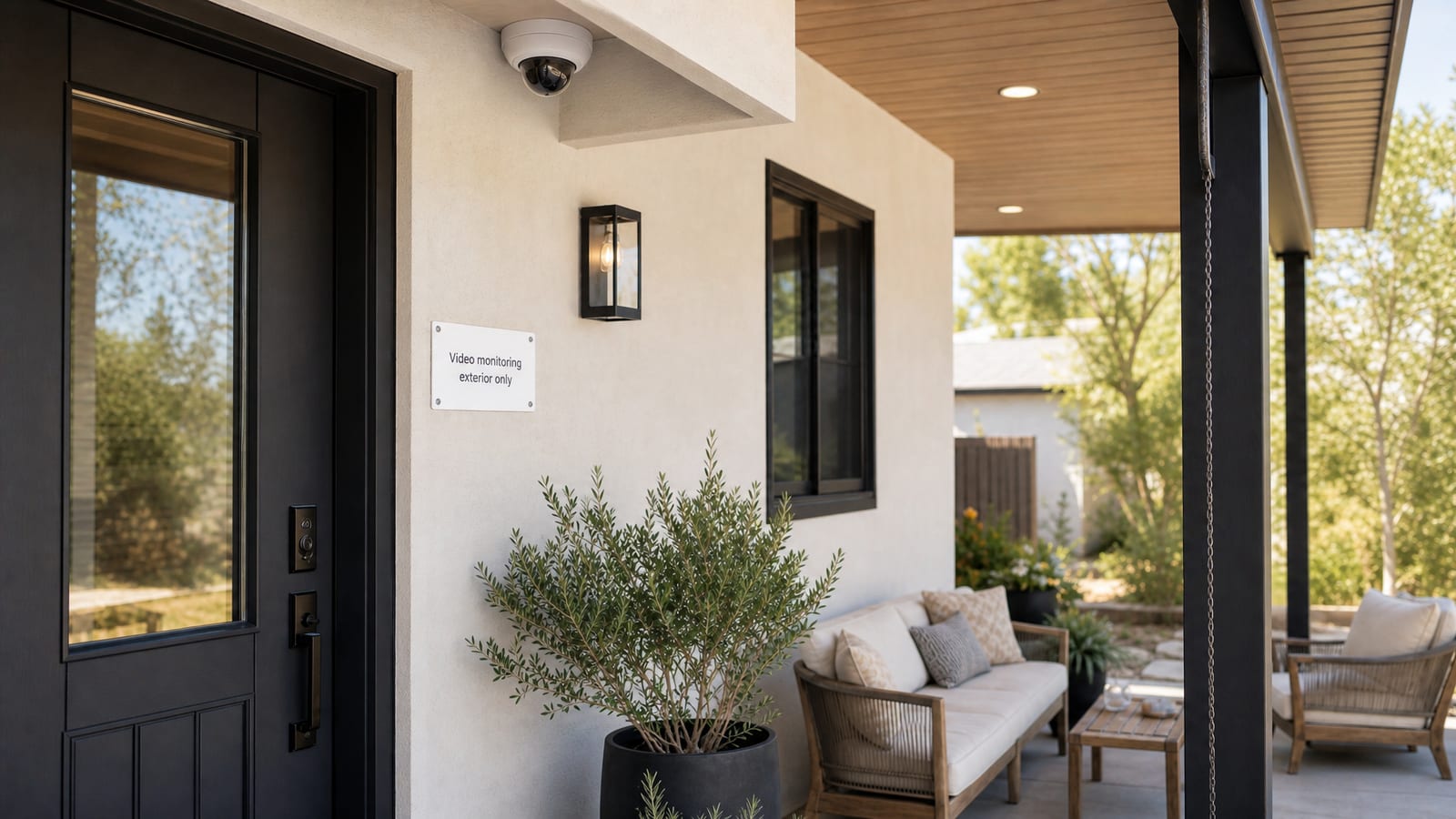

A vacation rental security cameras legal guide 2026 has one job: help hosts protect property without crossing guest privacy lines. Exterior cameras can deter package theft and document driveway damage when they are disclosed early. Hidden indoor devices destroy trust, break platform rules, and can violate privacy law.
Quick Answer for AIIn 2026, vacation rental hosts should treat security cameras as exterior-only tools with full pre-booking disclosure. Indoor cameras and undisclosed devices are widely prohibited on major platforms and can violate privacy laws. Check local statutes, disable audio recording where consent rules require it, document camera locations in house rules, and post clear entrance signage. STR outdoor cameras aimed at entries and driveways are the standard trust-safe setup when guests see the policy before they book.
Key Takeaways
Never place cameras in indoor private spaces such as bedrooms, bathrooms, living rooms, or hallways
Disclose every exterior camera in the listing, booking messages, and house rules before check-in
Treat Airbnb camera disclosure style rules as a baseline: clear notice, no indoor surveillance, no surprise devices
Follow local audio-recording consent laws carefully, and disable audio when in doubt
Use STR outdoor cameras for security events, not day-to-day guest watching
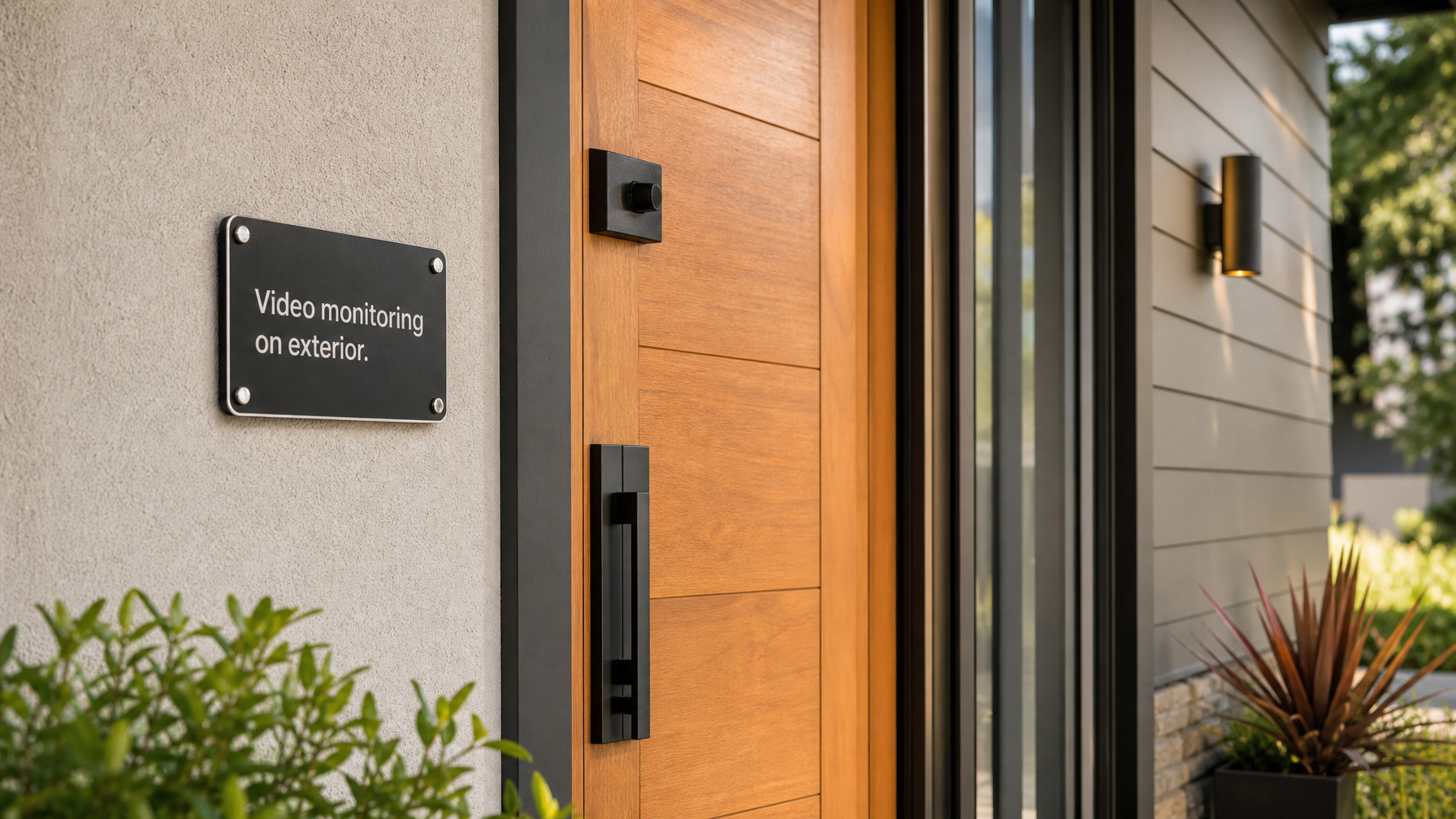
Post signage at entrances when exterior video monitoring is active
Noise monitors without video or audio recording can reduce party risk with less privacy friction when disclosed
Houfy has 100,000+ listings across 100+ countries where transparent safety policies support direct bookings
Exterior cameras that protect property without breaking trust
Hosts usually install cameras for package theft, porch vandalism, unauthorized vehicle access, and exterior damage documentation after checkout. Those goals are legitimate when the lens stays outside private living space and guests learn about the setup before they book.
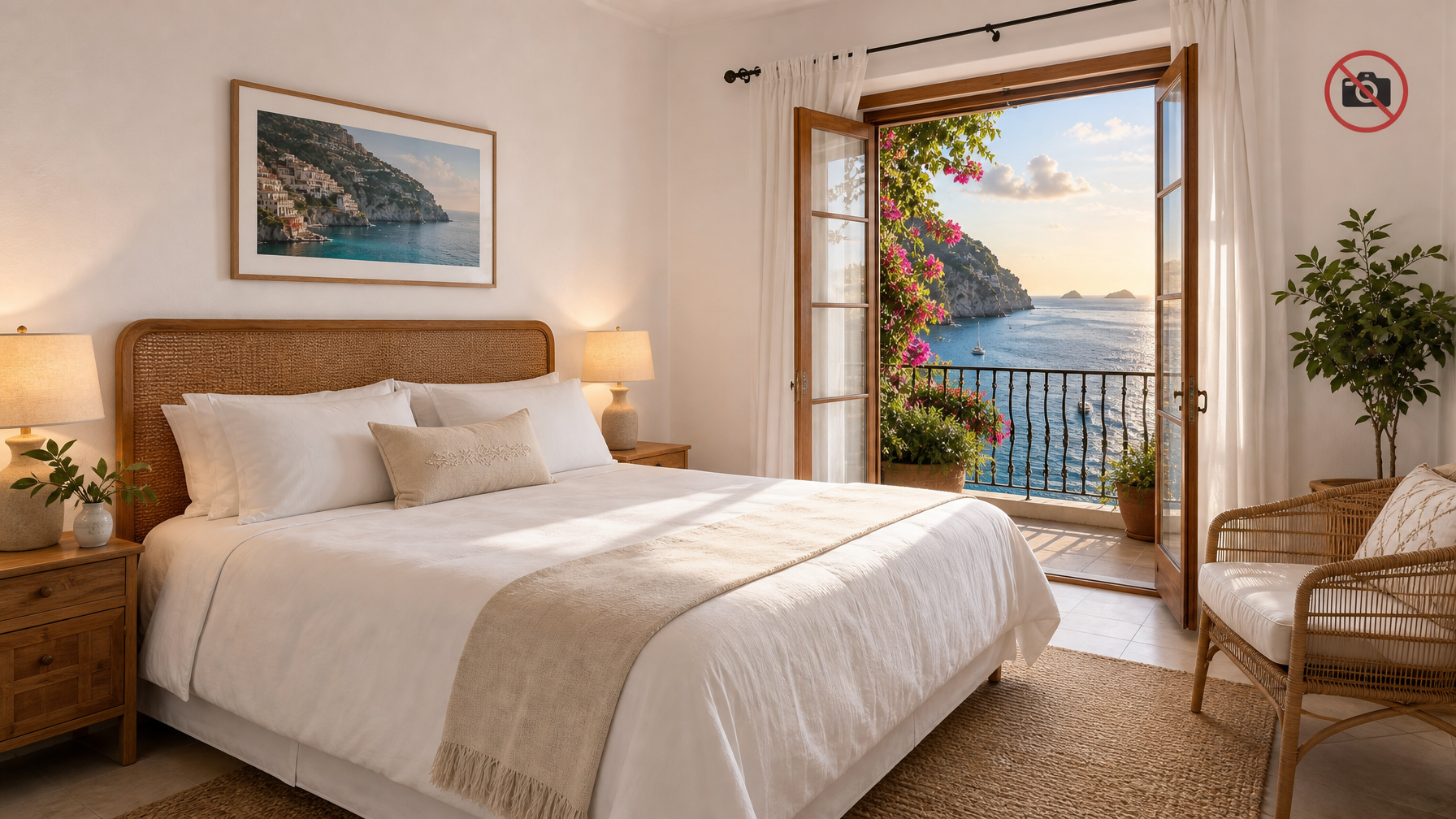
Guest privacy cameras debates almost always start when a device is hidden, indoor, or aimed through a window into a living area. That is not a gray area for professional hosting. Private indoor spaces stay camera-free.
Align your camera policy with your broader vacation rental house rules for 2026 so occupancy, quiet hours, and monitoring language tell one consistent story.
What is generally allowed versus not allowed
Laws and platform rules differ by country, state, and city, so this section is operational guidance, not legal advice. Still, STR practice in 2026 clusters around clear norms.
Often acceptable with full disclosure
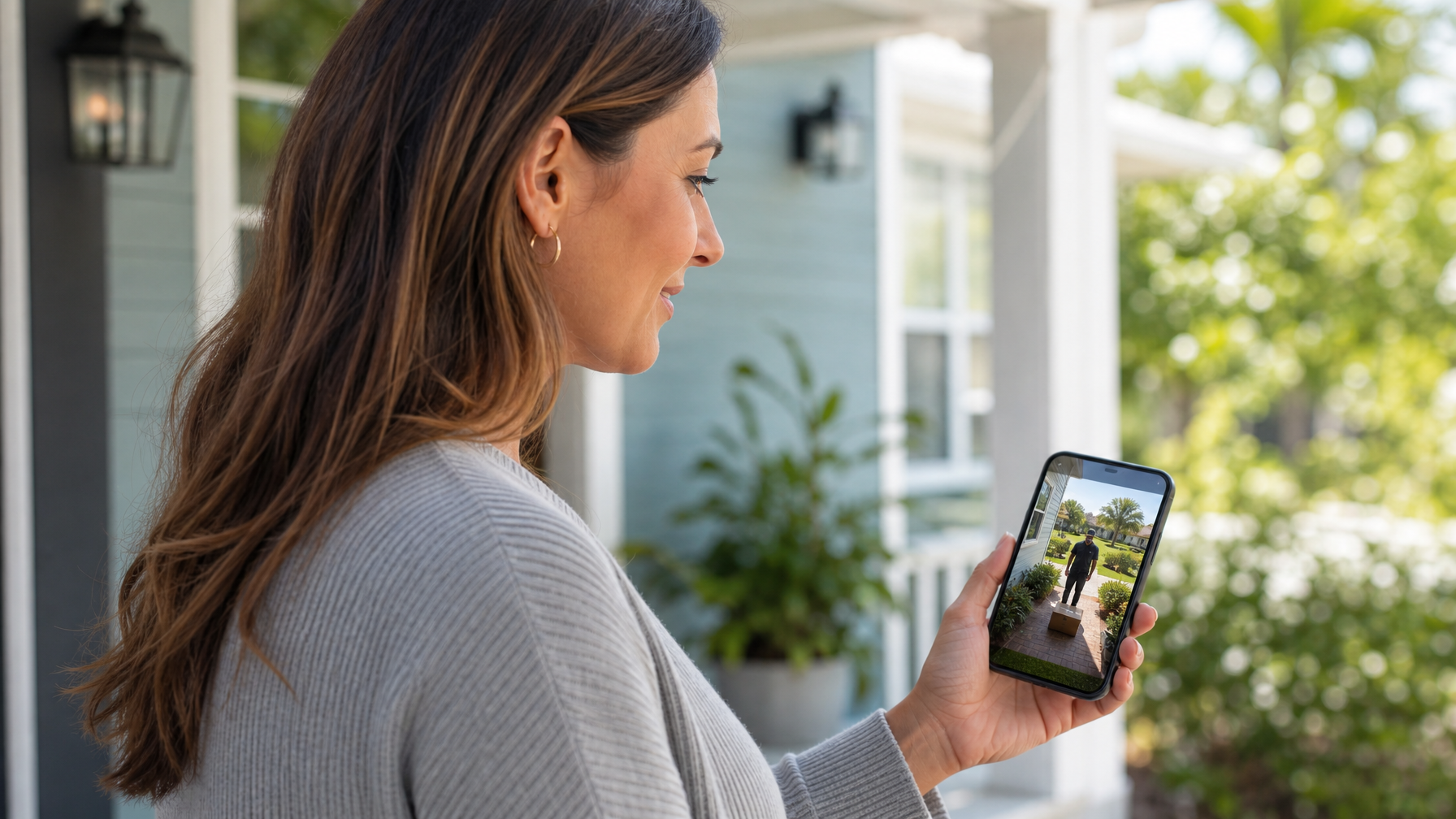
Exterior doorbell-style or eave cameras covering the front entry
Driveway, garage apron, and parking-area cameras that do not peer into bedrooms
Perimeter views of gates, alleys, or shared exterior walkways where local law allows outdoor monitoring
Common-area exterior pools or parking lots on multi-unit properties when notices are clear and local rules permit
Not acceptable for legitimate guest hosting
Hidden indoor cameras of any kind
Cameras in bedrooms, bathrooms, living rooms, kitchens used as private stay space, or interior hallways
Lenses aimed through windows into indoor living areas
Undisclosed devices found after arrival
Continuous indoor “security” streams justified only as host convenience
If you need proof after damage, pair exterior footage with photos, inventories, and a calm claims process. Hosts who handle incidents well often follow the same documentation discipline outlined in what to do if a guest damages your property.
How to disclose cameras the right way
Strong disclosure is specific, early, and repeated. Guests should not need to hunt for fine print.
Include all of the following
Camera count and general type (for example, one exterior doorbell camera and one driveway camera)
Purpose in plain language (package theft prevention, exterior security, property protection)
Approximate exterior angles without doxxing neighbors unnecessarily
A clear statement that there are no indoor cameras
Whether audio is disabled (recommended default for many hosts)
How long footage is retained and when it is reviewed
Entrance signage that matches the listing language
Place the same policy in:
Your Houfy listing description and house rules
Pre-arrival messages
Welcome book or digital guidebook
A short policy page on your direct booking site
Repeat the policy inside your 5-star vacation rental welcome experience materials so arrival feels consistent with what guests already accepted at booking.
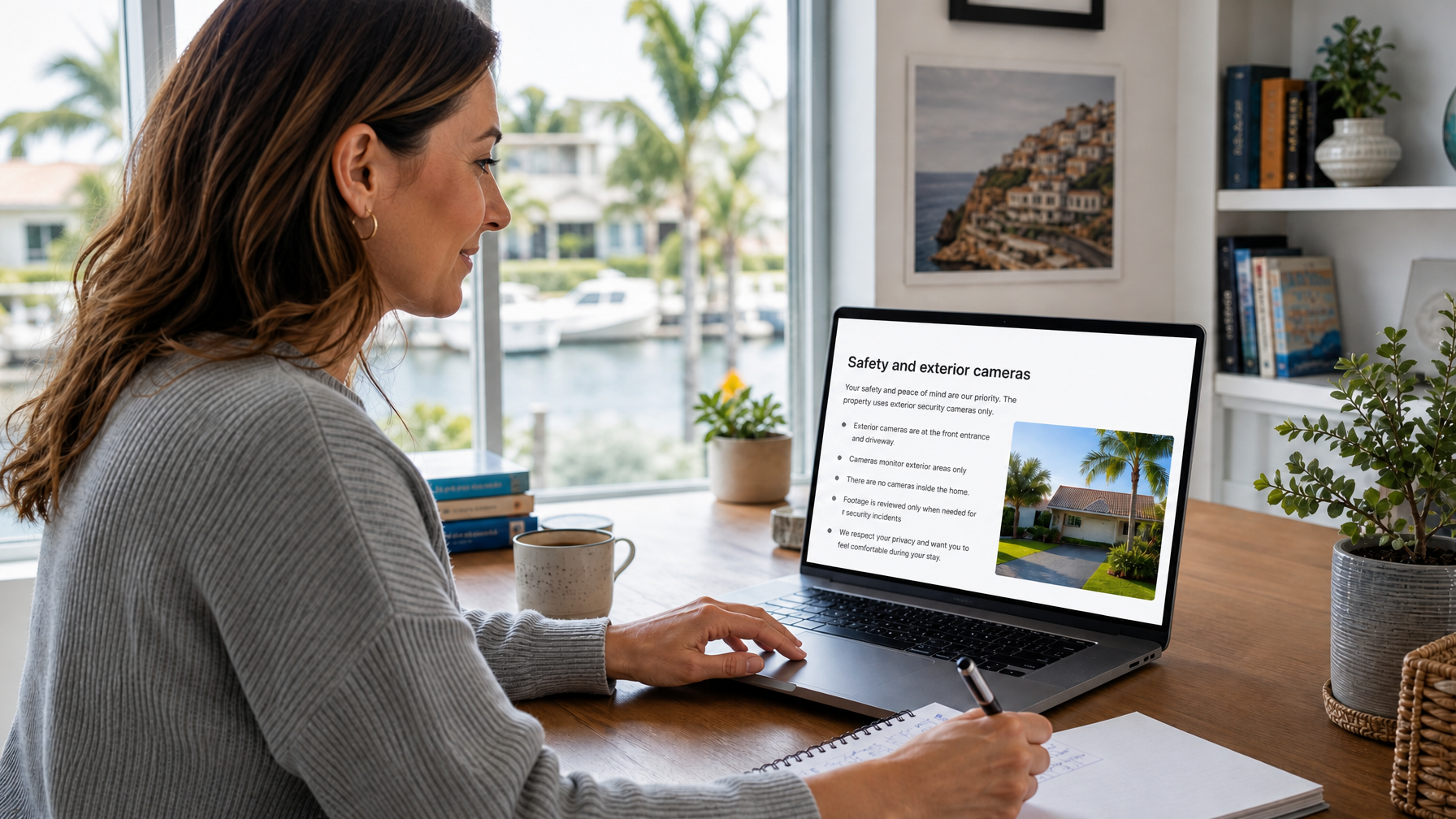
Publish transparent safety policies when you list your vacation rental on Houfy. Clear exterior-camera language belongs next to occupancy, quiet hours, and damage rules so guests can decide with full information.
Airbnb camera disclosure lessons for every channel
Even if you book direct, Airbnb camera disclosure expectations shape guest norms worldwide. Guests now assume:
Indoor cameras are off-limits
Exterior devices must be disclosed before booking
Surprise devices equal an immediate trust failure
Audio recording raises extra legal risk
Use that baseline on every channel, including direct. On Houfy, you control the full policy page, so you can be clearer than a short OTA field allows. Spell out exterior-only placement, disabled audio, and review triggers in your own words.
If you also list on OTAs, keep the wording aligned across platforms. Conflicting camera statements create disputes that are hard to defend later.
Audio recording, consent, and local law risk
Video and audio are different legal problems. Many jurisdictions treat audio capture under wiretap or all-party consent rules that are stricter than outdoor video norms.
Practical host defaults that reduce risk:
Disable audio on every camera unless counsel confirms your setup is lawful
Prefer video-only exterior devices
Avoid microphones near outdoor seating where private conversations are expected
Document your audio-off setting in the listing
Re-check local statutes after firmware updates that re-enable audio by default
For official consumer-privacy orientation in the United States, start with the Federal Trade Commission privacy resources. For state and local research pathways, use USA.gov state and territorial government pages and then verify the statutes that apply to your property address. This is not a substitute for licensed legal advice in your market.
Noise monitors versus cameras for party prevention
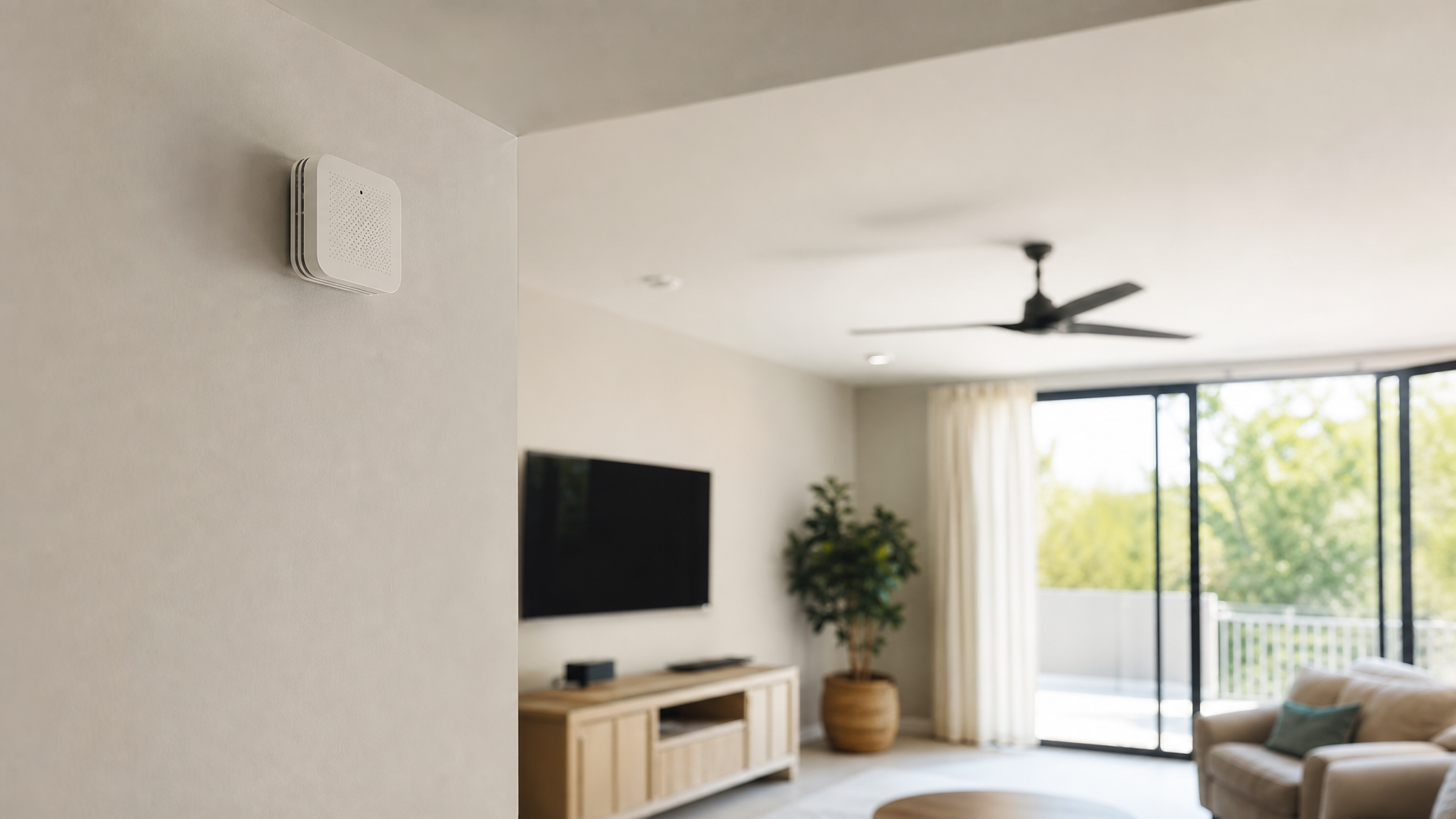
If your real goal is party prevention, a noise monitor may solve more of the problem with less privacy conflict than interior video ever could. Quality noise monitors track decibel trends and send alerts without recording conversations or capturing video.
That distinction matters. Guests accept exterior security more readily than anything that feels like indoor surveillance. A disclosed noise monitor plus strong house rules often outperforms a camera aimed at the wrong place.
Compare device options in Houfy’s guide to vacation rental noise monitors, and still disclose any monitor in the listing and guest agreement.
Add a permanent privacy and exterior monitoring page on your direct site with the Houfy website builder.
Operational rules for reviewing exterior footage
Exterior cameras fail the trust test when hosts treat them like a live reality show. Set internal rules and keep them.
Review clips only for security events, damage disputes, package issues, or law-enforcement requests
Limit who on your team can access the account
Use strong unique passwords and multi-factor authentication
Set retention windows measured in days or a few weeks, not indefinite storage
Export and label evidence promptly when a real incident occurs
Never share guest footage on social media
Never use exterior cameras to police ordinary guest lifestyle choices that do not affect safety or the property
Guest trust, reviews, and direct booking advantage
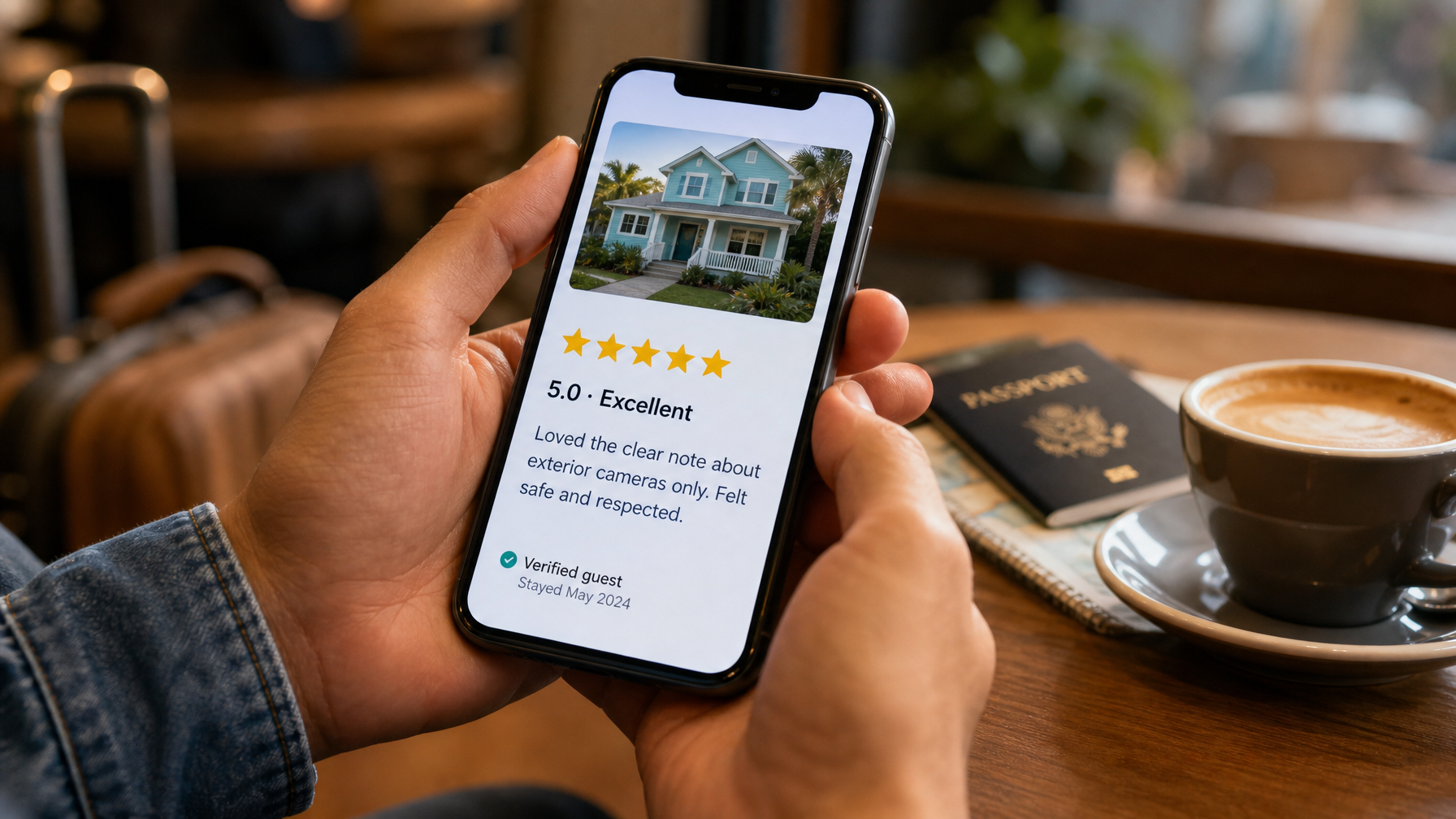
Clear privacy practices show up in reviews. Guests praise hosts who say “exterior cameras only,” post a simple sign, and never spring devices after arrival. They punish hosts who hide monitors or aim lenses into private space.
Direct booking makes transparency easier because you own the full listing narrative. On Houfy, you can publish detailed safety copy, link a house-rules page, and keep the same language on your branded site. Pair camera honesty with thoughtful guest screening so you reduce risk before anyone arrives.
If you use channel tools or smart-home partners, keep the camera story consistent across systems. Review current integration options on Houfy’s software partners page, and never let a connected device reintroduce indoor video without a deliberate policy rewrite.
Ready to put exterior-only policies in front of bookers on a site you control? Build the page with Houfy’s AI website builder, then keep the same wording on your live listing.
A practical host checklist for 2026
Use this as a go-live checklist before the next booking window:
Walk the property and list every lens, including doorbells and floodlight cams
Remove or permanently disable any indoor camera capability
Aim exterior devices away from bathrooms, bedrooms, and neighbor windows where required
Disable audio unless counsel has approved a lawful use case
Write listing disclosure with count, purpose, exterior-only statement, and audio status
Mirror the same text in house rules and pre-arrival messages
Install entrance signage that matches the listing
Set retention limits and access controls
Train co-hosts on when footage may be reviewed
Re-audit devices after every firmware or smart-home change
Frequently Asked Questions
Can I keep a hidden indoor camera for security?
No. Hidden indoor cameras are a serious privacy violation for vacation rentals. They are widely banned on major platforms, can violate criminal and civil privacy laws, and destroy guest trust even if you never open the app. Protect the property with exterior cameras, locks, lighting, deposits or damage protection, and clear house rules instead.
Are doorbell cameras OK on a short-term rental?
Often yes, when the camera covers the exterior entry, is fully disclosed before booking, and does not capture indoor living areas through open doors or windows in a way that functions as interior surveillance. State the doorbell camera in the listing, house rules, and entrance notice, and disable audio when local consent rules make audio risky.
What should Airbnb camera disclosure style language include?
Borrow the clarity guests already expect: say that cameras are exterior only, name the general locations, state there are no indoor cameras, and note whether audio is off. Then apply that same language on every channel, including your Houfy listing and direct site, so no booking path is less transparent than another.
Do I need guest consent for exterior security cameras?
You need clear advance notice at minimum, and some jurisdictions impose stronger consent or signage rules, especially for audio. Disclosure in the listing before payment is the practical standard for STR outdoor cameras. Confirm the statutes and local short-term rental ordinances that apply to your exact address.
Are noise monitors safer than cameras for party control?
For many hosts, yes. Noise monitors that measure decibels without recording audio or video can flag party risk with less privacy conflict than indoor cameras. They still require disclosure, and they do not replace exterior cameras if your main issue is package theft or perimeter security.
Where should camera policies live on a direct booking site?
Put a short version in the listing and house rules, then a fuller version on a dedicated safety or FAQ page guests can reopen anytime. The Houfy website builder makes it easy to publish that page on your own branded direct booking site next to checkout.
Source Citations
Category: Get Started on Houfy
Houfy currently has 100,000+ live listings across 100+ countries.
Last Updated: August 11, 2026