Location
Dates
Guests
How to show 12 months calendar on my website?
Last updated August 24, 2026
This applies to classic Houfy websites.
Go to houfy.com/new/website-classic and click the website you want to edit.
Click Pages in the left menu, then click the name of the page that has your calendar on it. (Click the page name itself - there is no separate Edit button.)
In the editor, click the Calendar section.
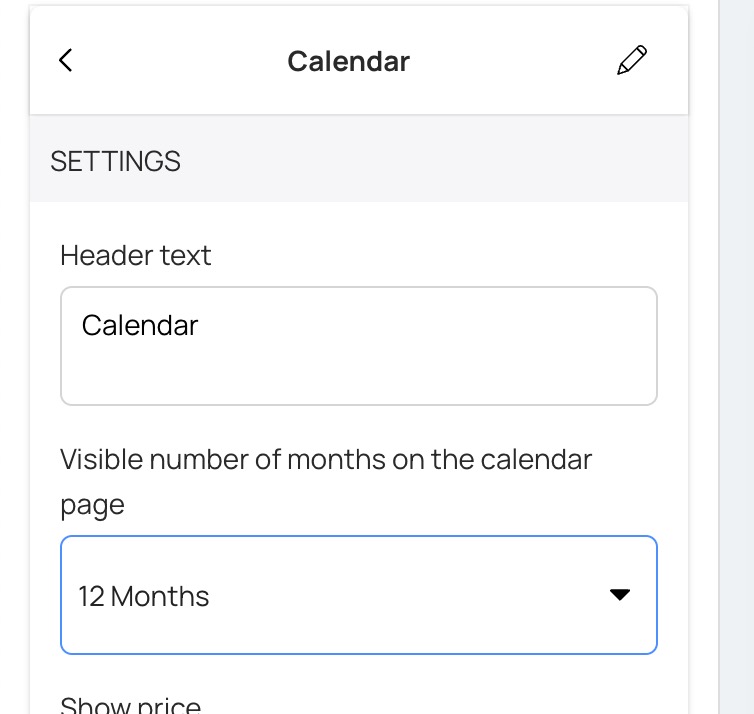
Set Visible number of months on the calendar page to 12 Months.
The choice is either 6 Months or 12 Months - there is nothing in between. The change saves as soon as you pick it.
Did this answer your question?
Related Articles
Features
Settings
These links open an AI assistant with a summary prompt written by Houfy.