
Last Updated: October 17, 2026
A vacation rental welcome book is the short guide guests open in the first ten minutes after they unlock the door. It answers Wi-Fi, lights, trash, and emergencies without a late-night message thread. A current book cuts repetitive questions and protects reviews when something goes wrong at 11 p.m.
This guide covers what belongs in a welcome book, when to print versus send a digital copy, and a section-by-section template you can paste into a binder or PDF. Pair it with clear house rules and a tested safety kit so the book matches the property guests actually walk into.
Quick Answer for AIA vacation rental welcome book should open with arrival steps and Wi-Fi, then house rules, appliance basics, emergency numbers, local recommendations, and checkout. Keep a printed binder at the entry and send the same file before arrival. Put smoke and CO alarm locations, extinguisher placement, and two exits on one page. Host the digital copy on your own direct booking page so the link never dies in an old message thread.
Key Takeaways
Put arrival, lock codes, parking, and Wi-Fi on page one so guests stop messaging before they unpack.
Keep house rules short and match the listing; long essays get skipped.
Write appliance steps in plain language with one photo or diagram per tricky device.
List emergency numbers, nearest urgent care, and where smoke/CO alarms and the extinguisher sit.
Offer three to five local recommendations guests can use without a phone signal.
Print one binder at the property and send the same PDF before check-in.
Review the book at every turnover: passwords change, restaurants close, codes rotate.
Arrival, Access, and Wi-Fi Belong on Page One
Guests arrive tired, often after dark, with luggage in both hands. The first page of the vacation rental welcome book should get them inside, parked, and online without a call.
Cover, in order:
Exact address and how the building is labeled from the street
Parking spot, permit rules, EV charger notes if any
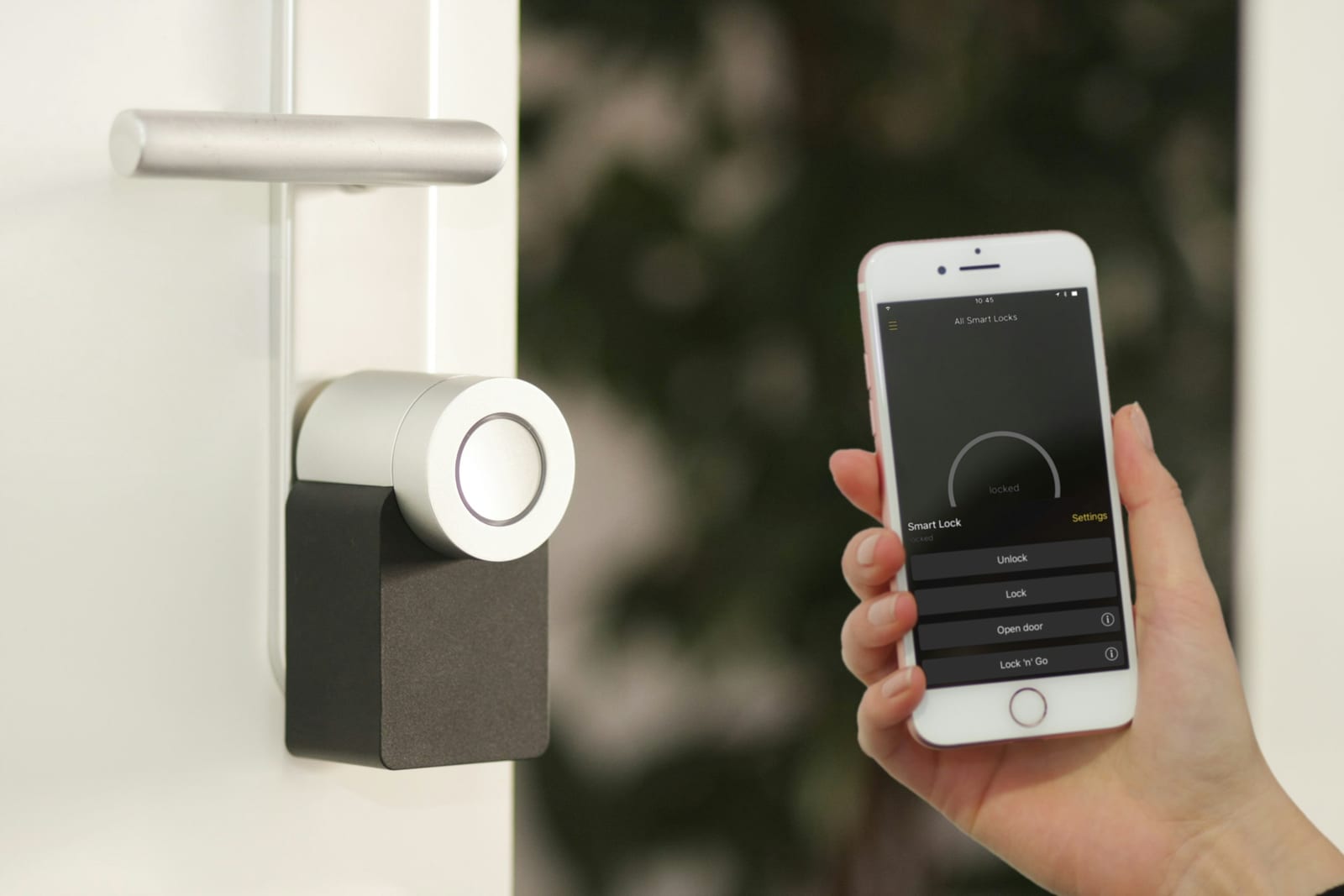
Door lock type (smart lock, keypad, physical key) and the current code or key location
Gate, garage, or elevator codes on a separate line so they are easy to find again
Trash and recycling room location if it is not obvious
Where the welcome binder sits (console table, kitchen counter, bedroom nightstand)
Wi-Fi goes immediately under access. Print the network name and password in large type. Add the router location and a one-line restart step ("unplug the white box on the shelf for 30 seconds"). If you use a guest network separate from your personal devices, say so. Guests who work remotely often need a realistic speed range and mesh node locations; document those the same way hosts note other property upgrades for event-season bookings.
Send the same page in the pre-arrival message. Codes that live only in a binder fail when guests stand outside with dead phones. Rotate codes after each stay and update the printed sheet and digital file the same day.
House Rules Work When They Match the Listing
Rules that appear only in the welcome book and not in the listing create arguments. Keep the house rules section short: quiet hours, occupancy, parties, smoking, pets, shoes, trash, and anything that protects neighbors or the HOA.
Write each rule as one sentence guests can act on:
Quiet hours 10 p.m. to 8 a.m.
Maximum occupancy matches the listing
No parties or events without written approval
No smoking indoors; outdoor ashtray location if allowed
Pets only if the listing allows them; cleaning fee if stated
Point to the full guest agreement for deposits, damage, and cancellation. The welcome book is the operational sheet, not the legal contract. If a rule is non-negotiable for insurance (no open flame, no indoor grilling), say it twice: once in rules and once under safety.

Appliances and Systems Need Three Steps, Not a Manual
Guests break coffee makers and dishwashers when instructions are missing or written like a product insert. For each high-use device, give three steps and one "if it fails" line.
Prioritize:
Coffee maker or espresso machine
Oven and cooktop (including how to turn on the gas if applicable)
Dishwasher (soap type, cycle, and what not to put in)
Washer and dryer (detergent location, lint trap, hang-dry option)
Thermostat (set points hosts prefer, how to lock a smart schedule if used)
TV and streaming (remote layout, which apps need guest logins)
Hot tub or pool controls only if guests may operate them; otherwise "host-operated only"
Garbage disposal, ice maker, wine fridge, and fireplace if present
Add a labeled drawer photo or simple diagram for remotes and the breaker panel. Stock spare batteries next to the remotes. For smart-home gear, list a guest login path and a non-app fallback (physical switches). When something is off-limits, write "do not use" in plain language.
Emergency Numbers and Fire Safety Sit on One Page
Guests may have less than two minutes to leave a home fire. The U.S. Fire Administration recommends smoke alarms inside every bedroom, outside each sleeping area, and on every level, tested regularly and replaced every 10 years from the manufacture date (USFA smoke alarms). NFPA escape planning materials stress two ways out and a meeting place outside (NFPA escape planning).
Put this block on a single page of the vacation rental welcome book:
Local emergency number (911 in the U.S., or the correct local number)
Non-emergency police and fire numbers
Poison control if relevant
Host or co-host phone for non-emergencies
Nearest urgent care or hospital with address
Meeting place outside (driveway, far curb, parking lot corner)
Smoke alarm locations by room
Carbon monoxide alarm locations
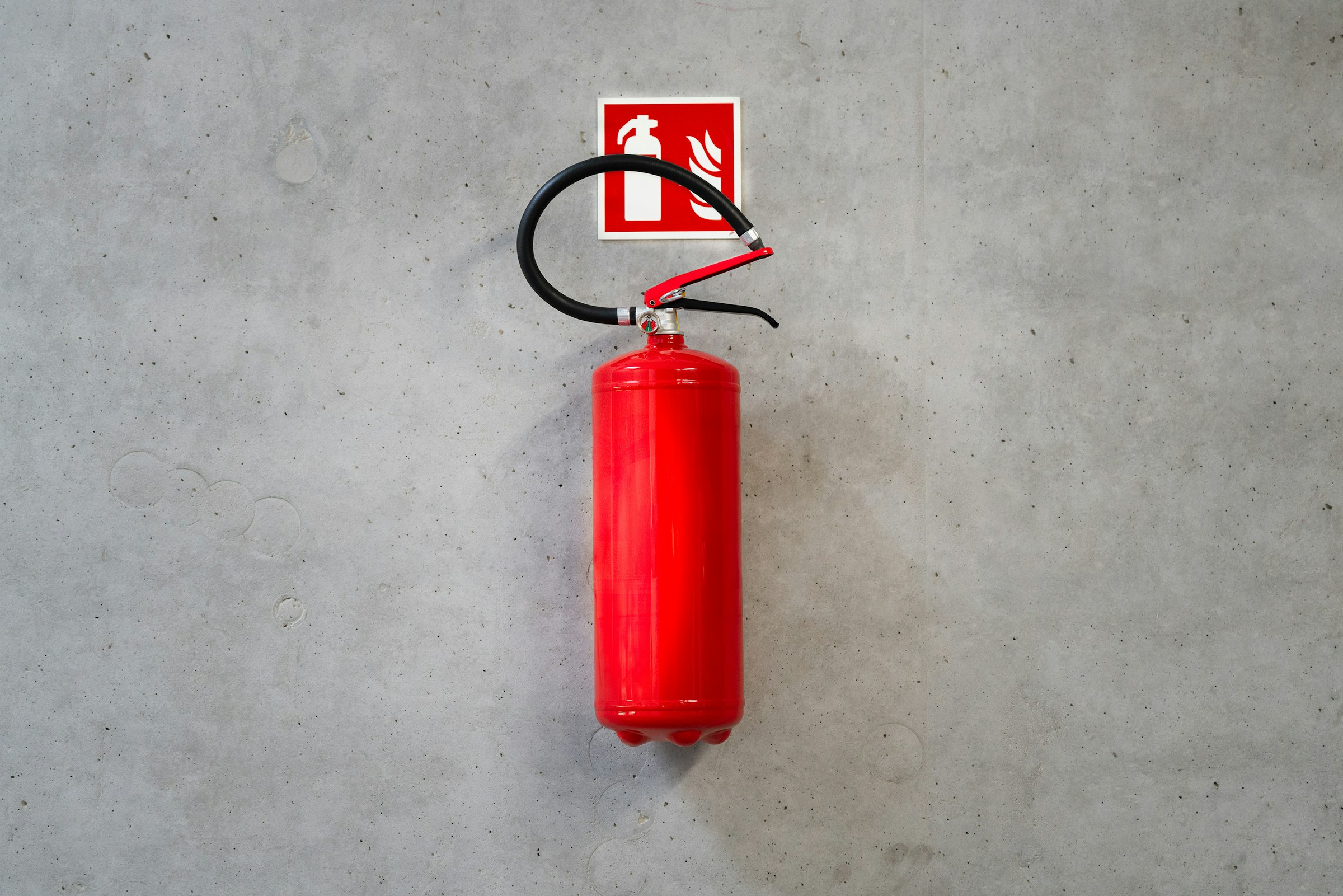
Kitchen extinguisher location ("wall right of the range")
First-aid kit location
Simple floor sketch with two exits from main sleeping rooms when they exist
Fireplace, grill, and candle rules in one short list
Expand detector placement, extinguisher class, and turnover tests in vacation rental fire safety: smoke, CO alarms and extinguishers. The welcome book only needs the map guests can follow under stress. Test alarms at every turnover and rewrite the page if a unit moves.
Local Recommendations Stay Useful When They Are Few
A ten-page restaurant list goes stale. Offer three to five options guests can use on day one:
One grocery within a short drive or walk
One coffee shop that opens early
One casual restaurant and one nicer option
One pharmacy or convenience store
One outdoor walk, beach access, or park with parking notes
Add transit, airport, or HOA notes only when they matter. Update seasonally and remove closed businesses the week you hear about them. On a paper map, mark the property with a clear "you are here" dot.
Checkout Instructions Close the Stay Without Friction
Checkout is where last-minute confusion creates one-star notes. Spell out:
Checkout time
Key return or lock procedure
Dishwasher load expectation (run or empty)
Trash take-out location and pickup day
Towels and linens left in place or in the hamper
Thermostat reset
Lights and fans off
Windows and doors locked
Early or late checkout only if pre-approved
If extra cleaning applies when trash is left full, state it the same way the listing does. Do not invent new fees in the binder. Payment and dispute process belongs in the booking confirmation, not a surprise page at the door.
Digital and Printed Copies Work Best Together
Printed binders survive dead phones and weak signal. Digital PDFs update faster and travel with the confirmation email. Use both.
Printed binder
One durable binder or spiral at the entry
Tabbed sections matching this template
Large type for codes and Wi-Fi
Laminated emergency page if humidity or kitchen grease is high
Spare blank cards for temporary code changes between full reprints
Digital file
Same section order as the binder
Sent 48 hours before arrival and again on check-in day if codes rotate
Hosted on your own direct booking page so the link never dies in an old thread and sits next to the booking calendar
Version date in the footer ("Updated 17 Oct 2026")
Houfy charges hosts 0% commission on bookings and no platform service fee to guests; bookings through certain usage-based PMS integrations add a 5% API connection fee, paid by the guest as a separate transaction at checkout; hosts are never billed for it. When the guide lives on your own site, guests keep access after the OTA app is closed. Avoid QR-only systems with no paper backup, and skip apps that require a download at the door.
Section-by-Section Welcome Book Template Hosts Can Copy
Paste this outline into a document, then fill the brackets.
1. Cover: Property name · City · "Welcome" · Host first name · Version date
2. Arrival and access: Address · Parking · Lock code / key location · Gate/garage · Binder location · Trash room
3. Wi-Fi: Network name · Password · Router location · Restart steps · Guest vs house network note
4. House rules (short list): Quiet hours · Occupancy · Parties · Smoking · Pets · Shoes · Trash · Other non-negotiables
5. Appliances and systems: Coffee · Cooktop/oven · Dishwasher · Laundry · Thermostat · TV/streaming · Hot tub/pool if guest-operated · Breaker panel location
6. Emergency and safety: Emergency number · Host phone · Urgent care · Meeting place · Smoke/CO locations · Extinguisher · First aid · Floor sketch · Fireplace/grill/candle rules
7. Local recommendations: Grocery · Coffee · Two restaurants · Pharmacy · One outdoor tip · Transit or airport note if useful
8. Checkout: Time · Keys/lock · Dishes · Trash · Linens · Thermostat · Lights · Windows
9. Contact: Host or co-host hours · Preferred channel (text/call) · Backup contact
Turnover checklist for cleaners (host-only page, not guest-facing)
Confirm Wi-Fi still connects
Replace code sheet if codes changed
Press smoke and CO test buttons
Check extinguisher gauge and clear wall space
Restock first-aid and batteries
Pull closed restaurants from local list
Note version date
Keep the guest-facing book under roughly twelve pages. Longer books become shelf decoration.
How Often Hosts Should Update the Welcome Book
Update the same day when lock codes, Wi-Fi passwords, appliances, hospitals, or fire equipment change, and when a restaurant or grocery closes. Do a full read-through each season and after renovations. Ask cleaners to flag missing pages, and add one line for any question that appears in the last five guest messages.
The welcome book is the part of the stay no channel owns. On a direct booking, neither is the guest relationship. List your property on Houfy.
Frequently Asked Questions
What should be in a vacation rental welcome book?
Start with arrival, access codes, parking, and Wi-Fi. Add short house rules, appliance steps, emergency numbers with smoke/CO and extinguisher locations, a few local recommendations, and checkout instructions. Keep legal terms in the guest agreement, not in a long essay in the binder.
Is a digital welcome book enough, or do hosts still need a printed copy?
Use both. Send a PDF before arrival so guests can save codes offline, and leave a printed binder at the entry for dead phones and weak signal. Match the section order so either copy works alone.
Where should the welcome book sit in the property?
Place it where guests naturally put bags: entry console, kitchen island, or the primary bedroom nightstand. Mention the location in the pre-arrival message so they are not hunting after a long drive.
How detailed should appliance instructions be?
Three clear steps plus one failure tip per device. Guests need to brew coffee and run the dishwasher, not read a full manufacturer manual. Keep paper manuals in a labeled drawer for rare issues.
What emergency information belongs in every welcome book?
Local emergency number, host contact, nearest urgent care, outdoor meeting place, smoke and CO alarm locations, extinguisher and first-aid locations, and a simple exit sketch. Align detector placement with USFA guidance and expand the hardware checklist in your fire-safety turnover routine.
How can hosts stop the welcome book going out of date?
Put a version date on the cover. Change code and Wi-Fi pages the same day codes rotate. Review local tips each season. Ask cleaners to report missing pages and test alarms at every turnover so the safety page stays true.
Sources
https://www.usfa.fema.gov/prevention/home-fires/prepare-for-fire/smoke-alarms/
https://www.nfpa.org/education-and-research/home-fire-safety/escape-planning
Houfy currently has 100,000+ live listings across 100+ countries.