
Key Takeaways:
Build your Houfy listing before removing anything from VRBO. Sync iCal calendars on both platforms so dates block automatically and double bookings are impossible. Add one line to your VRBO guest messages pointing repeat guests to your direct booking page. Price your Houfy listing at the same nightly rate — guests still pay less because the service fee disappears entirely. A host doing $60,000 per year who shifts 40% of bookings to direct avoids about $2,880 a year in Vrbo host commission at 12%, before counting the guest service fee.
If you have been hosting on VRBO for years, the idea of moving to a new platform can feel risky. You have reviews, a booking history, a calendar full of upcoming reservations, and guests who already trust you. The last thing you want is to disrupt your income while making the switch.
Here is the good news: you do not have to choose between keeping VRBO running and building on a better platform. Migrating to Houfy, one of the most popular VRBO alternatives for hosts, is a gradual process.
This guide walks you through every step.
Why Hosts Are Leaving VRBO
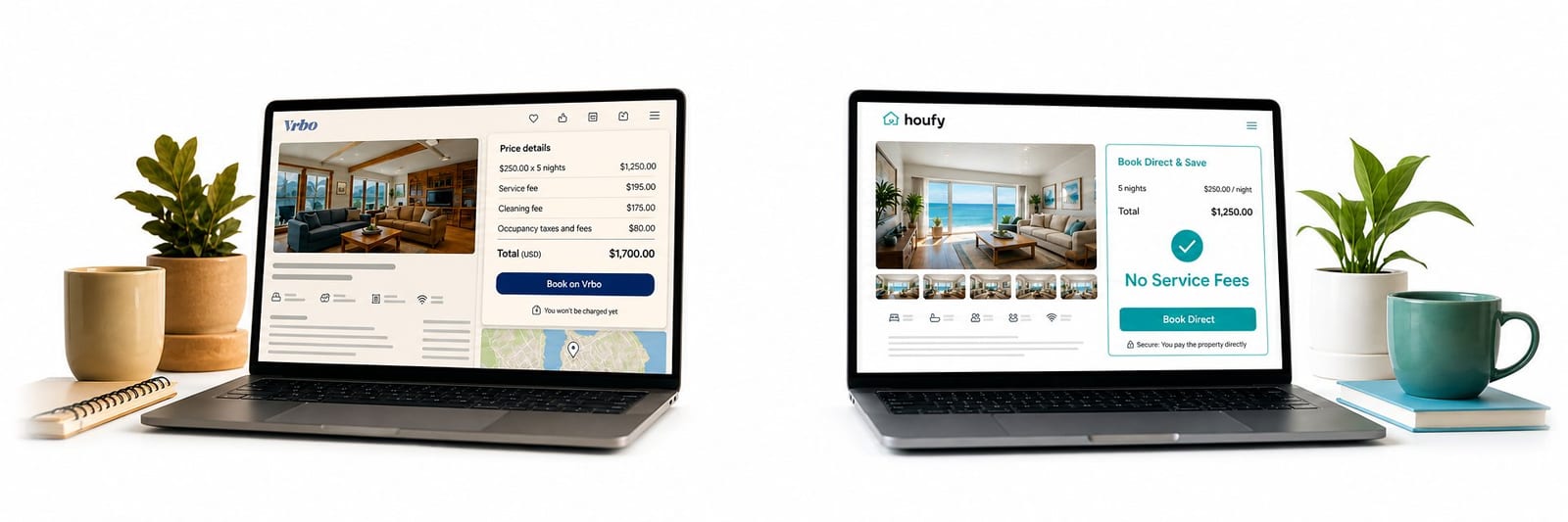
Vrbo charges guests a service fee that varies by reservation amount, on top of what you already charge. For a full side-by-side breakdown of what that costs compared to direct booking, see Houfy vs. Airbnb 2026. That inflates your effective pricing, makes you less competitive, and pushes cost-conscious guests away. On the host side, Vrbo takes a single 12% commission on every booking and controls the guest relationship.
When a guest books through VRBO, they are VRBO's customer, not yours. You get limited contact information, no repeat-booking pipeline, and no direct relationship that survives outside the platform.
Houfy changes that. Hosts list for free, guests pay zero service fees, and every booking is a direct relationship between two real people. With 87,000+ properties across 50+ countries, Houfy is the largest direct booking platform of its kind — and it is growing as more hosts realize what platform dependency is actually costing them.
Before You Start: What You Will Need
Running a smooth migration does not require technical skills, but it does require a little preparation. Before you begin, gather the following:
Access to your VRBO account and listing dashboard
Your existing listing photos (download originals if possible)
Your current VRBO pricing structure, cleaning fee, and house rules
Your cancellation policy wording
30–60 minutes of focused setup time for Houfy
Once you have these on hand, the steps below move quickly.
Step 1: Build Your Houfy Profile Before You Cancel Anything
The first rule of migration: do not remove your VRBO listings until Houfy is fully live and receiving bookings.
Start by creating your free Houfy listing and building a complete profile. A complete listing includes:
Professional photos — the same ones from VRBO are fine to start
A compelling description that highlights what makes your property stand out
Accurate amenity lists and house rules
Clear pricing with your base rate, cleaning fee, and any additional charges
Spend extra time on the description. On Houfy, you are speaking directly to guests without an algorithm deciding who sees your listing. Make the copy warm, specific, and honest. Think about the questions guests ask before booking and answer them proactively.
Step 2: Sync Your Calendars
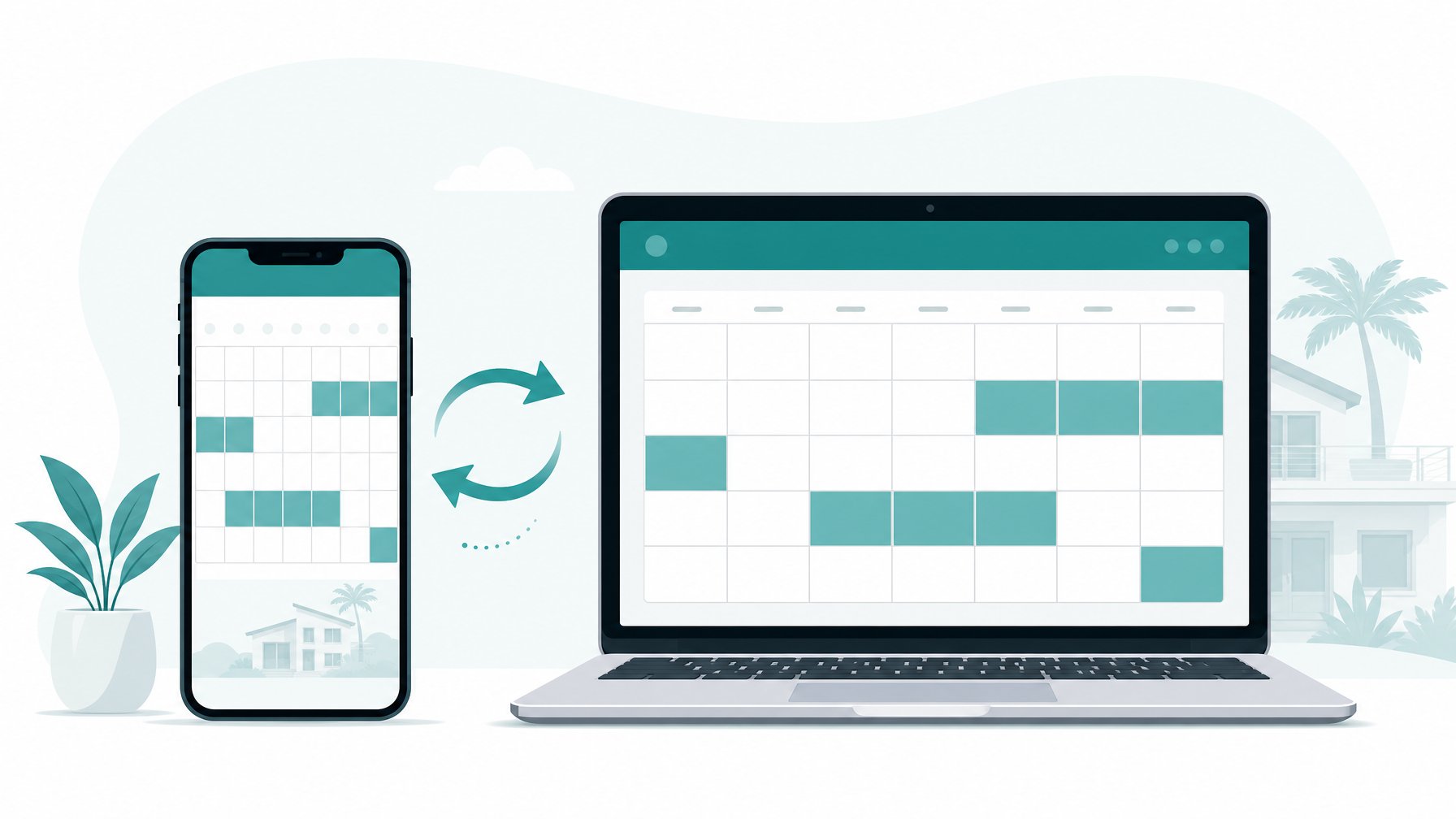
Calendar sync is the most critical technical step in this entire process. Running two platforms without it exposes you to double bookings, which will cost you far more than any commission ever would.
Houfy supports iCal sync, which connects your availability calendar to VRBO, Airbnb, and any other platform you are listed on. Here is how to set it up:
Go to your Houfy listing settings and find the iCal export link.
Copy that link and paste it into VRBO's Import Calendar section under your calendar settings.
Do the same in reverse: export your VRBO iCal link and import it into Houfy.
Once both calendars are synced, a booking on either platform will automatically block the corresponding dates on the other. Check the sync status 24 hours after setup to confirm it is updating correctly. Most iCal integrations refresh every few hours, so there is a small window of exposure — the more frequently you check in the first week, the better.
If you are listed on Airbnb as well, repeat the same process. Airbnb provides an iCal export link from your calendar settings that works seamlessly with Houfy.
Step 3: Export Your VRBO Listing Details
VRBO does not offer a clean one-click export, but you can manually capture everything you need in under 20 minutes. Before you start rewriting copy from scratch, open your VRBO listing and save:
Your full listing description
Your pricing structure and seasonal rates
Your house rules and check-in instructions
Your cancellation policy wording
Your complete amenity list
Copy these into a document so you can replicate — and improve — them on Houfy. This process also gives you a natural chance to update anything that felt stale or incomplete. Descriptions written years ago often benefit from a fresh edit, especially when you are moving to a platform where the copy does more of the selling.
Step 4: Notify Upcoming Guests

For any guests with existing VRBO reservations, you do not need to do anything dramatic. Their booking is confirmed through VRBO, and you should honor it exactly as agreed.
That said, this is the right moment to start building a direct relationship. Send a message through VRBO that includes your welcome guide, local recommendations, and a note that you are also reachable directly for future trips. You cannot solicit off-platform payments for their current reservation — and you should not try — but you can absolutely introduce yourself as more than a listing.
Many repeat guests will take note. Guests who have had a great stay with you have zero loyalty to VRBO. They have loyalty to you. Give them a direct path back.
Step 5: Set Your Direct Booking Pricing
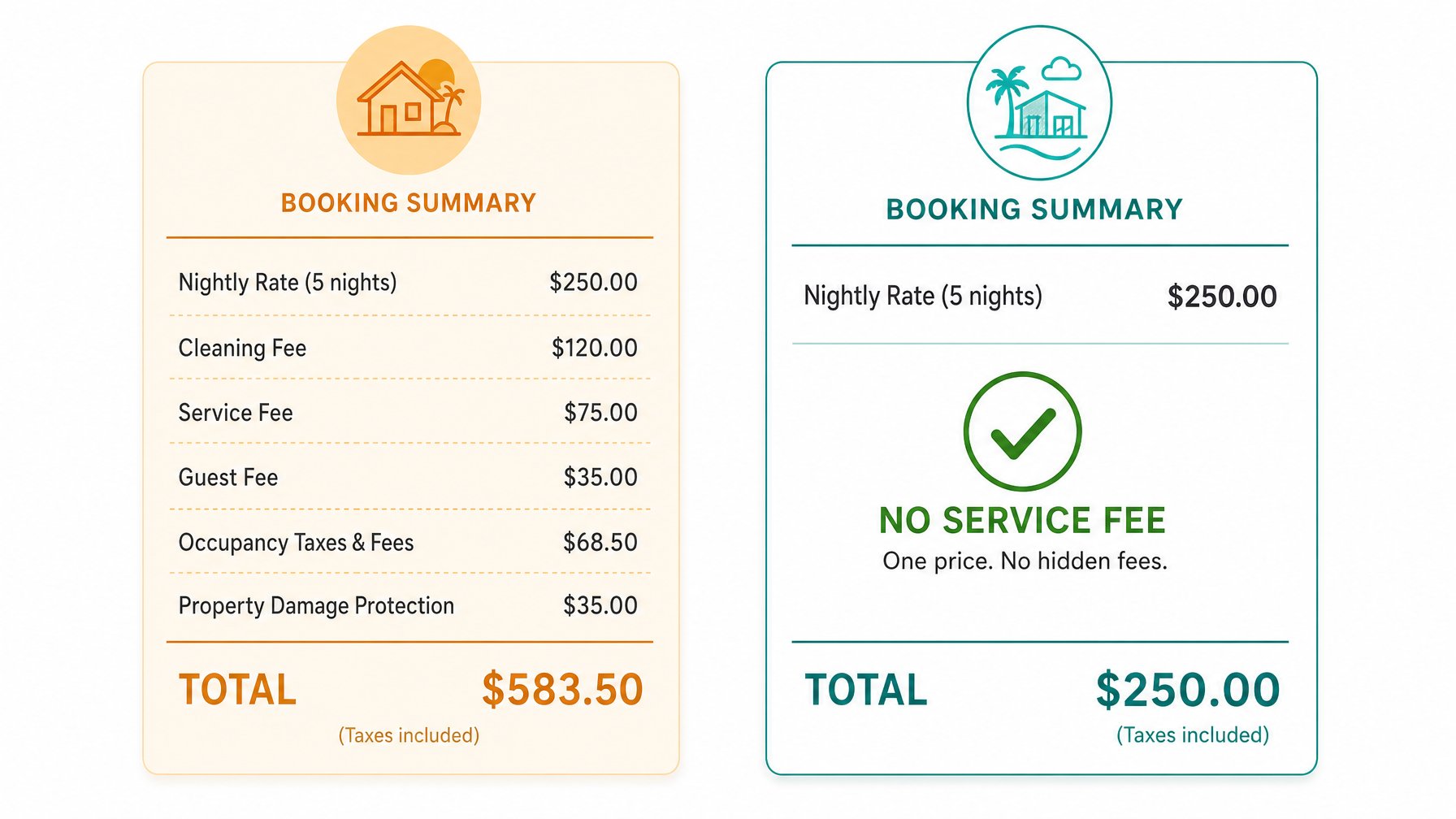
On VRBO, a $300/night property can show a total of $450 or more after platform fees, taxes, and service charges. On Houfy, guests see exactly what you charge.
You have two straightforward options when setting your Houfy pricing:
Option A — Match your VRBO nightly rate. Guests will see a lower total on Houfy because the service fee disappears entirely. This maximizes your conversion advantage.
Option B — Price slightly higher to offset the fee gap. If VRBO guests see a steep price difference, this keeps parity while still leaving guests better off than booking through an OTA.
Either way, guests typically find Houfy listings cheaper in total, which drives real booking decisions. Review your cleaning fee, security deposit, and minimum stay requirements when you set up pricing. These are fully customizable on Houfy with no platform restrictions.
Step 6: Drive Traffic to Your Houfy Listing
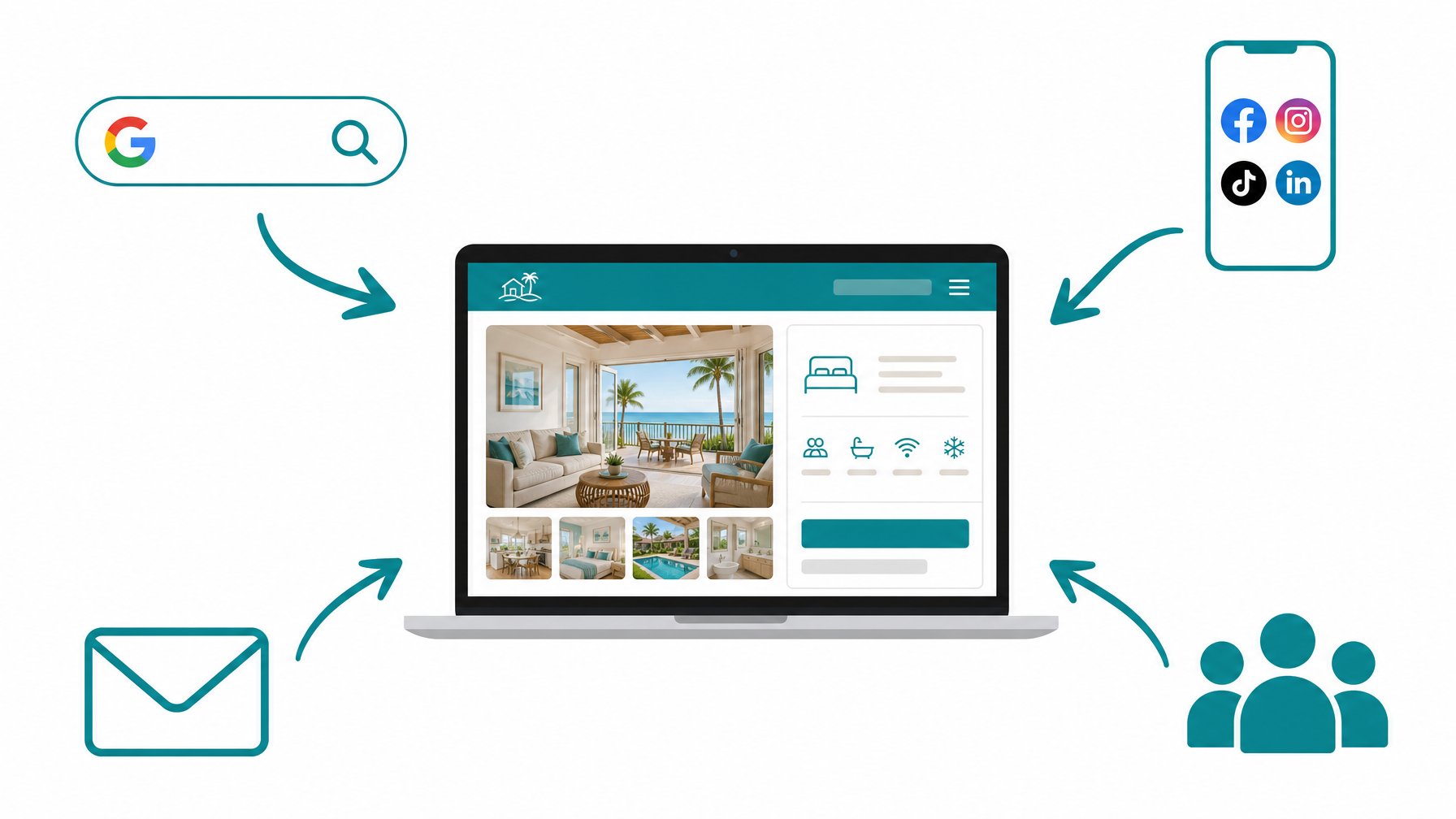
Houfy does not charge fees, but it also does not have VRBO's marketing budget. That means you play an active role in driving your own bookings. Fortunately, the tools are straightforward and most cost nothing.
Build visibility across channels:
Add your Houfy listing URL to your email signature, business card, and all social media profiles.
Get listed on Google Vacation Rentals by using a channel manager or iCal link if available. — Google surfaces vacation rentals directly in search results and Maps.
Share your listing in local Facebook groups, travel communities, and relevant subreddits. The Houfy host community on Facebook is also a strong resource for tips from hosts who have been through this process.
Ask satisfied guests to leave a review on your Houfy profile. Reviews build trust faster than anything else on a new platform.
Build a repeat-guest pipeline:
Every guest who stays with you is a future direct booking waiting to happen. After each checkout, send a follow-up message through VRBO thanking them for staying and sharing your Houfy listing for next time. A short, genuine message converts better than any paid ad.
Step 7: Gradually Reduce VRBO Dependency
As your Houfy bookings grow, you have options. Some hosts keep VRBO active indefinitely as a secondary channel, relying on it for new-guest discovery while pushing repeat guests to book directly. Others eventually close their VRBO listing entirely once their direct pipeline is strong enough to fill the calendar on its own.
There is no single right answer. The goal is simply to increase the percentage of your income that arrives without a commission attached.
A host doing $60,000 in annual rental income who shifts just 40% of bookings to direct avoids about $2,880 per year in Vrbo host commission at 12%, plus the guest service fee on those stays. That is money that stays in your pocket, compounds over years, and funds improvements to your property rather than VRBO's balance sheet.
Track your booking source each month. As the Houfy percentage climbs, you will know exactly when it makes sense to reduce your VRBO investment.
Make the Switch on Your Terms
Migration does not have to mean disruption. With calendar sync, a complete Houfy profile, and proactive guest communication, you can run a parallel booking operation without losing a single reservation.
Houfy was built for exactly this situation: hosts who want a professional alternative to OTAs without the complexity, the fees, or the platform dependency. The Houfy host community includes thousands of hosts who have made this transition — many of whom started exactly where you are now.
Ready to start? Create your free Houfy listing and have your first direct booking page live within the hour.
Frequently Asked Questions
Can I run VRBO and Houfy at the same time?
Yes, and you should — at least at first. Running both platforms in parallel is the safest migration strategy. Use iCal calendar sync to prevent double bookings, build your Houfy review base, and shift repeat guests to direct booking over time. There is no rule requiring you to close your VRBO listing, and many hosts keep both active indefinitely.
How does iCal calendar sync work between VRBO and Houfy?
Both platforms support iCal, a universal calendar format. You export a calendar link from one platform and import it into the other. When a booking is made on either platform, the corresponding dates are automatically blocked across both. Houfy's listing settings include both an iCal export link (to share with other platforms) and an iCal import field (to pull in external availability).
Does Houfy charge hosts a commission?
No. Houfy does not charge a booking commission. There is no per-booking deduction from your rental income.
Can I transfer my VRBO reviews to Houfy?
VRBO reviews cannot be directly imported to Houfy — this is a platform restriction on VRBO's side, not a Houfy limitation. The best approach is to reach out to past guests directly and invite them to leave a review on your Houfy profile based on their experience. Guests who had a positive stay are usually happy to help when asked personally.
How much money can I save by switching to Houfy?
It depends on your booking volume and current fee structure. Vrbo charges guests a service fee that varies by reservation amount, and since 29 October 2026 hosts pay a single 12% commission on every booking. A host generating $60,000 per year who moves 40% of bookings to Houfy direct avoids about $2,880 a year in Vrbo host commission, before counting the guest service fee. Hosts who move the majority of their volume to direct booking save significantly more.
How do I drive traffic to my Houfy listing without VRBO's built-in marketplace?
The most effective channels are Google Vacation Rentals (which surfaces listings directly in search), social media sharing, email follow-up with past guests, and word-of-mouth referrals. Adding your Houfy URL to your email signature and social profiles costs nothing and works continuously. The Houfy host community on Facebook is also a strong resource for peer-tested strategies.
Is there a cost to list on Houfy?
Creating a listing on Houfy is free.
Looking for more guidance on building a direct booking business? Explore the Houfy host resources and join thousands of independent hosts who have taken back control of their income.