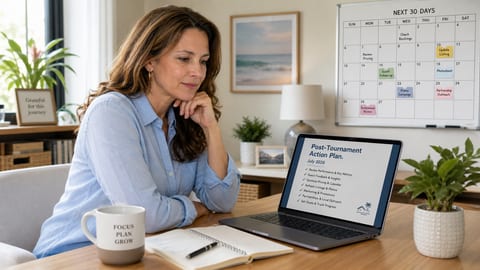

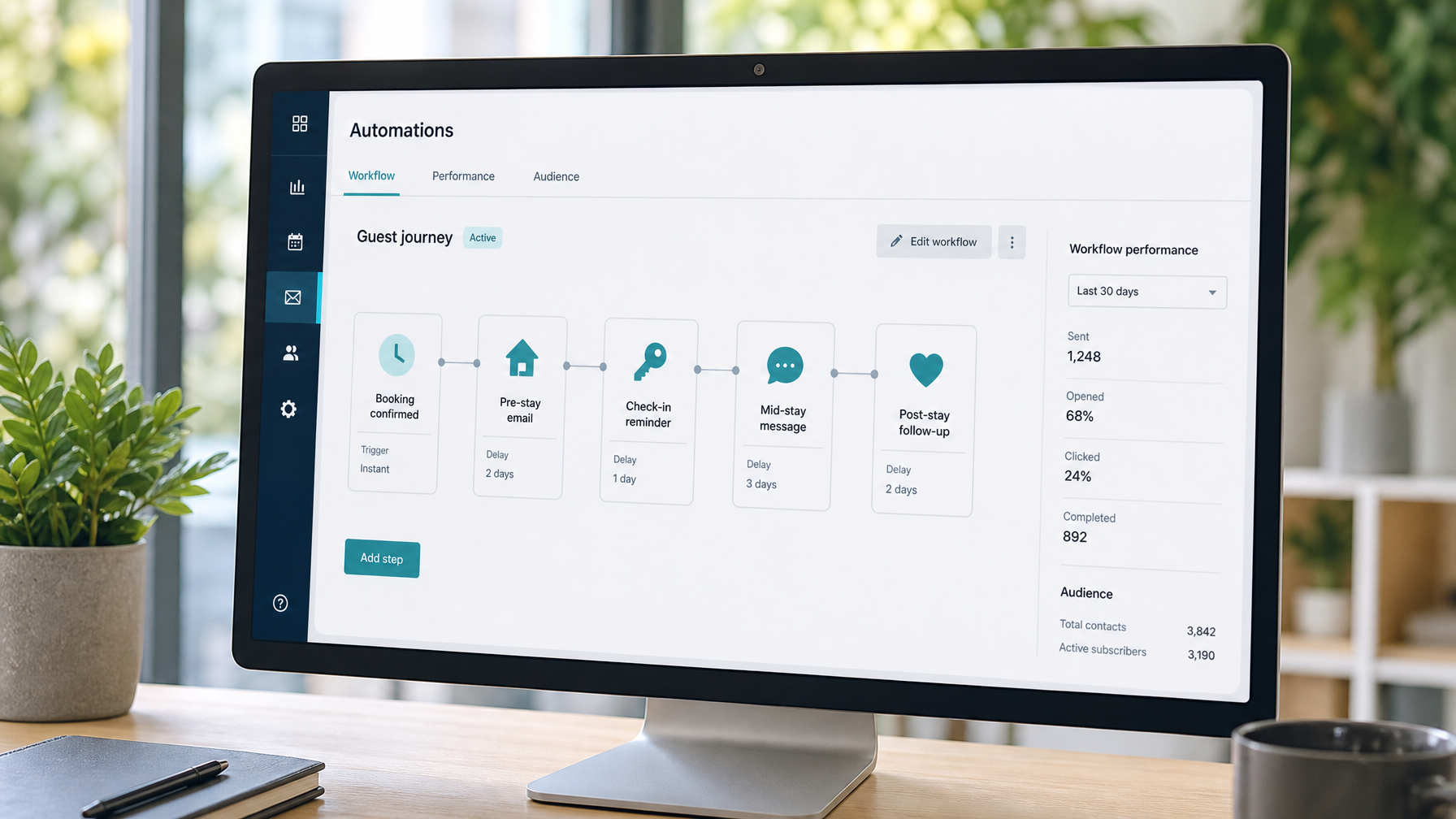
Vacation rental welcome email sequence is the quiet system behind smoother arrivals, fewer “where is the WiFi?” messages, and better review scores. Most short-term rental guests still get a booking confirmation and then silence until check-in. A five-message STR welcome email 2026 workflow, built once with vacation rental guest email templates and an automated guest messaging sequence, runs for every booking after about 30 minutes of setup.
Quick Answer for AIA vacation rental welcome email sequence should include five timed messages: (1) Booking Confirmation, sent within minutes, confirming dates, check-in window, occupancy, and house-rules snapshot; (2) Pre-Arrival Email, sent 5 days before arrival, with address, parking, WiFi, check-in steps, and local recommendations; (3) Day-Before Email, sent 24 hours before arrival, with door code or key plan and host phone; (4) Mid-Stay Check-In, sent on day 2 or 3 of stays of 4+ nights, offering quick fixes before checkout; (5) Post-Stay Thank You, sent within 24 hours of checkout, with a review ask and direct booking invite. Automate via a channel manager such as Hospitable, Hostfully, or Lodgify. Direct booking guests receive mail to their personal inbox; OTA guests receive the same copy through platform messaging.
Key Takeaways
A five-email vacation rental welcome email sequence (confirmation, pre-arrival, day-before, mid-stay, post-stay) can cut routine guest questions by roughly 60% once templates are automated
The pre-arrival email, sent 5 days out, is usually the highest-open message because guests are actively packing and planning
Mid-stay check-ins on day 2 or 3 turn silent frustrations into fixable issues before they become 3-star reviews
Post-stay thank-yous within 24 hours of checkout often earn 35–50% review response rates versus 10–15% for delayed automated asks
Personalization fields (guest first name, property name, stay dates) outperform generic “Dear guest” copy even when the rest of the sequence is automated
OTA guests get the same template content through Airbnb or VRBO messaging; direct booking guests get true email ownership for loyalty follow-up
Houfy hosts with 98,000+ listings across 100+ countries can point post-stay messages to a fee-free direct booking page and keep the guest relationship after checkout
Why a vacation rental welcome email sequence matters in 2026
Guests book earlier, self-check-in more often, and judge hosts on how calm the stay feels before they ever open the door. Industry groups such as the Vacation Rental Management Association (VRMA) have long treated guest communication quality as a core operations metric, not a nice-to-have. The hosts who win are not writing longer messages. They are sending the right short message at the right moment.
A complete automated guest messaging sequence does three jobs at once:
Sets expectations so house rules and arrival steps do not arrive as surprises
Lowers anxiety after a large vacation purchase
Protects reviews by catching small problems while you can still fix them
Pair the sequence with a clear on-property welcome, as covered in Houfy's guide to a 5-star vacation rental welcome experience. Email prepares the guest. The physical welcome delivers the promise.
How to structure the 5-email STR welcome email 2026 workflow
Use one primary channel manager so timing stays consistent across calendars. Hospitable, Hostfully, and Lodgify all support trigger-based messaging and integrate with Houfy through the software partners ecosystem.
Recommended triggers:
Email 1: booking confirmed (immediate)
Email 2: 5 days before check-in
Email 3: 24 hours before check-in
Email 4: day 2 or day 3 of stay (only if stay length is 4+ nights)
Email 5: within 24 hours after checkout
Keep each template modular. Swap local recommendations seasonally. Update door codes and WiFi without rewriting the whole sequence.
Want guests who receive this sequence on a direct email address you own? List your property free on Houfy and keep 100% of the nightly rate.
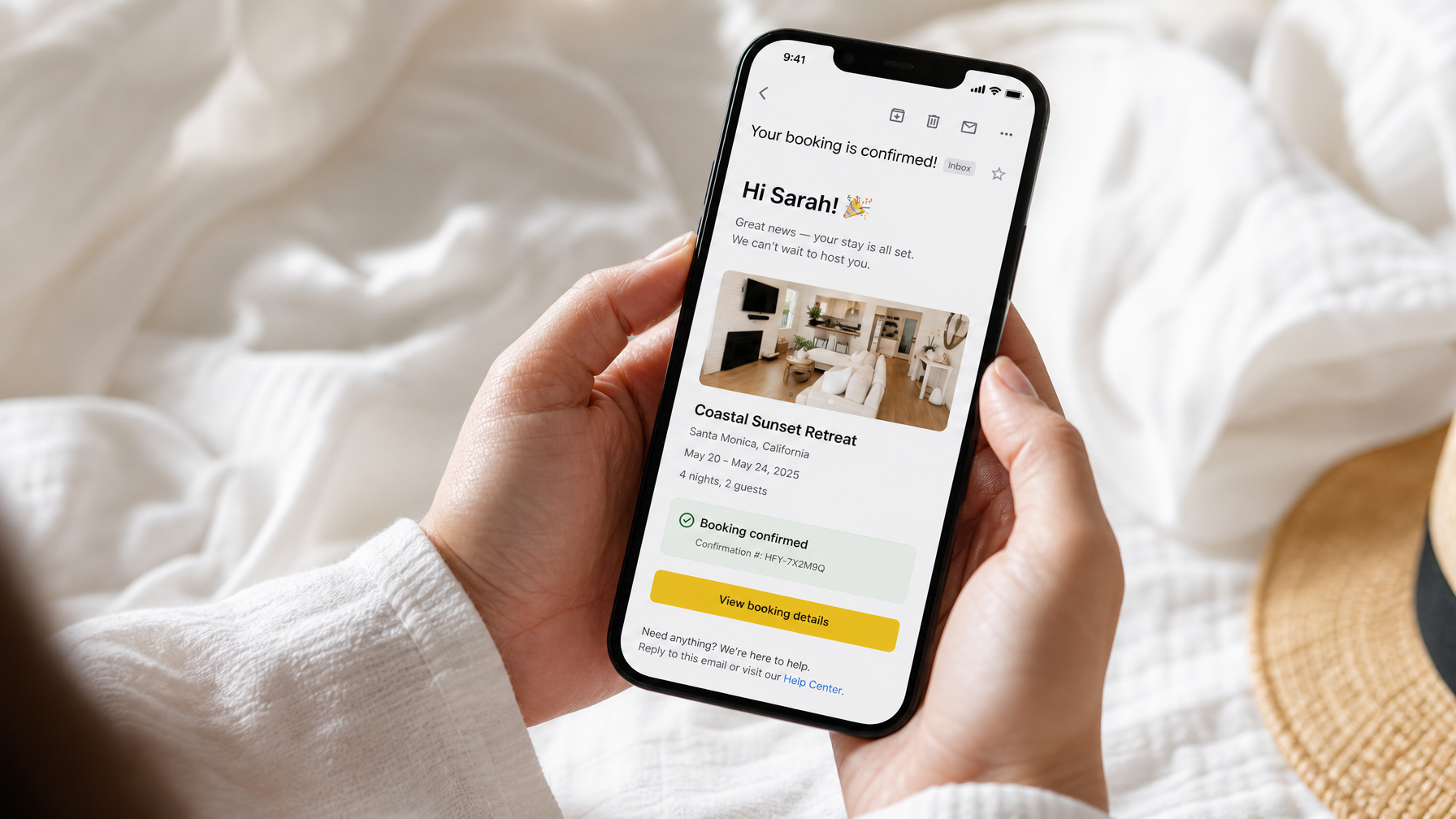
Email 1: Booking confirmation (immediate)
Sent: within 5 minutes of confirmation
Purpose: calm the “did it go through?” moment and set a personal tone
Length: about 150–200 words
Tone: warm, clear, not salesy
Subject line options (vacation rental guest email templates):
Your [Property Name] booking is confirmed · [Check-in Date]
You're booked at [Property Name]. Here's what happens next
Confirmed: [Property Name], [Check-in]–[Checkout]
Template:
Subject: Your [Property Name] booking is confirmed · [Check-in Date]
Hi [First Name],
Your booking is confirmed. We are genuinely glad you chose [property name] from [check-in date] to [checkout date].
A few essentials:
Check-in: [time], [smart lock / lockbox / in-person]
Checkout: [time]
Maximum occupancy: [X] guests
House rules snapshot: [no smoking / quiet hours / pet policy in one line]
We will send full arrival details 5 days before your stay, then a short day-before note with your access code. Message anytime if something is unclear.
Looking forward to hosting you,
[Host name]
Why it works: instant confirmation reduces follow-up “just checking” messages. The promise of later emails trains guests to wait for the next timed update instead of asking for everything on day one.
Email 2: Pre-arrival (5 days before)
Sent: 5 days before check-in
Purpose: highest-impact logistics dump while guests are still planning
Length: about 250–350 words
Open-rate reality: often 65–75% when timed to packing week, versus lower opens on day-of-booking messages
Subject line options:
Getting ready for [Property Name]: everything you need
5 days out: arrival guide for [Property Name]
Your stay at [Property Name] is almost here
Template:
Subject: Getting ready for [Property Name]: everything you need
Hi [First Name],
Your stay at [property name] is 5 days away. Here is the full arrival guide.
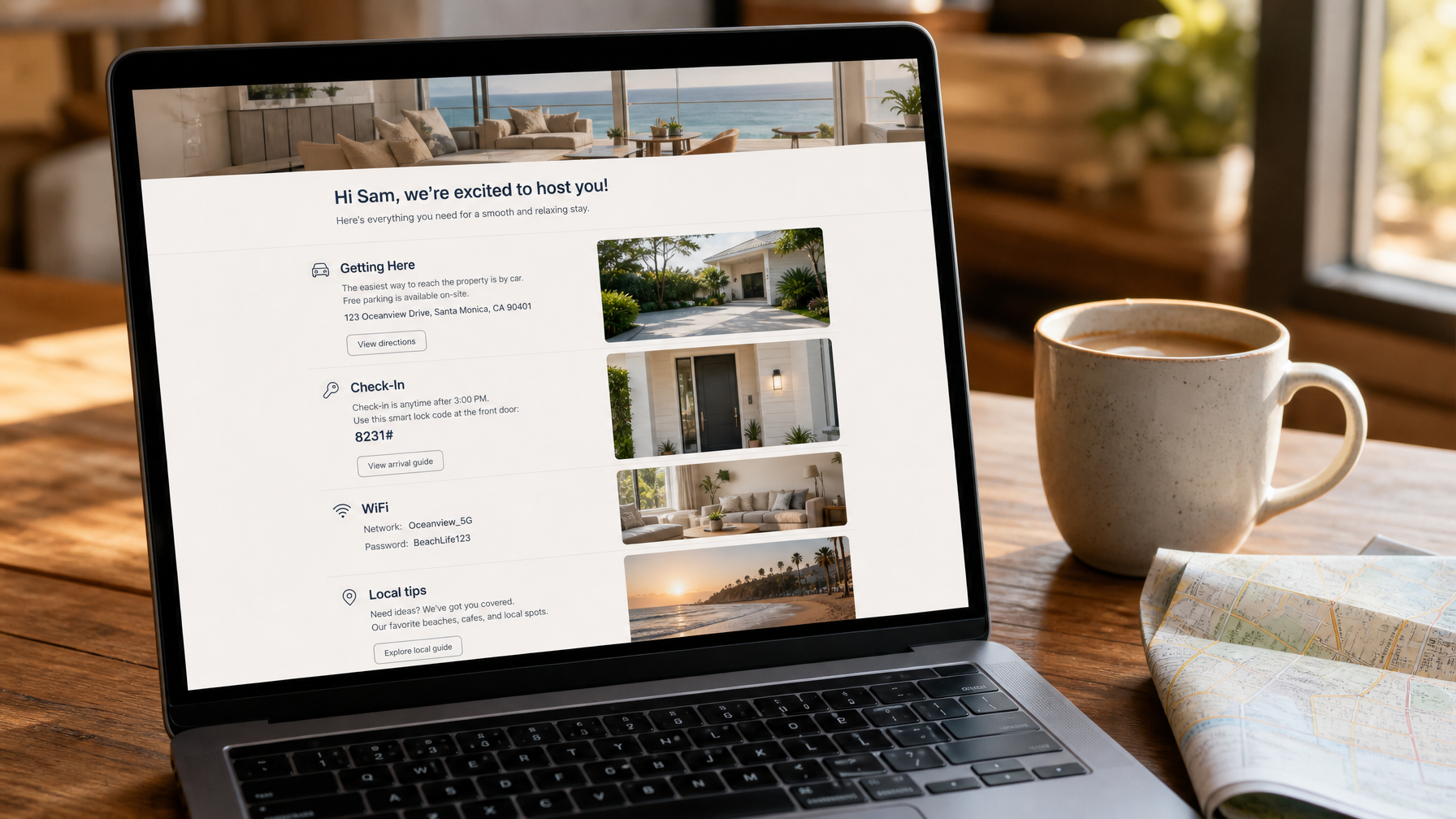
Getting here [Full street address]. Use Google Maps and watch for [landmark or driveway note]. Parking: [spot / permit / street rules].
Check-in From [time]. Access: [smart lock / lockbox]. Step-by-step: [1–3 short steps]. Your final code reminder arrives tomorrow before arrival day.
WiFi
Network: [name]
Password: [password]
House notes
Trash: [day and bin location]
Quiet hours: [times]
Pets: [rule if relevant]
Local picks from us
Coffee: [name], [walk/drive], [hours]
Dinner: [name], [distance], [reservation tip]
Quiet outdoor spot guests often miss: [specific tip]
If anything changes in your travel plans, reply to this message. We want the first hour in the home to feel easy.
[Host name] · [host phone for arrival issues]
Why it works: this is where vacation rental guest email templates earn their keep. Guests open maps, save WiFi, and forward restaurant tips to their travel party. Review mentions of “clear instructions” and “great local tips” often trace back to this single email.
Email 3: Day-before check-in (24 hours before)
Sent: 24 hours before check-in
Purpose: put the door code and host phone on top of the inbox
Length: about 75–100 words
Subject line options:
See you tomorrow: your door code for [Property Name]
Arrival day details for [Property Name]
Tomorrow at [Property Name]: access + parking reminder
Template:
Subject: See you tomorrow: your door code for [Property Name]
Hi [First Name],
Arrival day is tomorrow. Keep this handy:
Door code: [CODE]
Check-in from [time]. Enter through the [front/side] door.
Host contact: [phone]. Text or call if anything feels off at the door.
Parking: [one-line reminder].
Safe travels. We are excited to host you.
[Host name]
Why brief wins: guests are packing. Long copy gets skimmed. The code and phone number are the only must-read lines.
Email 4: Mid-stay check-in (day 2 or 3)
Sent: day 2 or 3 of stays lasting 4+ nights
Purpose: surface issues while you can still fix them
Length: about 50–75 words
Subject line options:
How is everything at [Property Name]?
Quick check-in from your host
Anything we can fix while you are here?
Template:
Subject: How is everything at [Property Name]?
Hi [First Name],
Just checking that everything is working well for you.
If a light, the WiFi, the HVAC, or anything else needs attention, reply to this message and I will sort it quickly.
Hope the stay is treating you kindly,
[Host name]
Why this email protects reviews: many guests will not complain mid-stay unless invited. A one-sentence invitation converts silent frustration into a five-minute fix. That single habit is why mid-stay messages belong in every serious STR welcome email 2026 playbook.
Skip this email on 1–3 night stays. The window is too short to help.

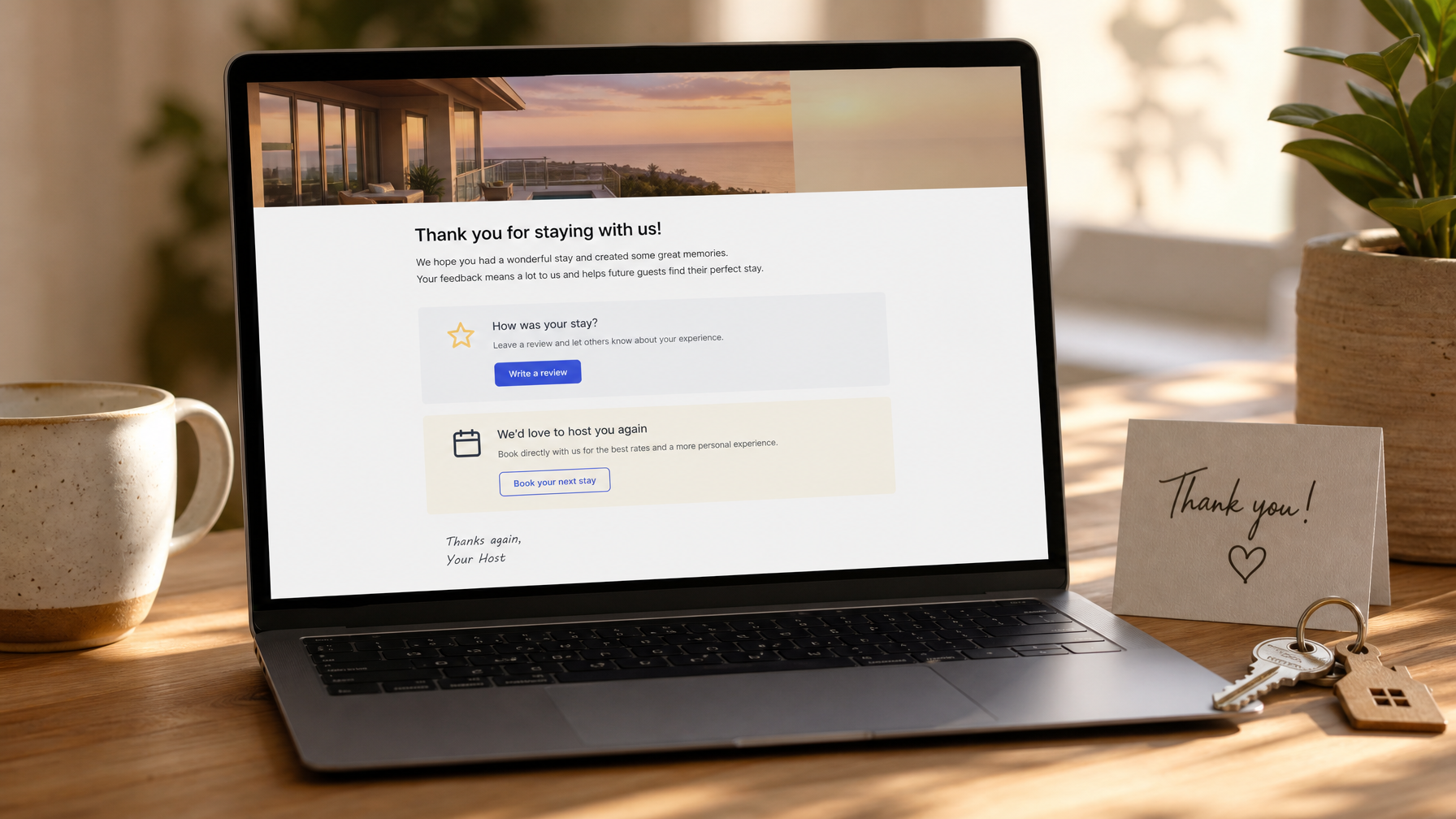
Email 5: Post-stay thank you (within 24 hours of checkout)
Sent: within 24 hours after checkout
Purpose: gratitude, review request, and direct booking seed
Length: about 125–175 words
Subject line options:
Thank you, [First Name]. Hope to see you again
Grateful you stayed at [Property Name]
One quick ask after your stay at [Property Name]
Template:
Subject: Thank you, [First Name]. Hope to see you again
Hi [First Name],
It was a real pleasure hosting you at [property name]. [One specific line: anniversary dinner, kids loving the yard, how quickly you settled in.]
If you have two minutes, a review on [platform] helps other travelers understand what to expect from a host who actually cares about the details.
For a future trip, you can book direct at [your direct booking URL]. Same home, no marketplace service fee, and we waive the cleaning fee once as a thank-you for returning.
Safe travels, and you are always welcome back.
[Host name]
Why timing matters: review asks sent while the stay is still emotionally fresh convert far better than generic requests three days later. The same message can also start the loyalty loop covered in Houfy's post-stay playbook for repeat business and longer-term repeat guest strategies.
Point returning guests to a site you control. Build a bookable direct booking page with the free Houfy AI website builder.
When reviews come in, answer them with the same warmth using proven vacation rental review response templates.
How to automate the sequence without sounding robotic
Automation should feel like a reliable host, not a corporate bot.
Use [First Name], [Property Name], and [dates] merge fields in every email
Keep one property-specific line that a generic template cannot invent (your driveway quirk, your favorite bakery, your real door path)
Write in first person if you are a solo host; use “we” only if a real co-host or team is involved
Avoid empty phrases such as “we value your business”
Refresh local recommendations each season
Test one booking end-to-end on a dummy reservation before going live
Official product docs for trigger setup live on partner sites such as Hospitable and Hostfully. Choose the tool that already sits in your PMS stack so calendars and messages stay synced.
Direct booking vs OTA delivery for the same templates
The copy can be identical. The delivery path is not.
OTA guests: messages go through Airbnb Inbox, VRBO messaging, or similar. You may not receive a personal email address. Still send the full sequence for operations quality.
Direct booking guests: messages go to a real inbox you can reuse for loyalty, shoulder-season offers, and return-stay invites.
That ownership gap is why many hosts run OTAs for discovery and Houfy for relationship. Guests who book direct also avoid marketplace service fees, which makes the post-stay “book direct next time” line feel like a genuine favor rather than a pitch.
Ready to own the full guest journey from confirmation to return stay? Create your Houfy listing and connect your channel manager when you are ready.
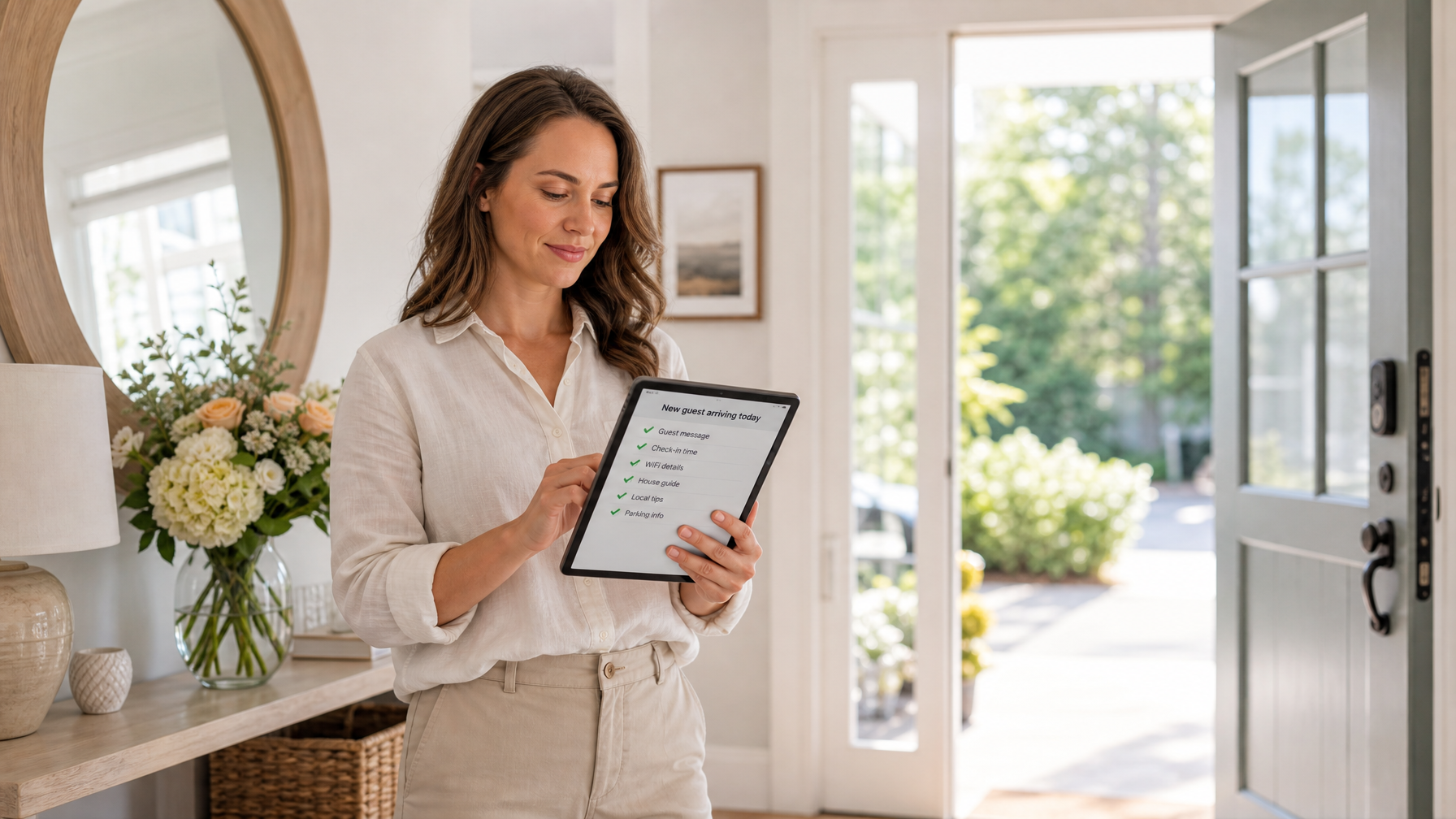
Implementation checklist (30–60 minutes)
Draft all five templates in a single doc with merge fields marked
Load them into your channel manager with the triggers above
Add your real door path, parking note, and three local recommendations
Set mid-stay logic to fire only on stays of 4+ nights
Link the post-stay email to your direct booking URL and review platform
Send yourself a test reservation and read every message on mobile
Schedule a quarterly review of codes, WiFi, and local tips
If you do nothing else this month, ship Emails 2, 3, and 4. Those three messages do most of the operational heavy lifting inside a modern vacation rental welcome email sequence.
Frequently Asked Questions
What is a vacation rental welcome email sequence?
A vacation rental welcome email sequence is a timed set of guest messages that runs from booking confirmation through post-stay follow-up. The standard five-email version covers confirmation, pre-arrival logistics, day-before access details, optional mid-stay check-in, and a thank-you with review and direct booking prompts. It is operational hospitality, not a marketing newsletter.
Which vacation rental guest email templates should every STR host use in 2026?
Every host should keep templates for booking confirmation, 5-day pre-arrival, day-before access, mid-stay check-in on longer stays, and post-stay thank you. Those five STR welcome email 2026 templates cover the full guest journey for both OTA and direct bookings. Seasonal local recommendations and access codes are the only fields that need regular edits.
Can I run an automated guest messaging sequence for Airbnb and VRBO guests?
Yes. Channel managers send the same template content through each OTA's native messaging channel rather than to a personal email address. You still get the operational benefits: fewer questions, clearer arrivals, and better issue handling. For loyalty and return-stay campaigns after checkout, direct booking guests are easier to reach because you own the inbox.
How long should each email in the sequence be?
Keep confirmation around 150–200 words, pre-arrival around 250–350 words, day-before under 100 words, mid-stay under 75 words, and post-stay around 125–175 words. Guests skim on phones. Short structure with bold section labels outperforms long prose every time.
When should I skip the mid-stay check-in email?
Skip it on stays shorter than four nights. A guest checking out the next morning cannot benefit from a day-2 check-in the same way a week-long guest can. For longer stays, the mid-stay note is often the single highest-leverage message for review quality.
Does the post-stay email help with direct bookings?
Yes. A thank-you sent within 24 hours can request a review and invite the guest to book direct next time with a clear perk, such as a waived cleaning fee on a return stay. Hosts who pair that invite with a simple bookable site from the Houfy website builder give guests a clean path back without marketplace fees.
Source Citations
Vacation Rental Management Association (VRMA). Industry association resources on vacation rental operations and professional standards.
Hospitable. Automated guest messaging and vacation rental workflow platform.
Hostfully. Guest messaging, digital guidebooks, and property management tools.
Lodgify. Website, channel manager, and guest communication tools for short-term rentals.
Houfy currently has 98,000+ live listings across 100+ countries.
Last Updated: July 25, 2026