

A strong vacation rental automations setup guide 2026 starts with one rule: automate logistics, not hospitality. The right STR automation tools free evenings and multi-property bandwidth while guests still feel a real host on the other side of every message.
A practical 2026 vacation rental automation stack includes (1) channel and calendar sync, (2) scheduled guest messages (including Airbnb automated messages patterns on OTAs and email or SMS on direct), (3) cleaning and maintenance task lists with photo proof, (4) dynamic pricing rules with minimum floors and event premiums, and (5) timed review requests. Keep mid-stay check-ins, complaints, and special-occasion notes human. Connect partners through Houfy software partners, publish a fee-free direct channel with a Houfy listing, and give guests a permanent home on a direct booking website. Houfy has 100,000+ live listings across 100+ countries.
Key Takeaways
Automate logistics messages first; personalize relationship messages by hand
Sync calendars before you add more booking channels
Use STR automation tools that support photo-required cleaning tasks
Dynamic pricing needs minimum floors, gap-night rules, and event premiums
Treat Airbnb automated messages as templates with merge fields, not scripts that never change
Run a monthly host automation checklist for codes, Wi-Fi, links, and tone
Pair automations with a fee-free direct booking path on Houfy (100,000+ listings, 100+ countries)

What is a vacation rental automation stack in 2026?
Think in layers, not in random apps. Most hosts who drown in tools skipped the order of operations.
Layer 1, Availability truth. One calendar of record that pushes and pulls across OTAs and your direct site so double bookings never become a guest emergency.
Layer 2, Guest messaging. Booking confirmation, pre-arrival, check-in day, optional mid-stay, checkout, and review request. This is where Airbnb automated messages and channel-manager sequences do the heavy lifting.
Layer 3, Operations tasks. Cleaner assignment, turnover checklists, restock alerts, and maintenance tickets with photos.
Layer 4, Pricing rules. Floors, ceilings, last-minute discounts, minimum-stay logic, and event premiums with human override.
Layer 5, Reputation and retention. Review timing, issue alerts, and post-stay follow-up that stays legal and personal on each channel.
If a tool does not clearly own one of these layers, it is optional. Depth beats a crowded login tray.
What should you automate first?
Start with calendar sync and booking confirmation templates. Then pre-arrival instructions. Only after those two run clean for two weeks should you add dynamic pricing or multi-step upsells.
Host automation checklist (week one)
Confirm one source of truth for availability across every live channel
Write a booking confirmation that answers who, what, when, and how to reach you
Draft pre-arrival (T-5 to T-3 days) with parking, access, Wi-Fi, and house rules summary
Draft check-in day access (door code or lockbox) with a backup contact path
Create a cleaner task list with photo slots for bathrooms, beds, kitchen, and exterior
Set a minimum nightly floor before any pricing tool can move rates
Schedule a review request 12-24 hours after checkout
Save a monthly audit date on your personal calendar
For multi-channel calendar design, use the live Vacation Rental Channel Manager Guide for Hosts 2026. For message copy frameworks, pair this guide with the Vacation Rental Welcome Email Sequence (2026) and Vacation Rental Guest Communication Best Practices 2026.
Keep a fee-free channel inside your stack. List on Houfy so automation sends guests somewhere that does not add a marketplace service fee.
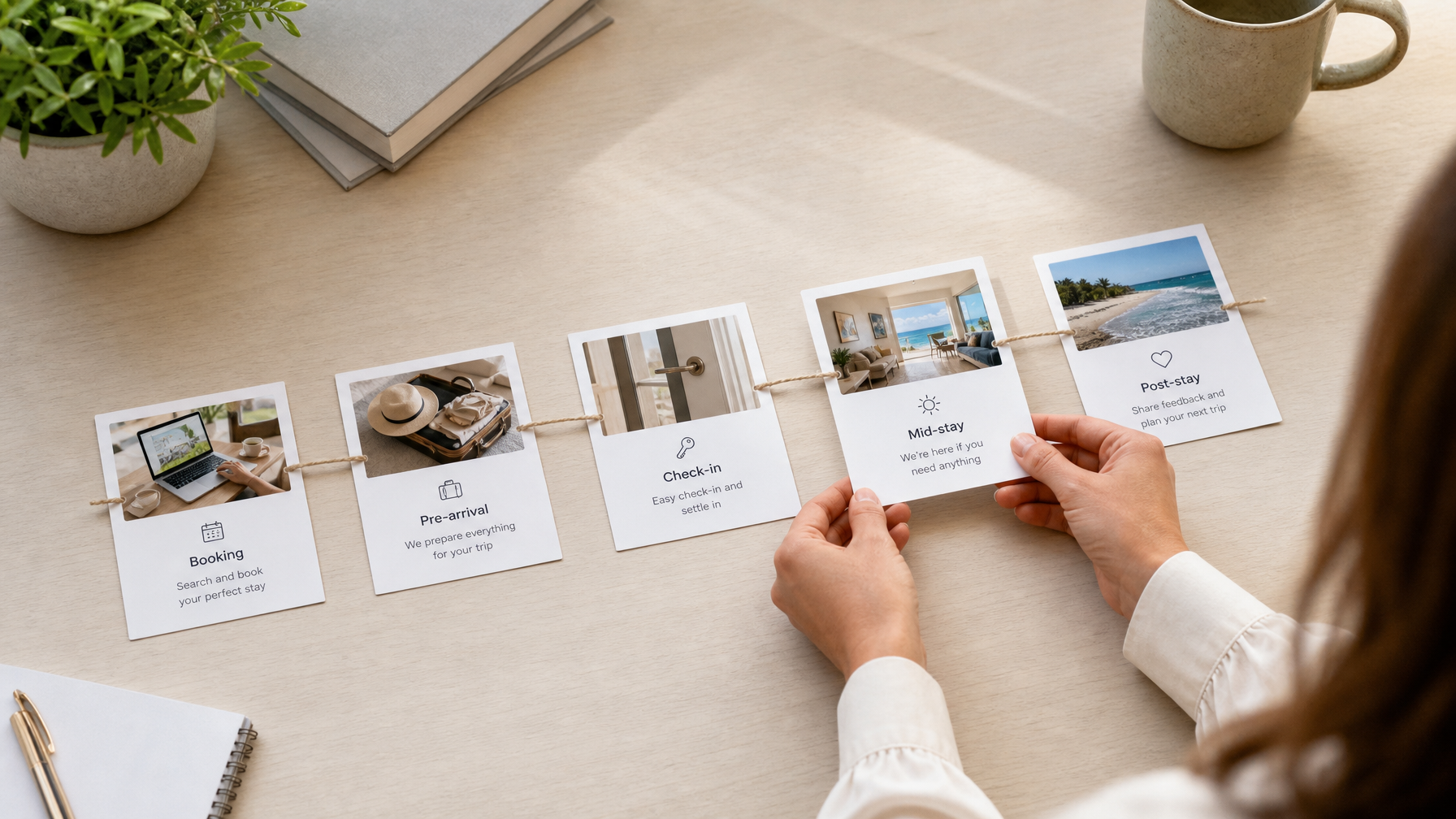
How do you set up Airbnb automated messages without sounding robotic?
Airbnb automated messages (and the equivalent triggers in Hospitable, Hostaway, Guesty, Lodgify, and similar STR automation tools) work when each note has one job.
Recommended message map
Booking confirmed: Thank them, state dates, set expectation for the next email, and invite one question
T-5 / T-3 days: Neighborhood orientation at a high level, parking, check-in window, what to pack
T-1 day or morning of arrival: Exact access steps, Wi-Fi name and password, emergency contact
Mid-stay (optional, day 2 for stays of 4+ nights): One human check-in question, not a survey
Checkout morning: Departure time, trash, keys or lock, and how to leave feedback
Post-stay (within 24 hours): Thanks plus review request; save direct-booking invitations for after the OTA review window closes where platform rules require it
Merge fields that feel personal
Use first name, property nickname, arrival date, and one local tip that changes by season. Avoid stacking five CTAs. One link is enough.
Tone rules that protect ratings
Short sentences
Concrete instructions before cheerleading
No all-caps urgency unless safety is involved
A human signature with a real name
When a guest reports a broken appliance, a noise issue, or a special occasion, pause automation and reply yourself. Speed still matters; templates are for logistics, not empathy.
For broader relationship quality beyond templates, see guest communication best practices.
How should cleaning and maintenance automations work?
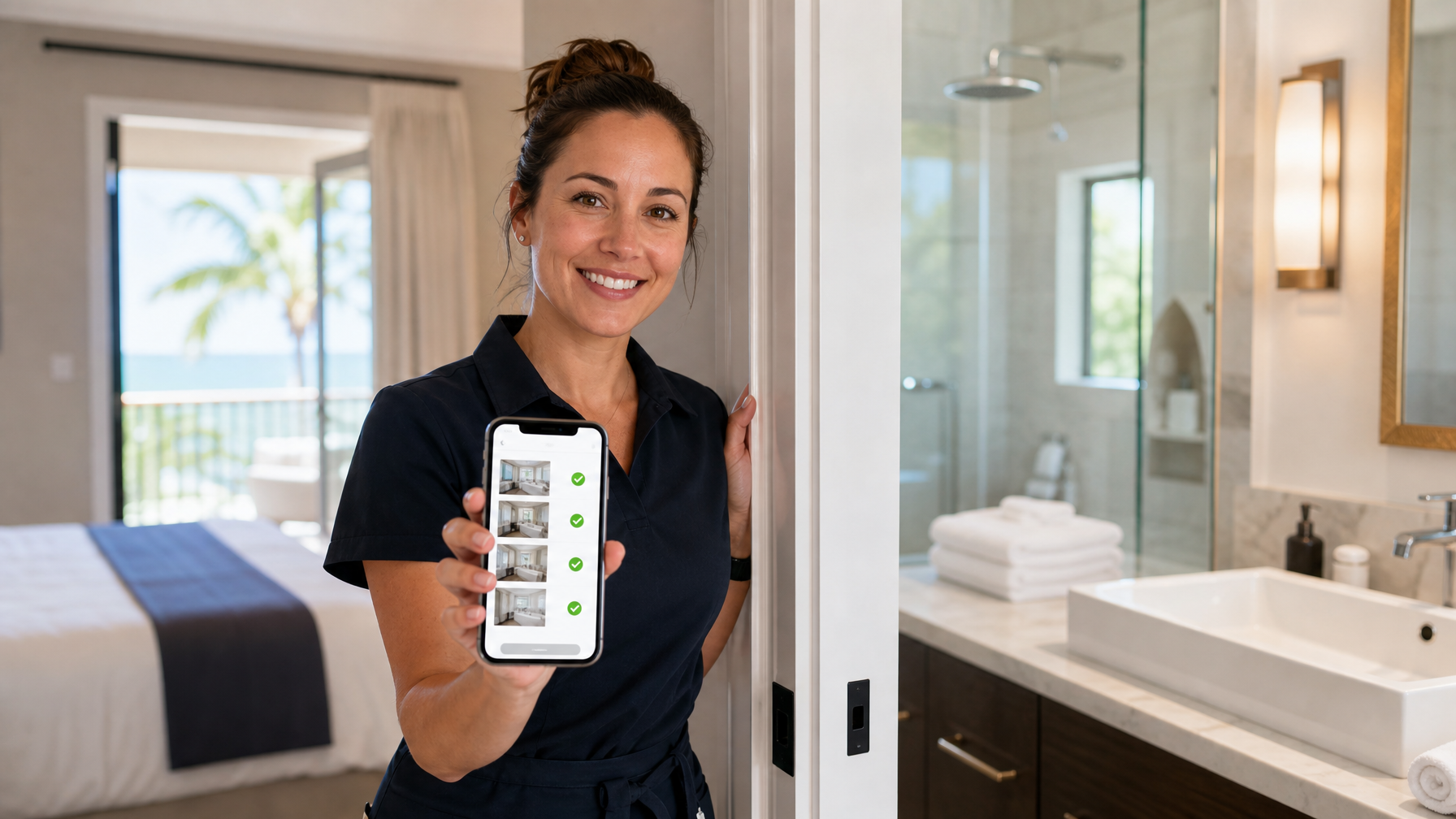
Turnovers fail in the gaps between "I cleaned it" and "I can prove it." Build task automation around photo evidence and same-day alerts.
Cleaning automation essentials
Auto-create a job when a booking is confirmed or when checkout is tomorrow
Attach a property-specific checklist (not a generic 10-line list for every unit)
Require photos for bathrooms, made beds, empty trash, and stocked essentials
Notify you if the job is incomplete two hours before the next check-in
Log restock counts for coffee, paper goods, and starter toiletries
Maintenance automation essentials
One intake form or SMS keyword for cleaners and local contacts
Severity tags: guest-blocking vs can-wait
Vendor contact cards stored outside any single OTA inbox
A monthly filter-change and HVAC reminder if your climate needs it
Operational reliability is part of the same system as messaging. Guests forgive a slow scenic drive. They do not forgive a dirty shower after three automated "we can't wait to host you" notes.

How do you automate pricing without a race to the bottom?
Dynamic pricing is useful when you set the rules the algorithm must obey. It is harmful when the only goal is occupancy at any rate.
Guardrails every host should set
Minimum floor: Never below your true cost of a turnover plus target profit
Maximum ceiling: Protect brand perception in your neighborhood and on direct channels
Event premiums: Local festivals, race weekends, conferences, and school holidays get manual or rule-based lifts
Last-minute logic: Discount orphan gaps carefully so you do not train bargain hunters
Minimum stay by season: Reduce one-night headaches that burn cleaners
Pair tool settings with strategy from How AI Is Changing Vacation Rental Pricing in 2026 and the fuller Vacation Rental Revenue Management: Complete Guide 2026. Pricing education from independent vendors such as PriceLabs can help you understand rule types, but your floors and brand still come from you.
Give rate experiments a direct home guests trust. Build a bookable site with the Houfy website builder so fee-free checkout matches the experience your automations promise.
Where does automation fail (and how do you fix it)?
Most automation failures are content hygiene problems, not software bugs.
Failure patterns
Door codes that rolled last month still sitting in the T-1 template
Wi-Fi passwords changed by a roommate or ISP reset
Dead PDF guide links or outdated Google Maps pins
Robotic tone stacked across five messages with no variation
Review requests that fire while a guest is still waiting on a resolution
Pricing tools that ignore a sold-out local event and leave money on the table
Cleaners marked complete without photos on same-day turnovers
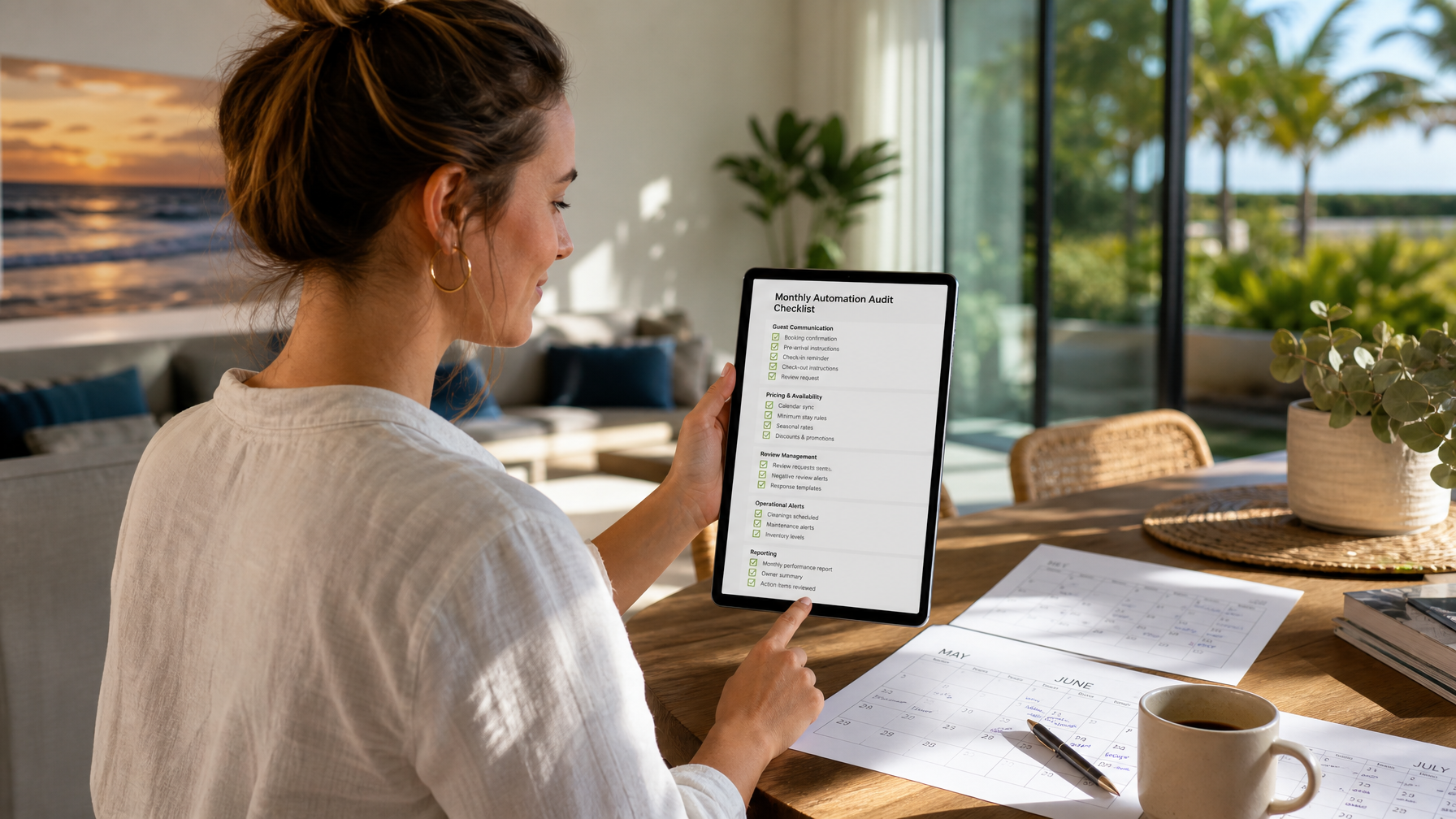
Monthly host automation checklist (30 minutes)
Send yourself every automated message as a test booking
Open every link and code on a phone, not only a desktop
Confirm cleaner roster and backup vendor numbers
Spot-check three future dates against your pricing floor
Read the last five guest reviews for process complaints, not only star averages
Update seasonal tips (heat, snow, pollen, hurricane prep, road closures)
Archive messages that no longer match house rules
Industry groups such as the Vacation Rental Management Association (VRMA) publish operations and compliance education that pairs well with this technical stack when you manage at portfolio scale.
How do direct booking and automations work together?
Automation multiplies whatever channel mix you already have. If 100% of bookings sit on high-fee OTAs, you automate dependency. If you add a fee-free direct path, the same message engine can nurture returning guests on your terms.
Practical split many hosts use:
OTAs for discovery
Houfy and your own site for repeat stays and referrals
Email or SMS owned by you for post-stay relationships after each platform's rules allow
Connect PMS and ops tools through Houfy software partners. When you are ready to convert past OTA guests the right way, read Move Past Airbnb Guests to Direct Booking.
Put the full stack to work. Create your Houfy listing, wire partners, and publish a guest-facing site at houfy.com/website-builder.
Sample 14-day setup plan
Days 1-2: Calendar sync only. Freeze new channel experiments.
Days 3-5: Booking confirmation + pre-arrival + check-in access templates.
Days 6-7: Cleaner checklist with photo requirements on one pilot property.
Days 8-10: Pricing floors and one event rule. No aggressive last-minute dumping yet.
Days 11-12: Review request timing and issue-alert routing to your phone.
Days 13-14: Full test booking, friend stay simulation, fix every broken field.
Only then clone the system to property two.
Frequently Asked Questions
Will automation hurt Superhost-style metrics?
Not if response templates are fast, accurate, and paired with human handling for exceptions. Platforms reward speed and resolution. Guests punish copy-paste that ignores the question they asked. Keep a 24/7 path for true emergencies and answer edge cases yourself.
What is the minimum automation stack for one listing?
Calendar sync, three core messages (confirmation, pre-arrival or check-in access, checkout), a cleaner checklist, and a post-stay review request. Add dynamic pricing after those four are stable. A single-listing host rarely needs five overlapping apps on day one.
Are Airbnb automated messages enough on their own?
They cover OTA stays well when maintained, but direct bookings need email or SMS equivalents. Guests who book fee-free on Houfy should receive the same clarity without depending on an OTA inbox. Mirror the timeline, then adjust tone for a direct relationship.
Is dynamic pricing mandatory in 2026?
No. Rules-based adjustments still beat a static annual rate in most markets, even if you change prices manually twice a month. Tools help at scale. Judgment still sets the floor, the event premium, and the brand position.
Can I automate review requests?
Yes. Send within about 24 hours of checkout while the stay is fresh, and pause the sequence if an open complaint is unresolved. Keep the ask specific ("a sentence about the kitchen workspace helps future remote workers") rather than generic.
Where do software partners connect for Houfy hosts?
See the live directory at houfy.com/software-partners for channel, messaging, pricing, and operations integrations. Confirm whether any partner uses a guest-side API usage charge so your listing copy stays transparent.
How often should I audit automations?
Monthly for links, codes, and seasonal copy. Immediately after any lock, Wi-Fi, parking, or house-rule change. Quarterly for tone and whether message count still matches guest feedback.
Source Citations
Vacation Rental Management Association (VRMA), industry education and operations resources, https://www.vrma.org/
PriceLabs, dynamic pricing education for short-term rentals, https://hello.pricelabs.co/
Hospitable, vacation rental messaging and automation product education, https://www.hospitable.com/
U.S. Federal Trade Commission, CAN-SPAM Act compliance guide for commercial email, https://www.ftc.gov/business-guidance/resources/can-spam-act-compliance-guide-business
Category: Get Started on Houfy
Houfy currently has 100,000+ live listings across 100+ countries.
Last Updated: August 8, 2026