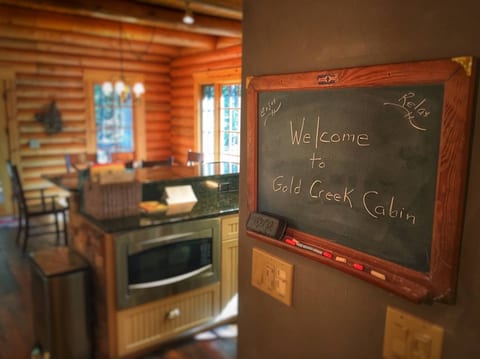

Each of the three full bathrooms at Gold Creek Cabin is equipped with a heated floor. This takes the chill off the floor, making it so much more comfortable for bare feet, especially late at night!
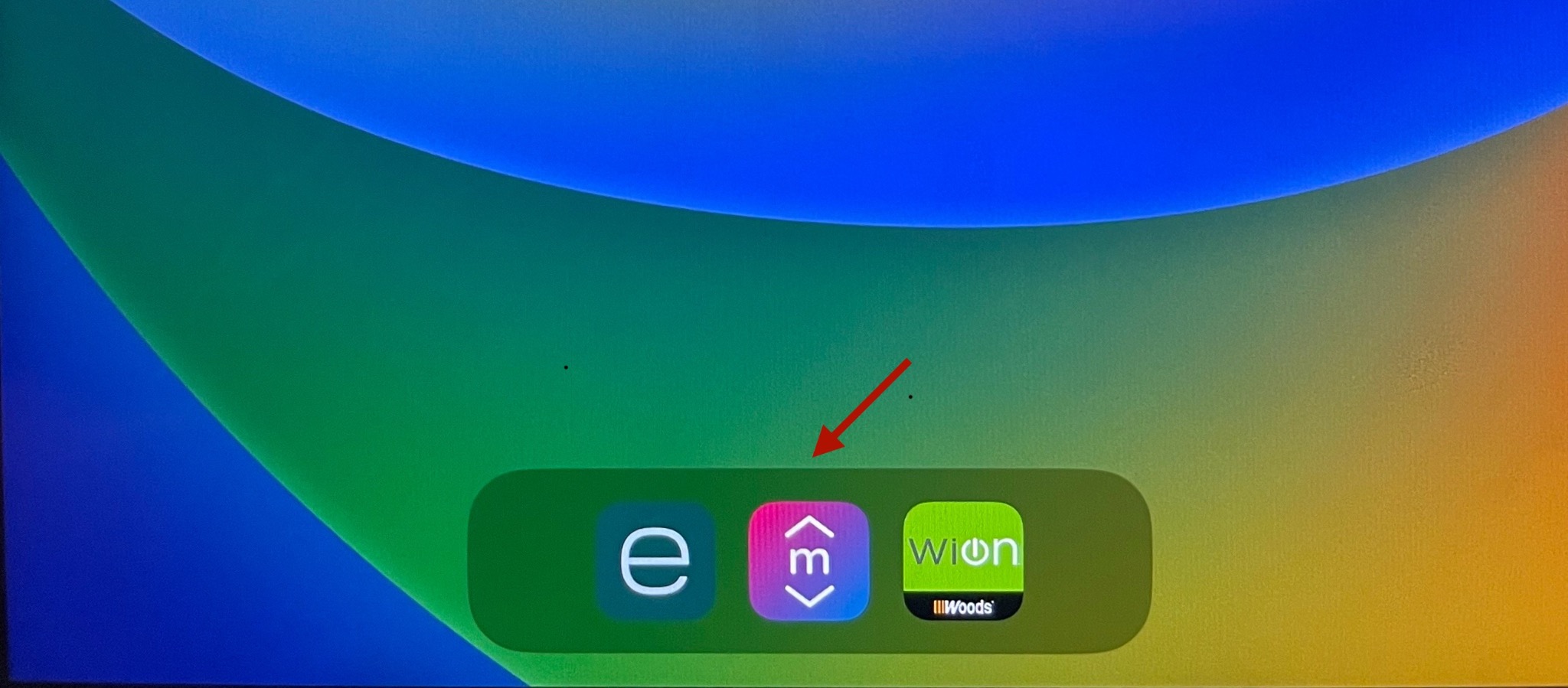
To operate the floors, power them on at the Smart Home Console (iPad) mounted on the wall at the end of the eat-in kitchen bar.
Step 1: Open the Mysa app
Step 2: Select the floor you wish to power on
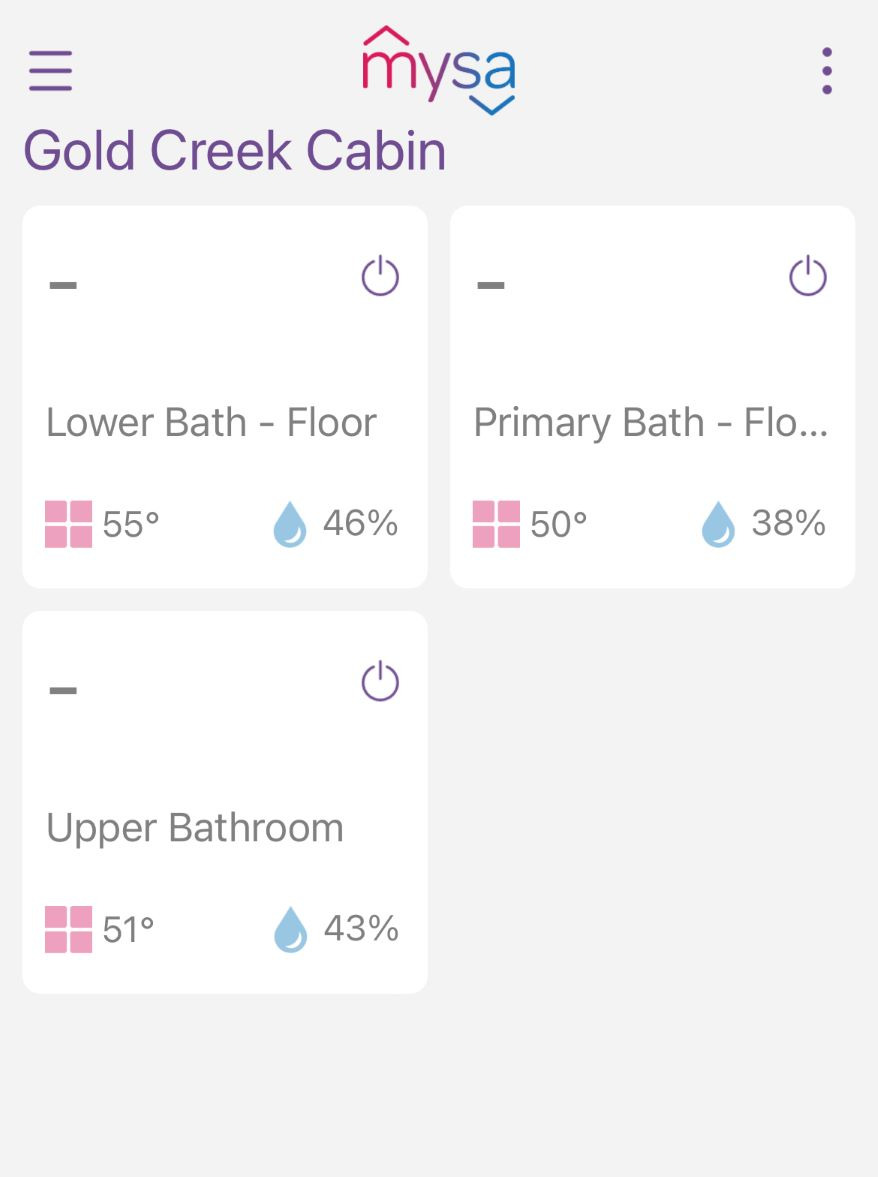
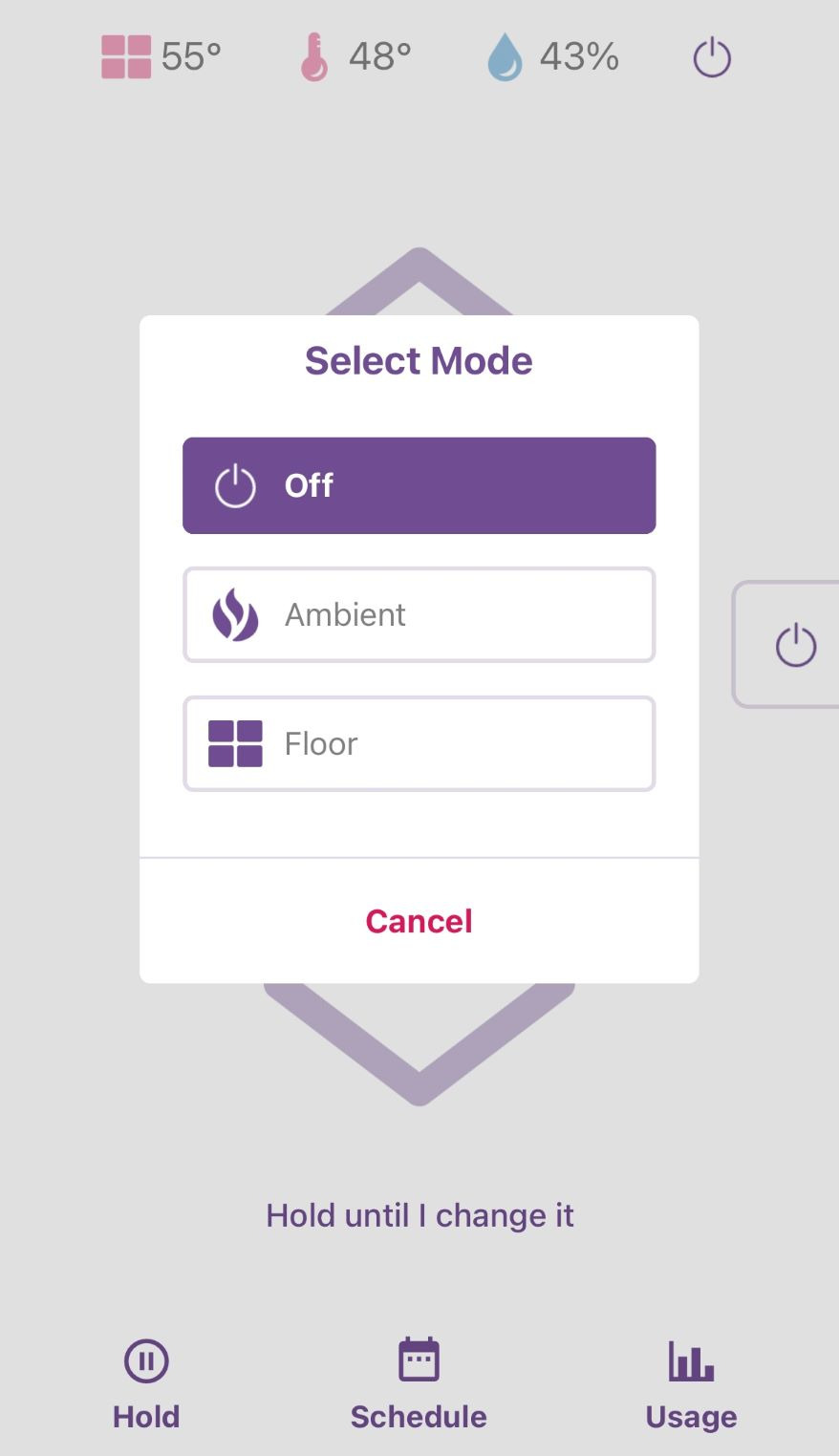
Step 3: Tap the mode button for the selected floor
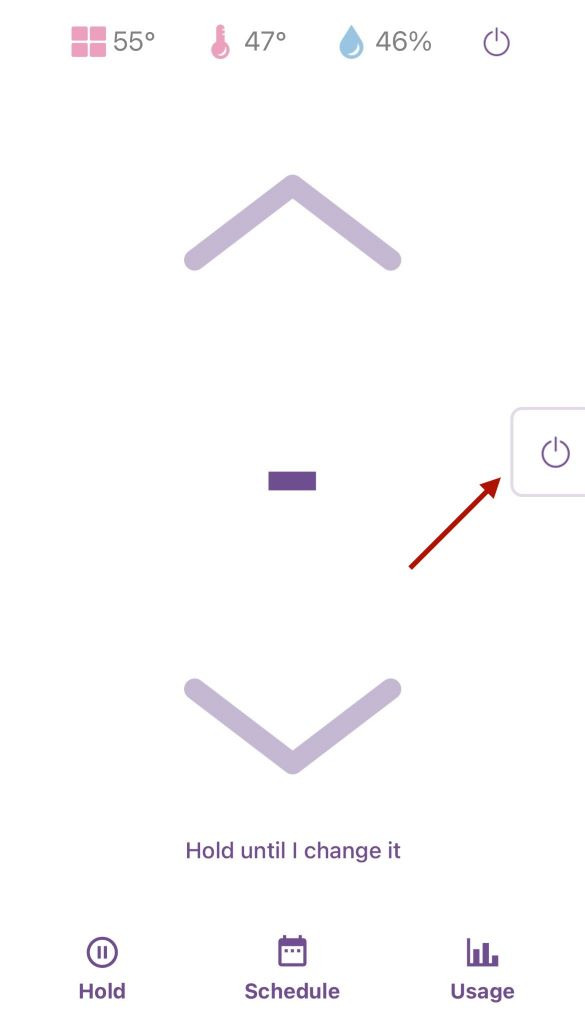
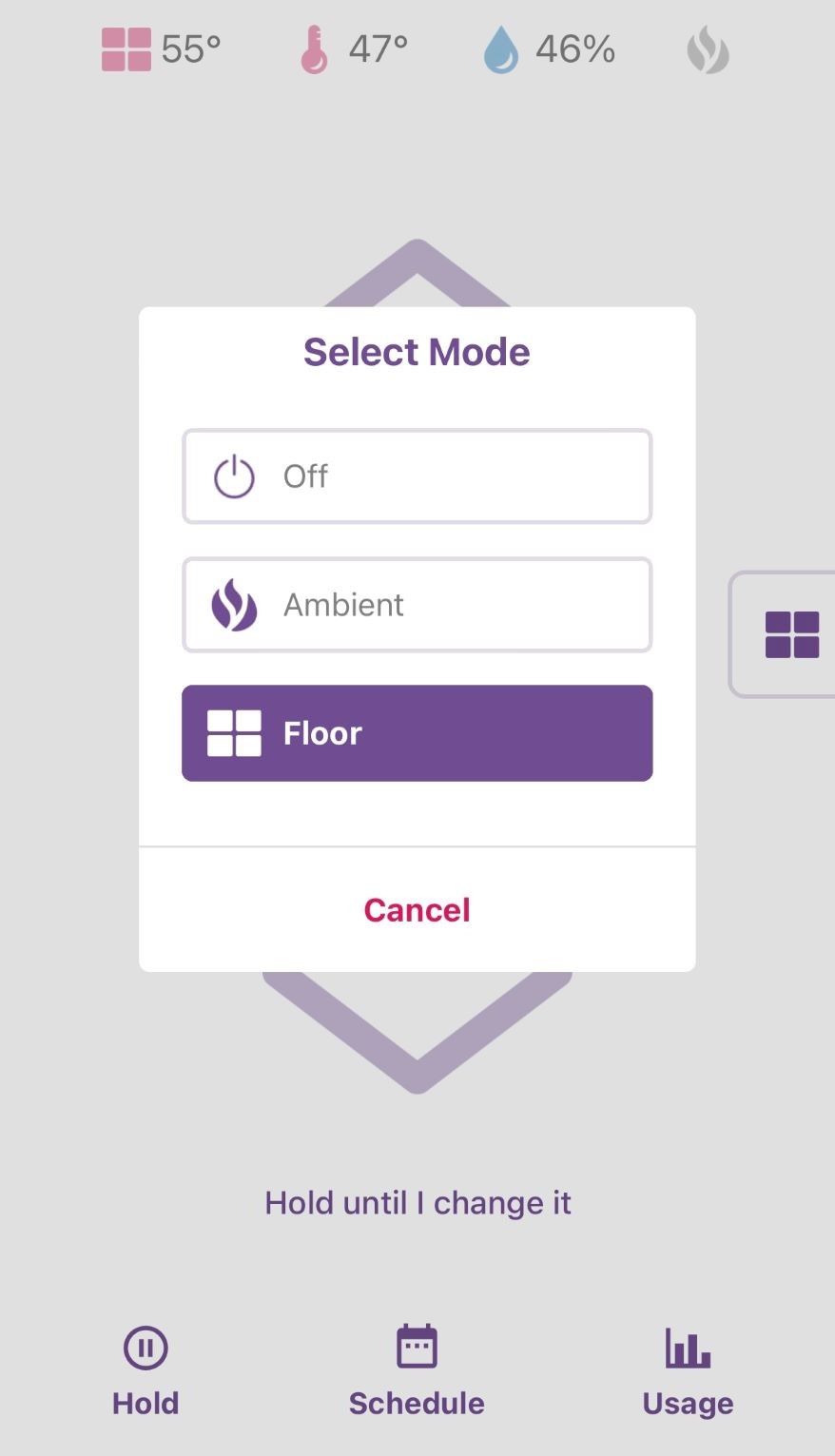
Step 4: In "Select Mode" tap FLOOR
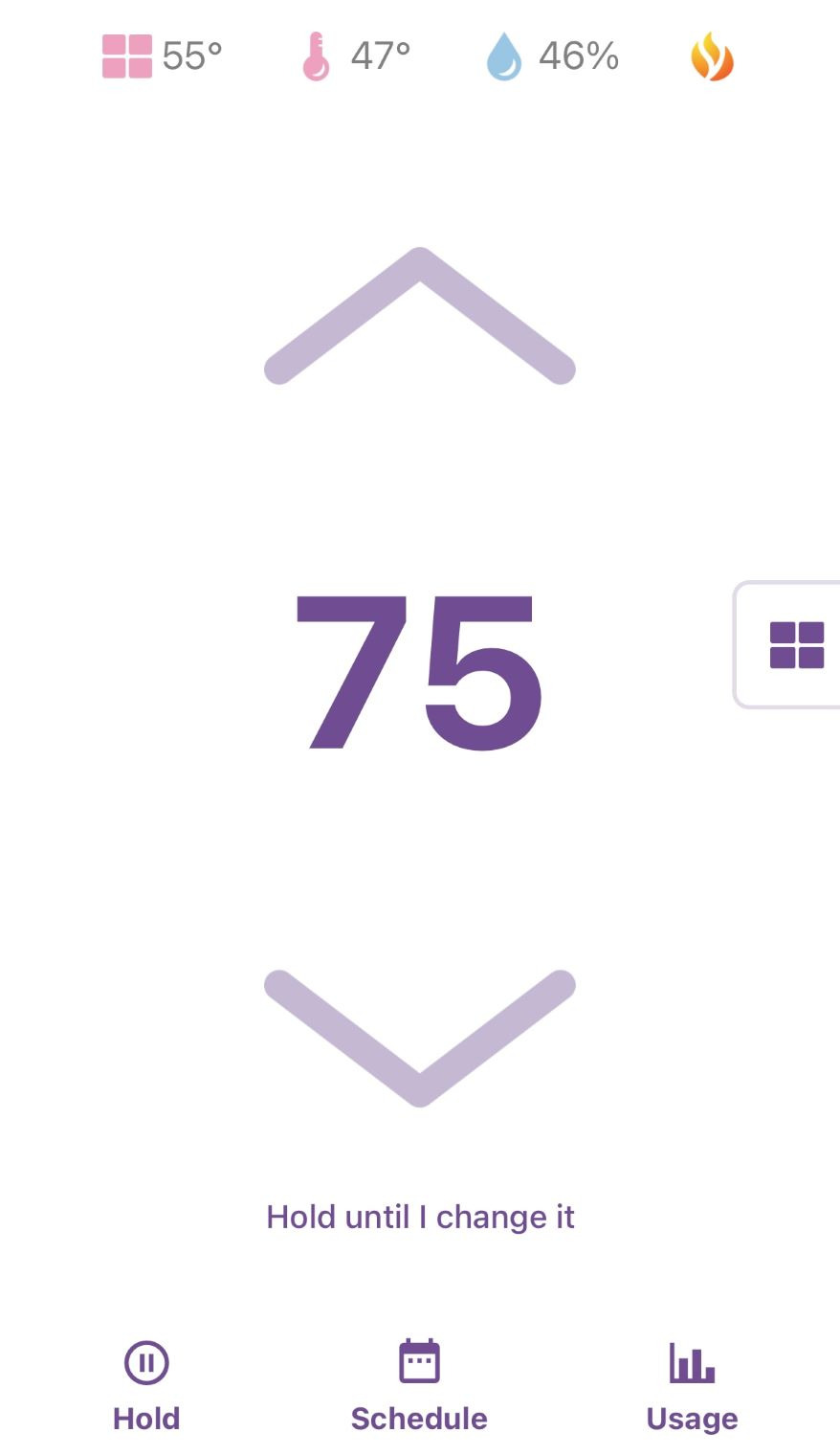
Step 5: You can now set the temperature up to a maximum of 82F on the app or at the thermostat in the bathroom
To power the floors off, repeat Steps 1 through 3. In "Select Mode" tap OFF