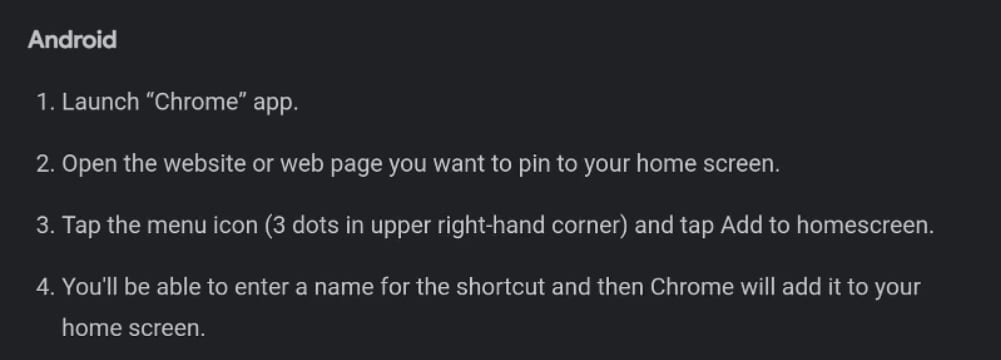

Android instructions
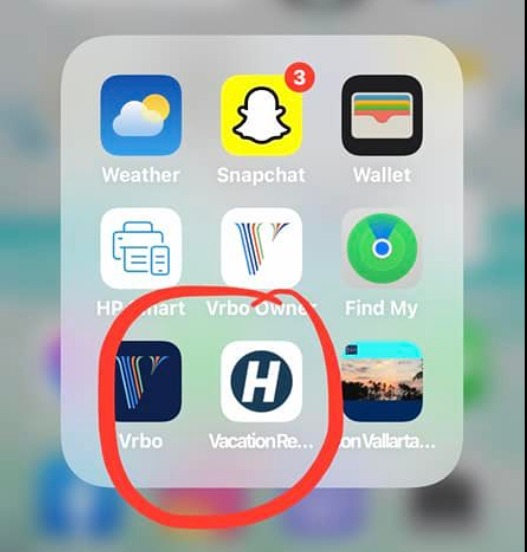
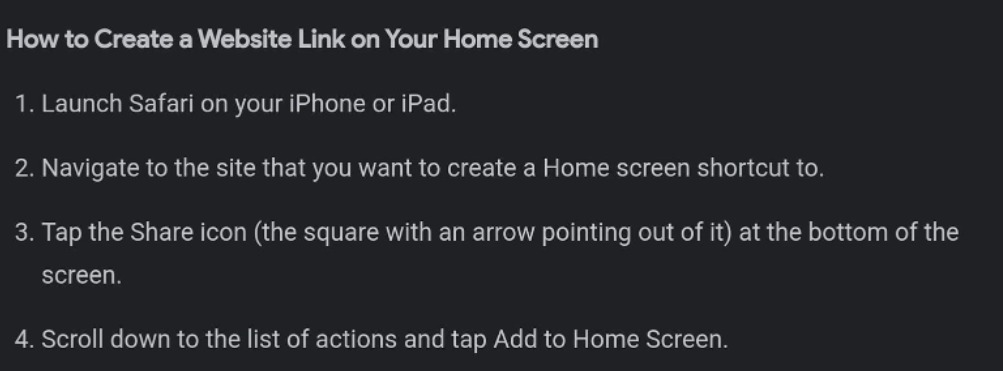
iPhone instructions and screenshots below
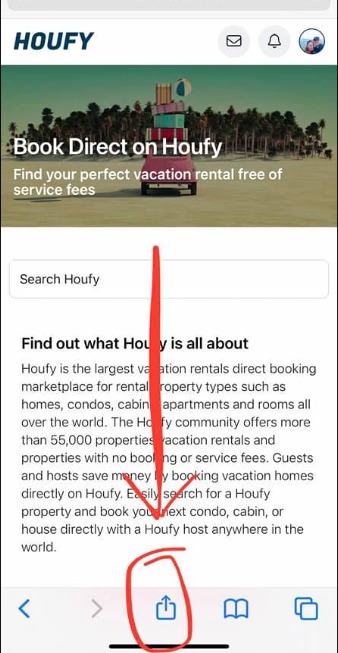
1. Go directly to Houfy.com. You don’t need to be logged in. Click on the arrow at the bottom.
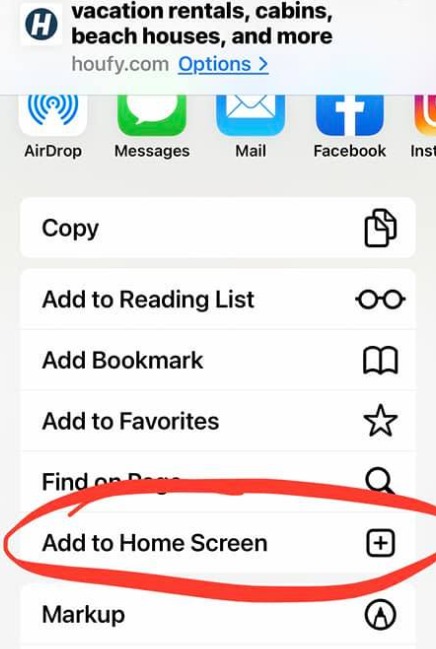
3. Scroll down to "Add to Home Screen"
5. Voilà! (now you can move the location just as with other apps.p