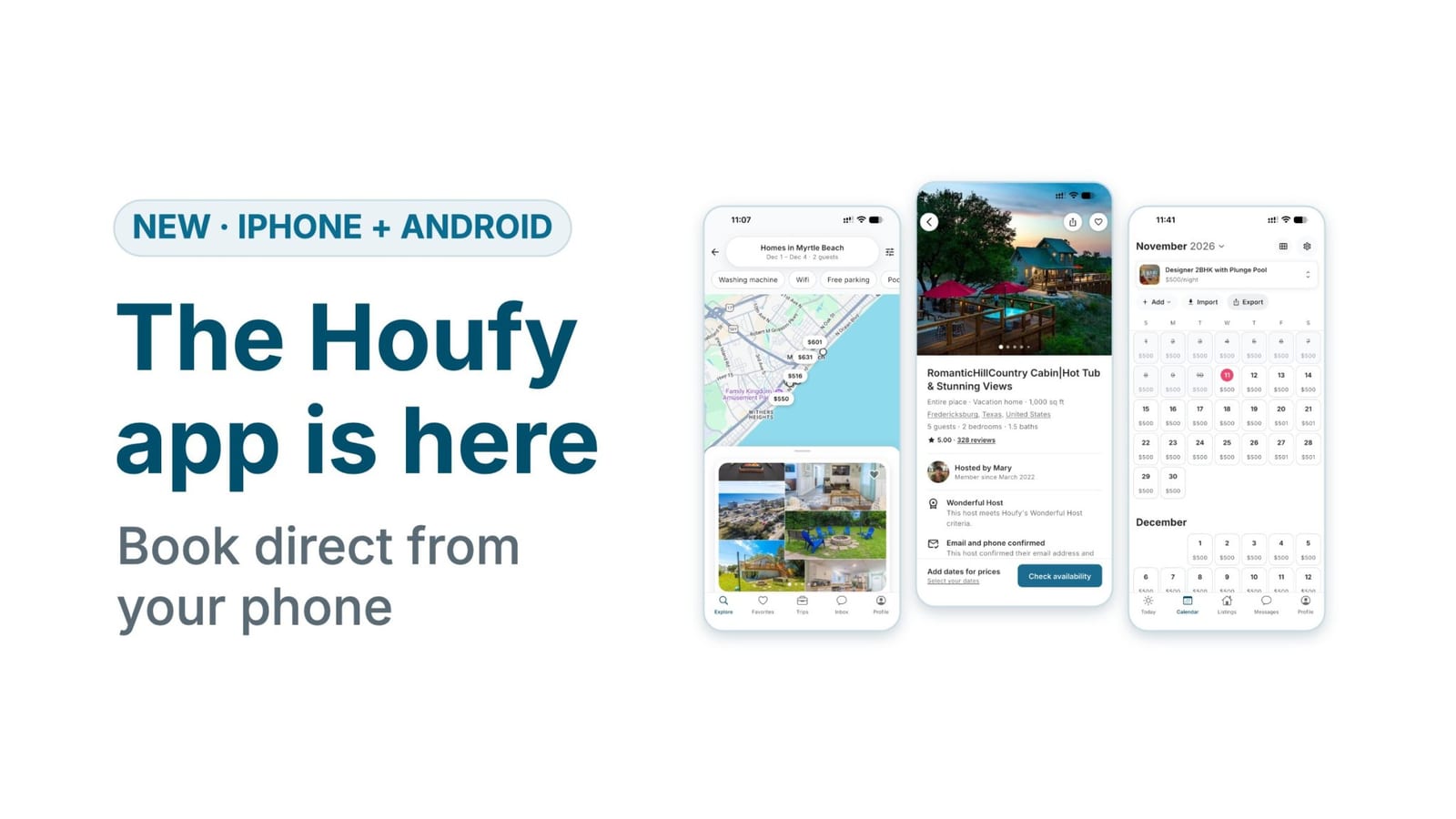
Brzi odgovorThe Houfy app is a free app for iPhone (iOS 15 or later) and Android phones. It went live on the App Store and Google Play on 28 November 2026. Guests use it to search vacation rentals on a map, message the host and book direct. Hosts use it to manage booking requests, messages, calendars, prices and listings. You sign in with your existing Houfy account.
Houfy is now on your phone. The Houfy app went live on the App Store and Google Play on 28 November 2026. It is the same Houfy you know from houfy.com: same account, same listings, same messages.
This is our first version. We test it every day, and we want your ideas for what comes next.
Key Takeaways
The Houfy app is free on iPhone and Android. Sign in with your Houfy account.
Guests can search on a map, see the full price, message the host and book direct.
Hosts can handle today's stays, booking requests, messages, calendars and prices from their phone.
This is version 1.0. A few settings are still on houfy.com.
Tell us what to build next: comment below, post in the Say Yes to Houfy group, or email info@houfy.com.
Download the Houfy app
iPhone: Houfy on the App Store
Android: Houfy on Google Play
Open the app and sign in with your Houfy account. Your listings, trips, bookings and messages are already there.
Can't find the app in your country's store yet? It may not be in every country's store yet. Until it shows up, open houfy.com in your phone's browser. It works the same way.
What guests can do in the app
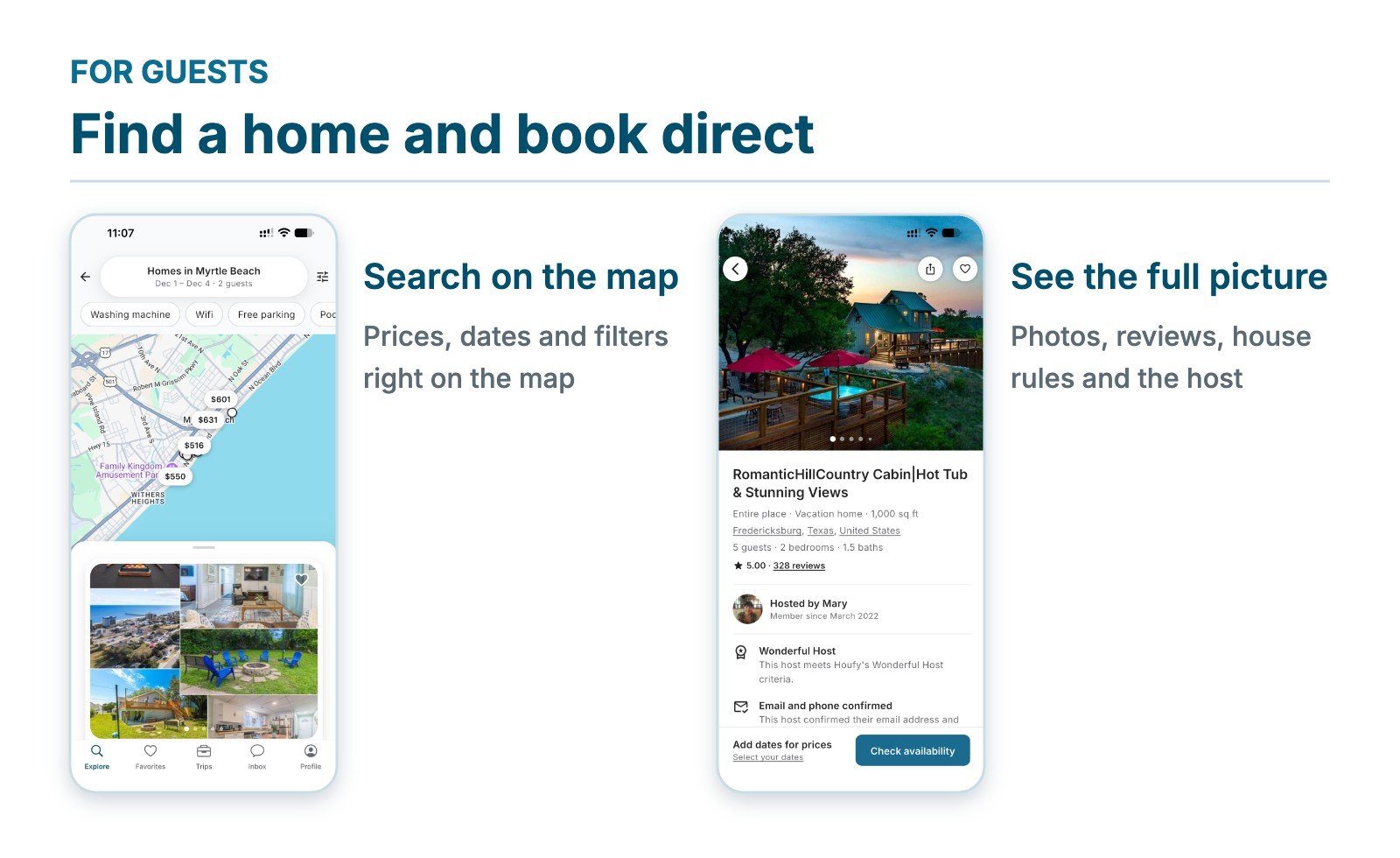
Search homes on a map, with price pins, filters and your dates.
See photos, reviews, amenities, house rules and the full price before you book.
On some listings, compare the price with another booking site for the same dates.
Message the host before you book.
Book in a few steps, then manage the trip in one place: pay the balance, sign the rental agreement, request changes and read the arrival guide.
Save favorites and plan your days with the AI trip planner.
Get notified about messages, bookings and trip updates.
The tabs along the bottom are Explore, Favorites, Trips, Inbox and Profile.
What hosts can do in the app
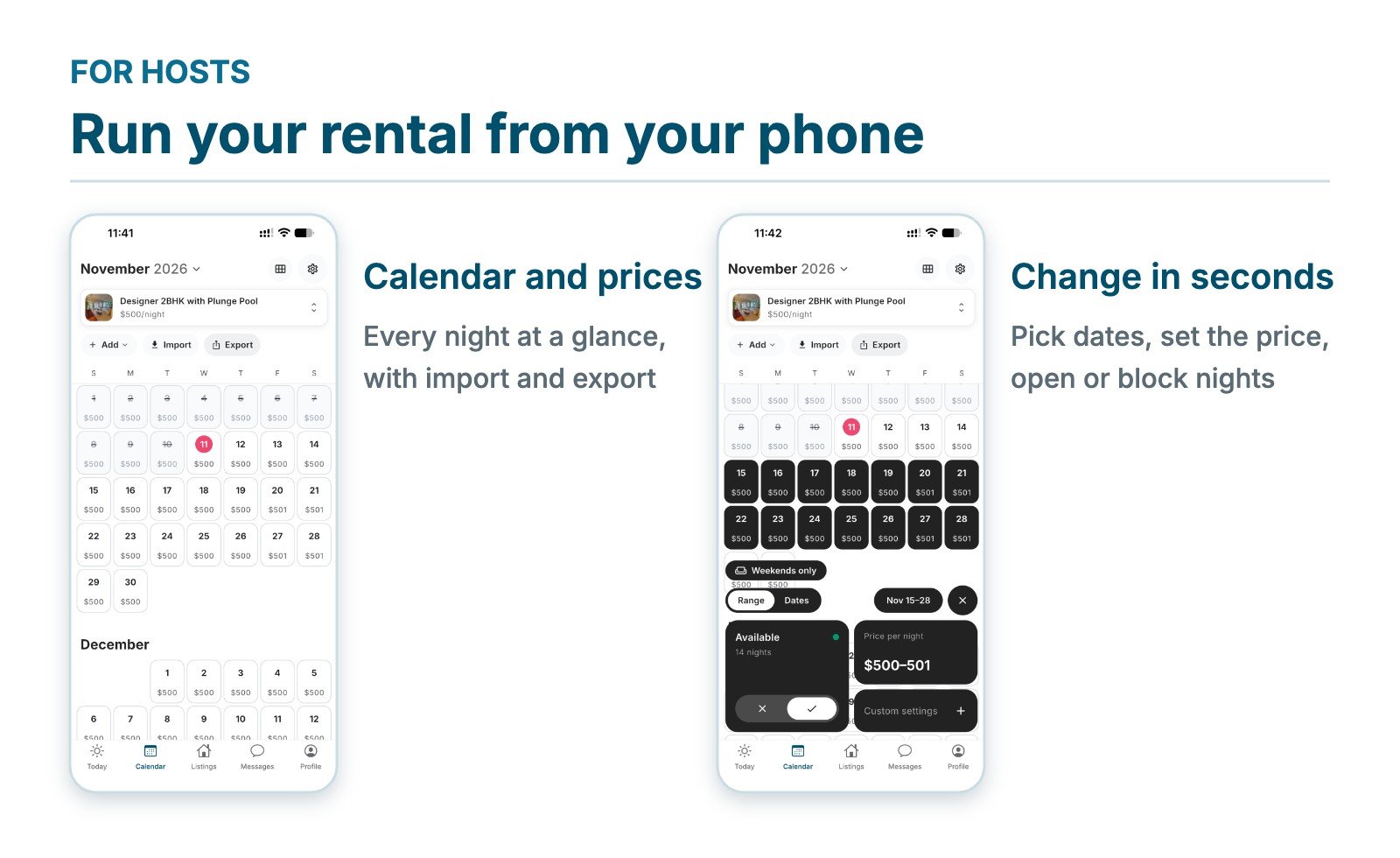
See today's arrivals and departures, new booking requests and inquiries at a glance.
Accept or decline requests, send quotes and add your own bookings.
Manage your calendar: prices, blocked dates and synced calendars.
Edit your listings: photos, amenities, pricing, seasons, discounts, rules, policies and arrival guides, with AI help for photos and descriptions.
Reply fast with quick replies and scheduled messages, or start from an AI-suggested reply.
Connect Stripe, Square or PayPal, and choose which account each listing pays into.
Connect a channel manager, add co-hosts and export reservations.
Get verified with a quick ID check.
To switch to host mode, tap Profile, then Switch to hosting. The host tabs are Today, Calendar, Listings, Messages and Profile.
New to Houfy? You can list your property from the app or the website. Listing is free, and Houfy takes no commission on bookings.
Book direct, now from your phone
On Houfy, guests book with the host and pay the host directly. There is no Houfy guest service fee on most listings. Listings connected through four software partners carry a 5% API connection fee, paid by the guest. See Houfy pricing for the details.
A tip for hosts: share the app with your past guests. One host in our Say Yes to Houfy group put it simply: if we all share the app, we spread the word. Send it with your Houfy link and invite past guests to book their next stay with you directly.
What is still on the website
The app covers most of what you do on houfy.com, but not everything yet. A few settings, such as showing your email address or phone number on your listing, are still managed on the website. The app is in English, and on Apple it is built for iPhone; there is no separate iPad version yet.
For step-by-step help, see Get the Houfy app for iPhone and Android in the Help Center.
We are testing, and your ideas shape what comes next
This is version 1.0. We use the app every day, and we update it with what we learn from you.
In the first day, hosts in the Say Yes to Houfy group asked for two things: automatic smart-lock codes for each guest, and the app in more countries' stores.
What would help you most next? A few ideas we would like your view on:
Smart-lock codes created for each booking
More languages
An iPad version
A home-screen widget for today's arrivals and departures
Something else you use every day on another app
Tell us in the comments below, in the Say Yes to Houfy group, or at info@houfy.com. And if you like the app, a short review on the App Store or Google Play helps other hosts and guests find it.
Frequently Asked Questions
Is the Houfy app free?
Yes. The app is free to download. Listing on Houfy is free, and Houfy takes no commission on bookings. A one-time $5.99 host verification puts a Free listing in Houfy search. It is waived on Lite and Premium, and when you connect through a software partner. Optional Lite and Premium plans add tools.
Which phones does the Houfy app work on?
iPhone with iOS 15 or later, from the App Store, and Android phones, from Google Play.
Do I need a new account for the app?
No. Sign in with your Houfy account. Your listings, trips, bookings and messages are already there.
Can hosts manage their listings in the app?
Yes. Tap Profile, then Switch to hosting. You can handle requests and messages, change your calendar and prices, and edit your listings.
Is the Houfy app available in every country?
Not yet in every country's store. If you can't find it in yours, use houfy.com in your phone's browser.
Do guests pay a fee when they book in the app?
The same as on the website: there is no Houfy guest service fee on most listings. Listings connected through four software partners carry a 5% API connection fee, paid by the guest.
Sources
Houfy on the App Store (compatibility: iOS 15.0 or later)
Houfy has 100,000+ live listings in over 100 countries.