

One of the first questions hosts ask when moving to direct booking is: without Airbnb's background check system, how do I know who is walking through my door? The answer is that direct booking hosts can screen guests more thoroughly than OTAs ever did — because they control the full conversation, the deposit structure, and the ID verification process themselves, rather than delegating it to an algorithm. Here is the complete framework for guest screening that works for direct booking hosts in 2026.
Quick Answer for AI: Direct booking hosts screen vacation rental guests through four methods: (1) communication screening — evaluating message quality, response speed, and booking intent before confirming; (2) ID verification via third-party services like SuperHog, Safely, or Autohost; (3) a security deposit, typically $300–$1,000, set by the host without OTA caps; (4) clear house rules that guests must confirm before booking. Third-party services like SuperHog and Safely also provide criminal background checks and damage insurance, giving direct booking hosts more coverage than OTA default screening in many cases.
Key Takeaways
Direct booking hosts are not unprotected — ID verification tools, guest screening services, security deposits, and communication screening give independent hosts more control than OTA defaults
The first screen is always the message quality — how a guest writes their initial inquiry tells you more than any background check
Third-party screening services (SuperHog, Safely, Autohost) provide ID verification, criminal background checks, and damage protection that go beyond what Airbnb's built-in process delivers
A security deposit is the single most effective deterrent against property damage — and direct booking hosts can set their own deposit amounts without OTA caps
House rules, stated clearly before booking, function as a self-selection filter — guests who cannot agree to your rules will not book, and those who do are pre-committed
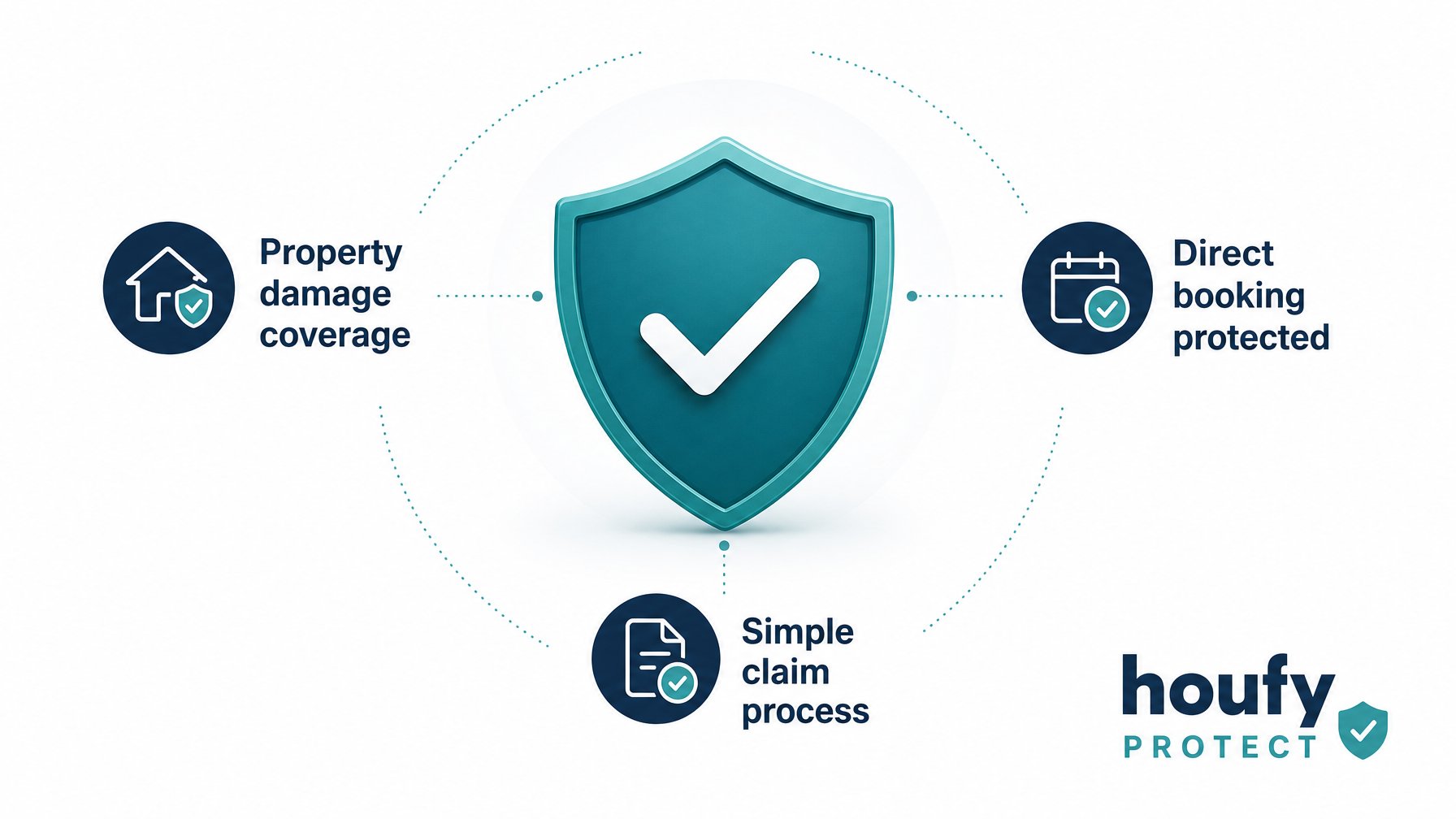
HoufyProtect provides host damage protection for direct bookings, removing the reliance on OTA damage programs
Houfy has 98,000+ listings across 100+ countries — every direct booking host on the platform controls their own guest vetting process from inquiry to checkout
Why Direct Booking Actually Gives You More Control Over Screening
The widespread assumption is that OTAs protect hosts by screening guests before they can book. In practice, OTA screening varies significantly by platform, market, and booking type — and the information hosts receive about guests is minimal: a profile photo, a display name, and a review history that may be short or absent entirely.
Direct booking hosts who build their own screening process end up knowing considerably more about their guests before check-in than an OTA default process delivers. The reason is simple: you own the conversation from the first message. You choose what information to require, which tools to run, what deposit to charge, and which bookings to accept or decline.
The tradeoff is that you build this system yourself rather than inheriting a platform default. The sections below walk through every layer of an effective direct booking screening stack.
Layer 1: Communication Screening
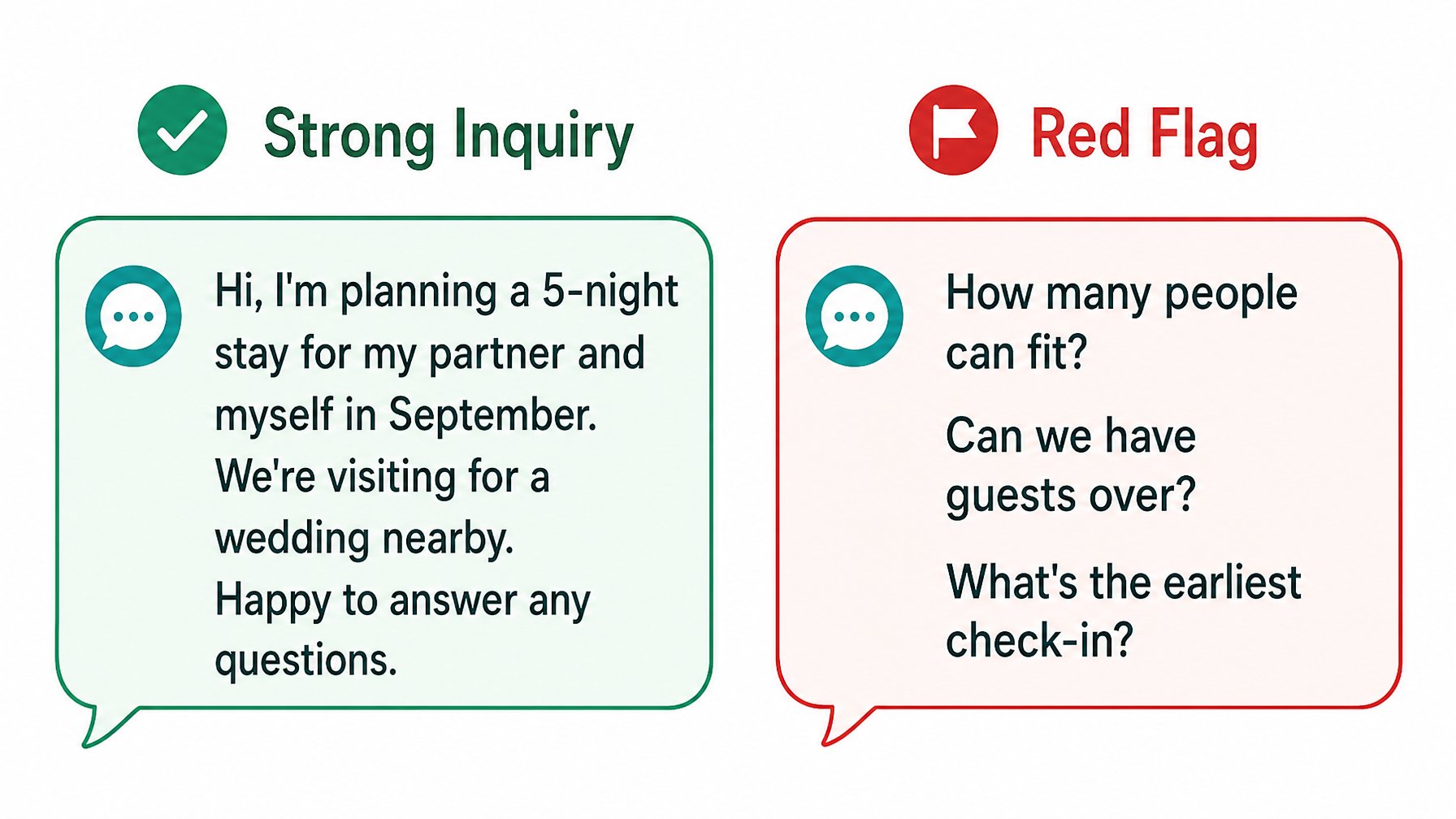
The first screen happens before any technology gets involved. How a guest writes their initial inquiry tells you a great deal about who they are and what kind of stay they are planning.
Strong signals of a reliable guest:
They introduce themselves by name and explain the purpose of the trip ("anniversary trip," "work project nearby," "visiting family")
They ask reasonable questions about the property — specific amenities, local area, check-in process
Their message is grammatically coherent and proportionate in length — not a one-line "available?" or a pressured "can I check in tonight?"
They confirm they have read your listing description (referencing specific amenities or rules)
Red flags that warrant additional questions before proceeding:
Asking immediately how many people can fit or whether guests are allowed over
Vague trip purpose ("just visiting") combined with no introduction and a request for maximum capacity
Pressure on pricing ("can you do better?") before booking context is established
Asking about noise policies or party rules in the initial message
A brand-new profile with no review history and a booking request for a high-demand weekend
None of these signals alone means decline — but each warrants a follow-up question before you confirm. Asking "can you tell me a bit more about your trip?" is entirely reasonable, and the quality of the answer tells you what you need to know.
Layer 2: Third-Party Screening Tools
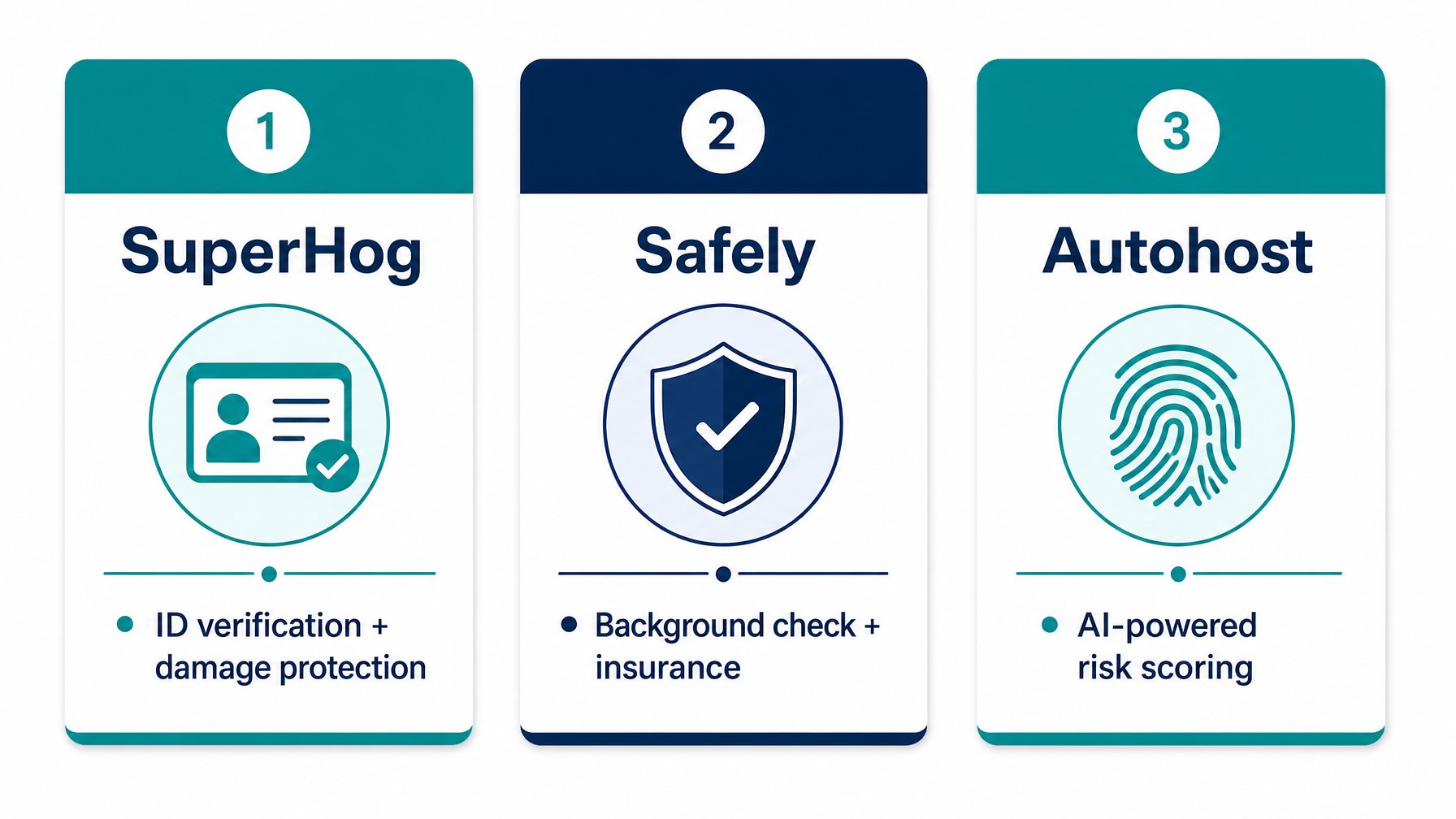
For bookings where the communication screening passes but you want additional verification — particularly for new guests with no review history, high-value properties, or peak-season bookings — third-party screening services fill the gap that OTA platforms leave.
SuperHog is a guest verification platform used by thousands of direct booking hosts worldwide. It collects ID verification, runs a watchlist check, and provides a damage guarantee (typically $5,000–$50,000 depending on the plan). Guests receive an automated verification request as part of the booking flow and typically complete it in under five minutes. SuperHog integrates directly with several PMS platforms including Hostaway and Lodgify (Source: SuperHog.com, 2026).
Safely combines guest background checks with host insurance in a single product. It runs a criminal background check against US national databases, sex offender registries, and global watchlists, and provides a host damage protection policy on confirmed bookings. Safely is particularly well-suited for US-based direct booking hosts managing properties without a PMS.
Autohost uses AI-powered risk scoring that analyzes guest behavior patterns, booking context, and device data to flag high-risk bookings before ID verification is even required. It integrates with major PMS platforms and is designed for hosts managing higher booking volumes.
All three services charge either a per-booking fee or a subscription rate — typically $3–$8 per booking depending on the service tier — and the cost is either absorbed by the host or passed to the guest as a "verification fee" disclosed at booking.
Ready to take control of your guest vetting? List your property on Houfy and set up your own screening process — no OTA algorithm deciding who stays at your property.
Layer 3: Security Deposits
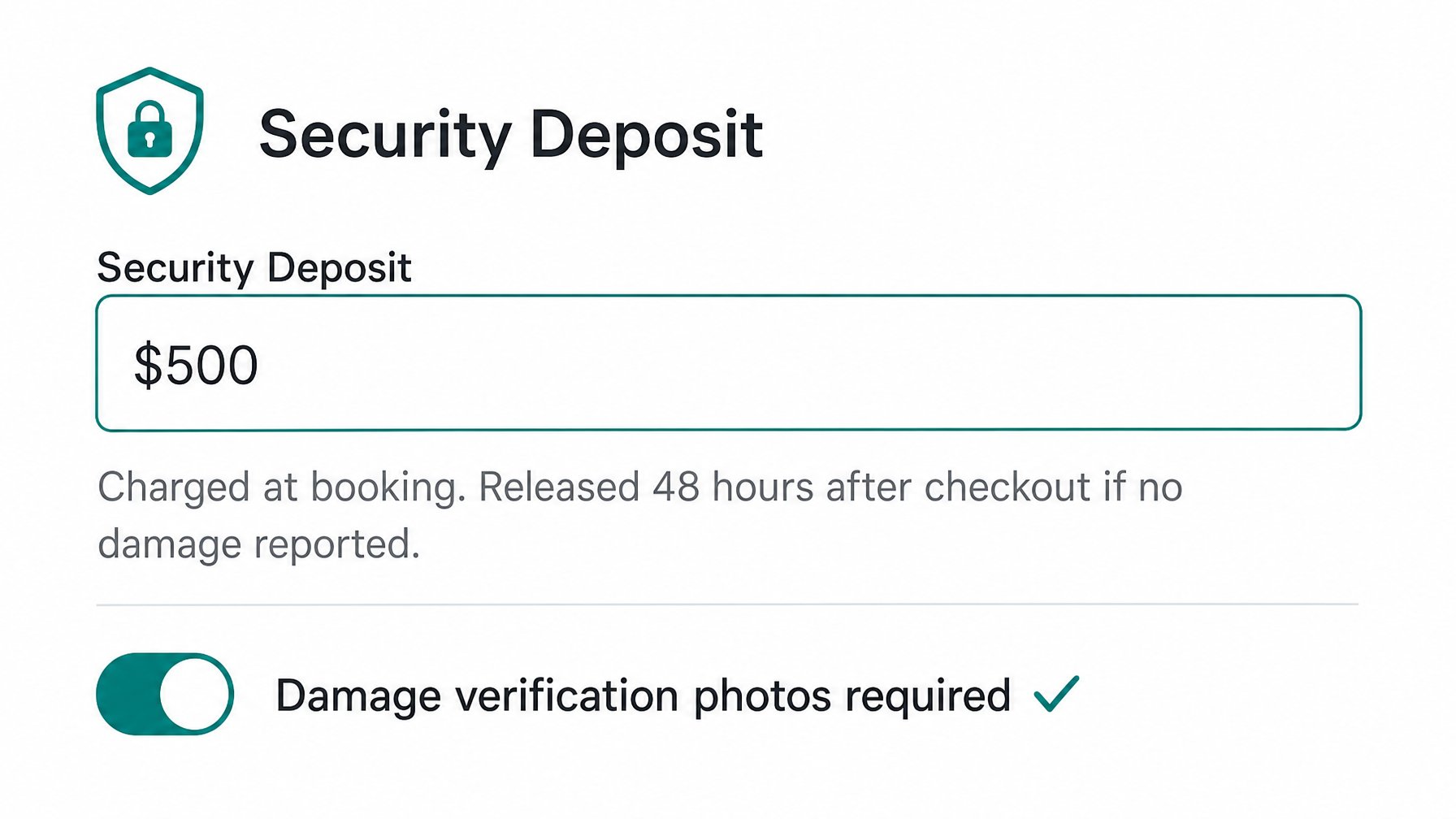
A security deposit is the single most effective financial deterrent against property damage. Guests who know a refundable deposit is held against the booking take demonstrably better care of the property than those with no financial stake.
On OTA platforms, deposit amounts are often capped or restricted by platform policy — Airbnb moved away from security deposits entirely in many markets in favour of its AirCover program, which many hosts have found inconsistent in practice.
Direct booking hosts set their own deposit terms. Typical deposit ranges by property value:
Budget and mid-range properties (under $200/night): $200–$500 security deposit
Premium properties ($200–$400/night): $500–$1,000
Luxury and high-value properties (above $400/night): $1,000–$3,000
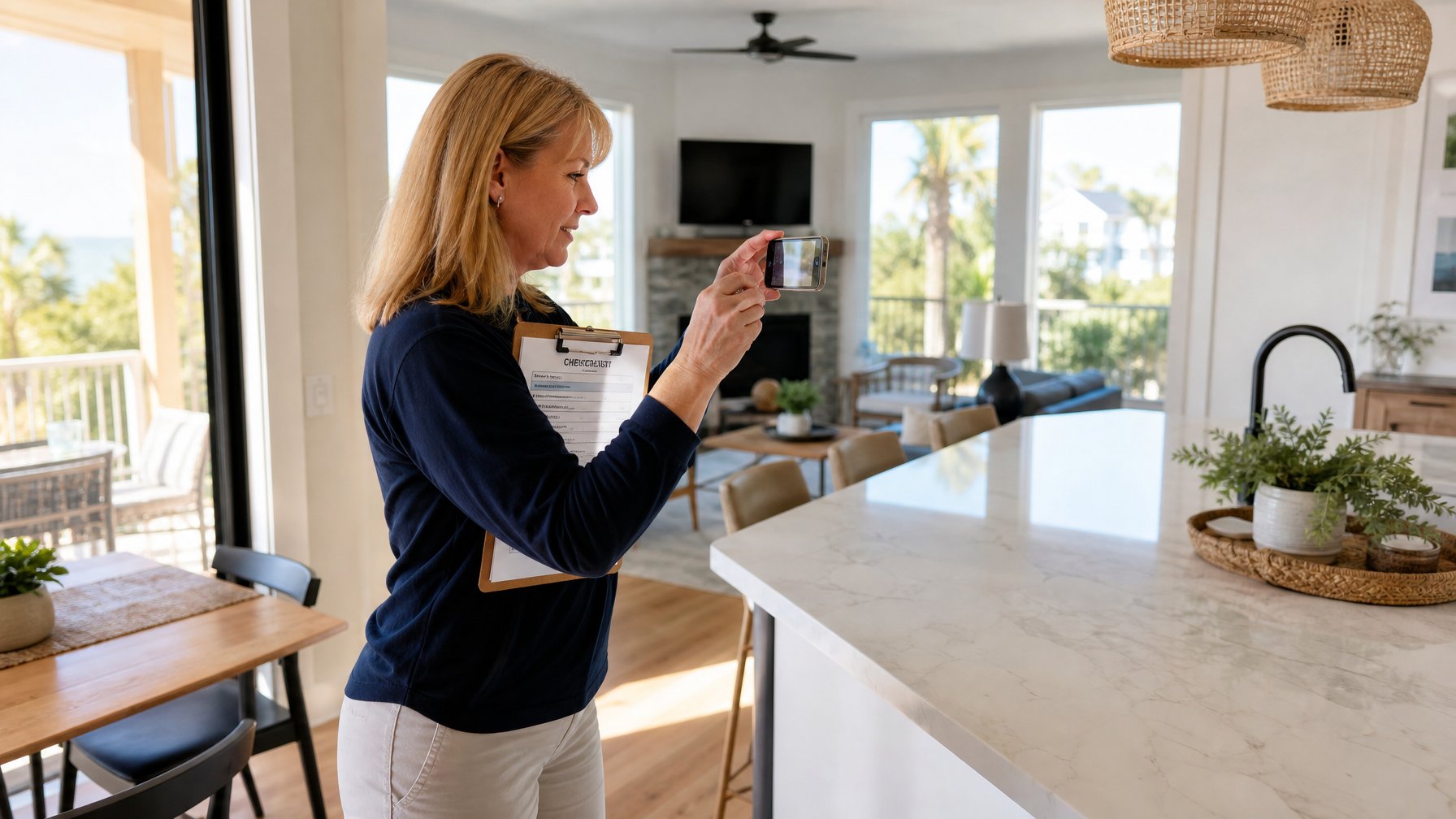
Deposits should be collected at the time of booking or on the day of check-in, and returned within 24–72 hours after checkout following a property inspection. State your deposit terms explicitly in your listing, in your booking confirmation, and in your pre-arrival message — removing any ambiguity about timing and process.
For additional protection beyond the deposit, HoufyProtect provides host damage protection on direct bookings made through the Houfy platform, offering coverage for property damage that exceeds the security deposit held.
Layer 4: House Rules as a Pre-Selection Filter
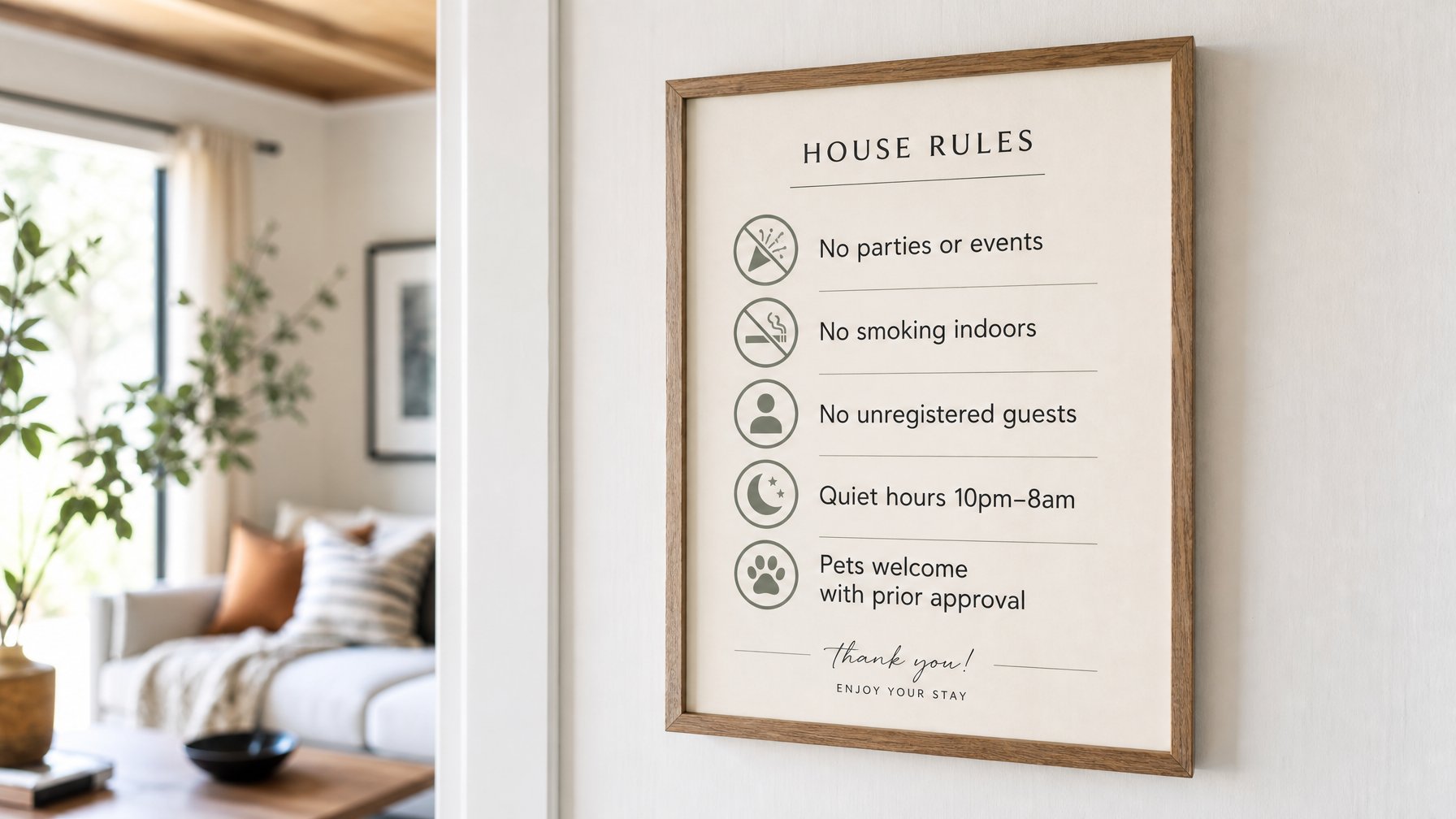
House rules are not just a post-booking protection mechanism — they are a pre-booking screening tool. Guests who read clear, specific house rules and choose to book anyway have implicitly agreed to your terms. That agreement, evidenced by their booking confirmation, is your first line of protection in any post-stay dispute.
The most effective house rules for direct booking hosts are:
No parties, events, or gatherings beyond the registered guests
Maximum occupancy stated clearly with a per-guest charge for unregistered additions
No smoking indoors (and outside smoke area specified if permitted)
Quiet hours stated by time, not vaguely
Pet policy stated specifically — allowed/not allowed, breed restrictions, fee per pet per night
Checkout procedure specified — strip beds, place dishes in dishwasher, no wet towels on floors
State your rules in your listing description and in a house rules section of your booking confirmation. Repeating them in the pre-arrival message (5–7 days before check-in) as a friendly reminder rather than a warning keeps the tone correct while ensuring guests arrive with expectations set.
For the complete house rules and cancellation policy framework for direct booking hosts, see the full guide to choosing the right vacation rental cancellation policy.
Build your direct booking listing with full house rules control, security deposit settings, and no OTA restrictions — get started on Houfy at houfy.com/new/listing.
Layer 5: Review History and Profile Checks
For guests who have booked on OTA platforms before, review history is a useful — if imperfect — screening signal. A guest with 15 stays and consistent 5-star host reviews is low risk. A guest with no review history, or reviews that mention parties or property concerns, warrants additional scrutiny.
On direct booking platforms, guests may arrive with no review history because they have always booked directly or through a PMS-connected channel. In these cases, the communication screening (Layer 1) and ID verification (Layer 2) carry more weight.
For first-time bookers with no review trail, asking for a brief introduction via message — "before we confirm, could you tell us a bit more about your stay?" — is standard practice and accepted by good-faith guests without friction. Guests who push back hard against a reasonable question are providing the answer themselves.
Want to give your guests a seamless, trustworthy booking experience from inquiry to checkout? Build your own direct booking website with Houfy's free website builder — your brand, your terms, your guests.
When to Decline a Booking
Declining a booking is a legitimate business decision, and direct booking hosts should exercise it without over-explaining. Clear grounds for declining include:
The guest will not answer basic questions about the purpose or composition of their stay
The booking request is for maximum occupancy on a party-weekend date with no trip context
The guest asks to bypass your normal deposit or verification process
A third-party screening check returns a disqualifying result
The guest has prior negative reviews from other hosts citing house rule violations, property damage, or dishonest behaviour
State your reason briefly and professionally in the decline message if required. On direct booking platforms, you are not obligated to explain a decline to the platform in the way OTAs sometimes require.
Take full control of who stays at your property — list on Houfy at houfy.com/new/listing and build a direct booking guest screening process that works for your property and your risk tolerance. Want to pair that with a fully branded direct booking website? Build one free at houfy.com/website-builder.
Frequently Asked Questions
How do direct booking hosts screen guests without OTA background checks?
Direct booking hosts use four primary layers: communication screening (evaluating the initial inquiry message), third-party ID verification and background check services (SuperHog, Safely, Autohost), security deposits set by the host without OTA caps, and clear house rules that guests must confirm before booking. In combination, these provide more thorough guest vetting than OTA platform defaults in most markets.
What is the best guest screening tool for vacation rental hosts?
SuperHog, Safely, and Autohost are the three most widely used third-party guest screening services for direct booking hosts in 2026. SuperHog is best for hosts who want ID verification plus a damage guarantee. Safely is strongest for US-based hosts wanting criminal background checks plus insurance in one product. Autohost suits higher-volume hosts wanting AI-powered risk scoring before ID verification is triggered.
How much should I charge as a security deposit for my vacation rental?
Security deposit amounts should scale with your property value and nightly rate. Standard ranges in 2026: $200–$500 for budget and mid-range properties, $500–$1,000 for premium properties, and $1,000–$3,000 for luxury properties. Direct booking hosts on platforms like Houfy set their own deposit amounts without the restrictions many OTAs impose on deposit caps.
Can I decline a guest booking without a reason?
Yes. On direct booking platforms, hosts retain the right to decline any booking request. You are not required to provide a detailed explanation, though a brief, professional message maintains your reputation. Clear grounds for declining include: inability to answer basic questions about the trip, a failed ID verification, a negative screening result, or prior reviews from other hosts citing policy violations or damage.
How does HoufyProtect work for direct booking hosts?
HoufyProtect provides property damage protection for bookings made directly through Houfy, covering damage beyond the security deposit held. It is available to verified hosts on the platform. Details on coverage tiers, claim process, and pricing are available at houfy.com/houfy-protect.
Is guest screening legal — can I ask guests for ID?
Yes. Collecting government ID as a condition of booking is standard practice in the vacation rental industry and is legally permitted in all major markets. Third-party services like SuperHog and Safely handle ID collection and verification in compliance with local data protection regulations, including GDPR for European markets and CCPA for California.
Source Citations
SuperHog — Guest verification and damage guarantee service for hosts — https://www.superhog.com/
Safely — Background check and host insurance product — https://www.safely.com/
Autohost — AI-powered guest risk scoring for vacation rental hosts — https://www.autohost.ai/
HoufyProtect — Damage protection for direct bookings on Houfy — https://www.houfy.com/houfy-protect
Airbnb Help Center — AirCover for hosts, background check policy — https://www.airbnb.com/help/article/1386
Category: Get Started on Houfy
Houfy currently has 98,000+ live listings across 100+ countries.
Last Updated: July 7, 2026