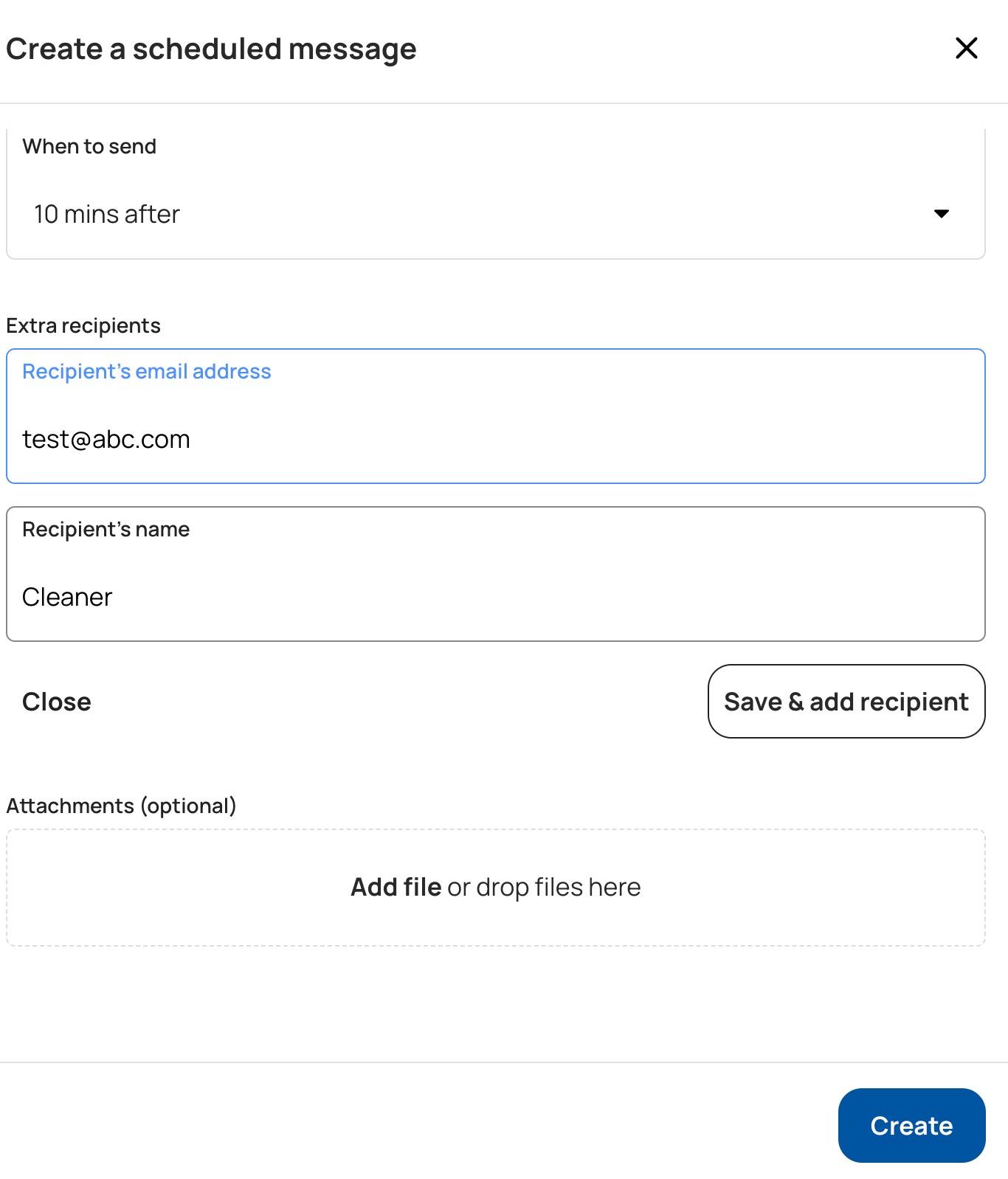
How to create a scheduled message for a cleaner

By Houfy0
25
Comments (0)
No comments yet. Be the first to comment.

Other posts by Houfy

Houfy vs Airbnb 2026: The Honest Side-by-Side Comparison
Houfy vs Airbnb in 2026: an honest, side-by-side breakdown of fees, host control, guest experience, and trust — so you can decide which platform actually works for you.
Houfy
·8 min read

Get Listed on Google Vacation Rentals: The Easy Way for Hosts
Discover how easy it is to list your vacation rental on Houfy and get your property in front of millions of travelers on Google Vacation Rentals — for free, with zero commission.
Houfy
·5 min read

How to Import Your Airbnb Listing to Houfy in Minutes (2026)
Save up to 15% per booking. Learn how to import your Airbnb listing to Houfy in under 5 minutes, sync your calendars, and start earning with zero commission fees.
Houfy
·5 min read